Participant
January 13, 2022
Answered

The coloring of clips changes upon import to Premiere Pro

  • January 13, 2022
  • 3 replies
  • 290 views

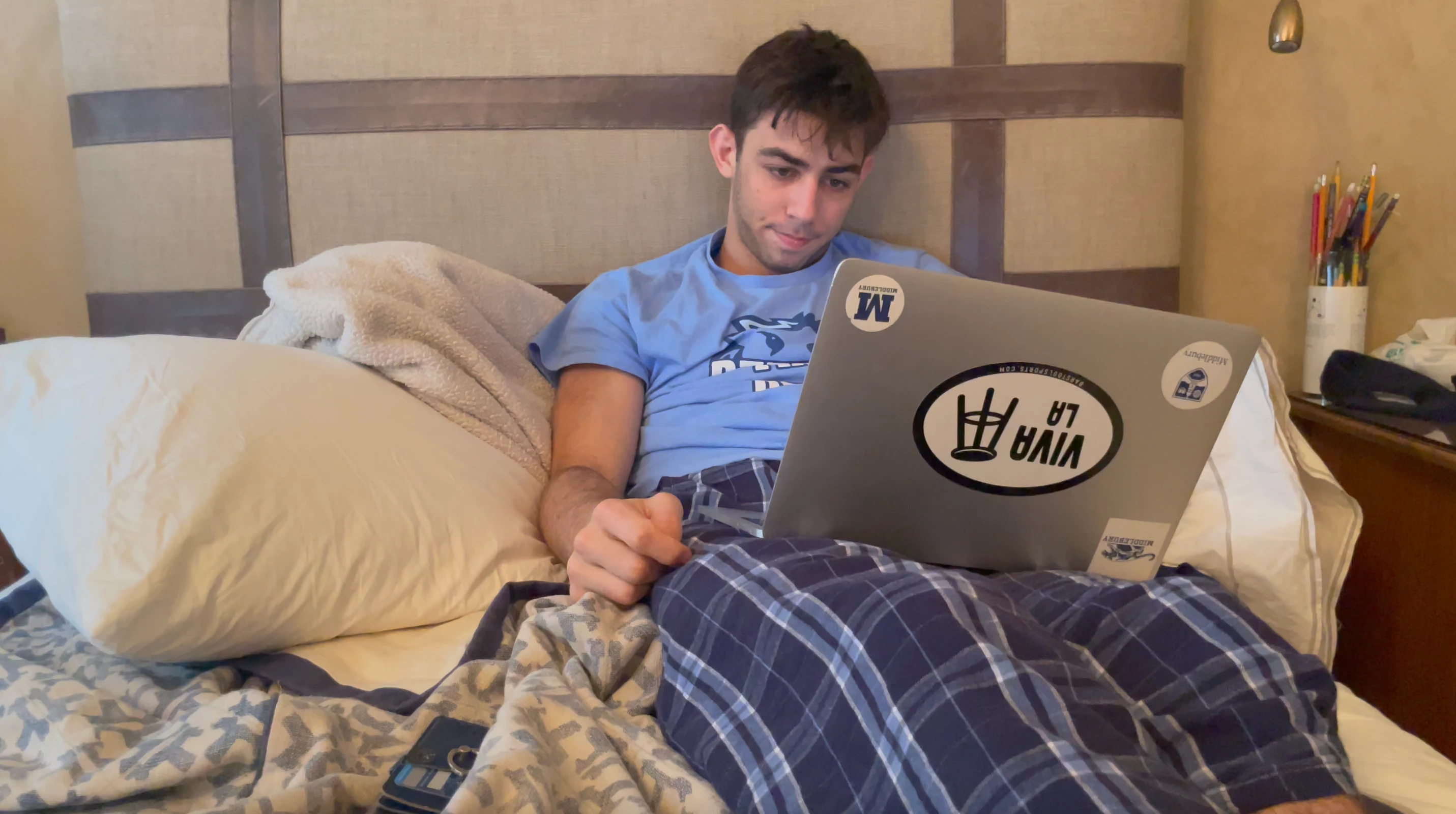
I'm shooting on my iPhone 12 pro and when I upload the videos to Premiere the coloring has changed entirely. I have tried toggling settings that were recommended on other articles but nothing has solved the issue. Please help!! The clips are significantly greener and overexposed and undersaturated!!

Here is an example of a video clip in quicktime vs. Premiere:
    This topic has been closed for replies.
    Correct answer R Neil Haugen

    I've written a couple FAQs about this for the forum, but Sr Premiere Program Manager Francis Crossman just posted in another thread on the same issue. And it's a very good post as to what's happening and three courses of potential action ... so go through that thread to get to his post.


    https://community.adobe.com/t5/premiere-pro-discussions/iphone-quality-issues-in-premier/m-p/12657406#M389622


    And my FAQs are down below here.


    Neil


    FAQ:PremierePro 2022 Color Management for Log/RAW Media


    How to Set Monitors for HDR work in Premiere Pro 2022?

    3 replies

    Kevin J. Monahan Jr.
    Legend
    January 13, 2022

    Agree with Francis' response, linked to your post Neil.


    Turn HDR off on your iPhone.


    It's just going to complicate matters for users like Antonia.


    Cheers,
    Kevin

    Kevin Monahan - Sr. Community and Engagement Strategist – Adobe Pro Video and Audio
    R Neil Haugen
    R Neil HaugenCorrect answer
    Legend
    January 13, 2022

    I've written a couple FAQs about this for the forum, but Sr Premiere Program Manager Francis Crossman just posted in another thread on the same issue. And it's a very good post as to what's happening and three courses of potential action ... so go through that thread to get to his post.


    https://community.adobe.com/t5/premiere-pro-discussions/iphone-quality-issues-in-premier/m-p/12657406#M389622


    And my FAQs are down below here.


    Neil


    FAQ:PremierePro 2022 Color Management for Log/RAW Media


    How to Set Monitors for HDR work in Premiere Pro 2022?

    Everyone's mileage always varies ...