
Question
Transcribe feature stopped working-Network error
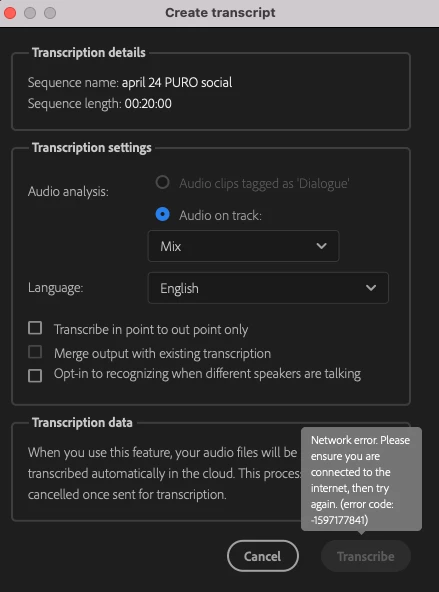
I am an enterprise user and last week, the Auto Transcribe feature stopped working in Premiere Pro 2022. The Transcribe button in the dialog box is greyed out and I get a network error when I mouse over it (see screenshot.)
I upgraded to Premiere Pro 2023 via our IT self-service portal to see if that would fix the issue. In 2023, the Transcribe button is clickable, but I get an "error downloading language pack" message. I click the cloud download icon next to "English" in the dropdown to no avail.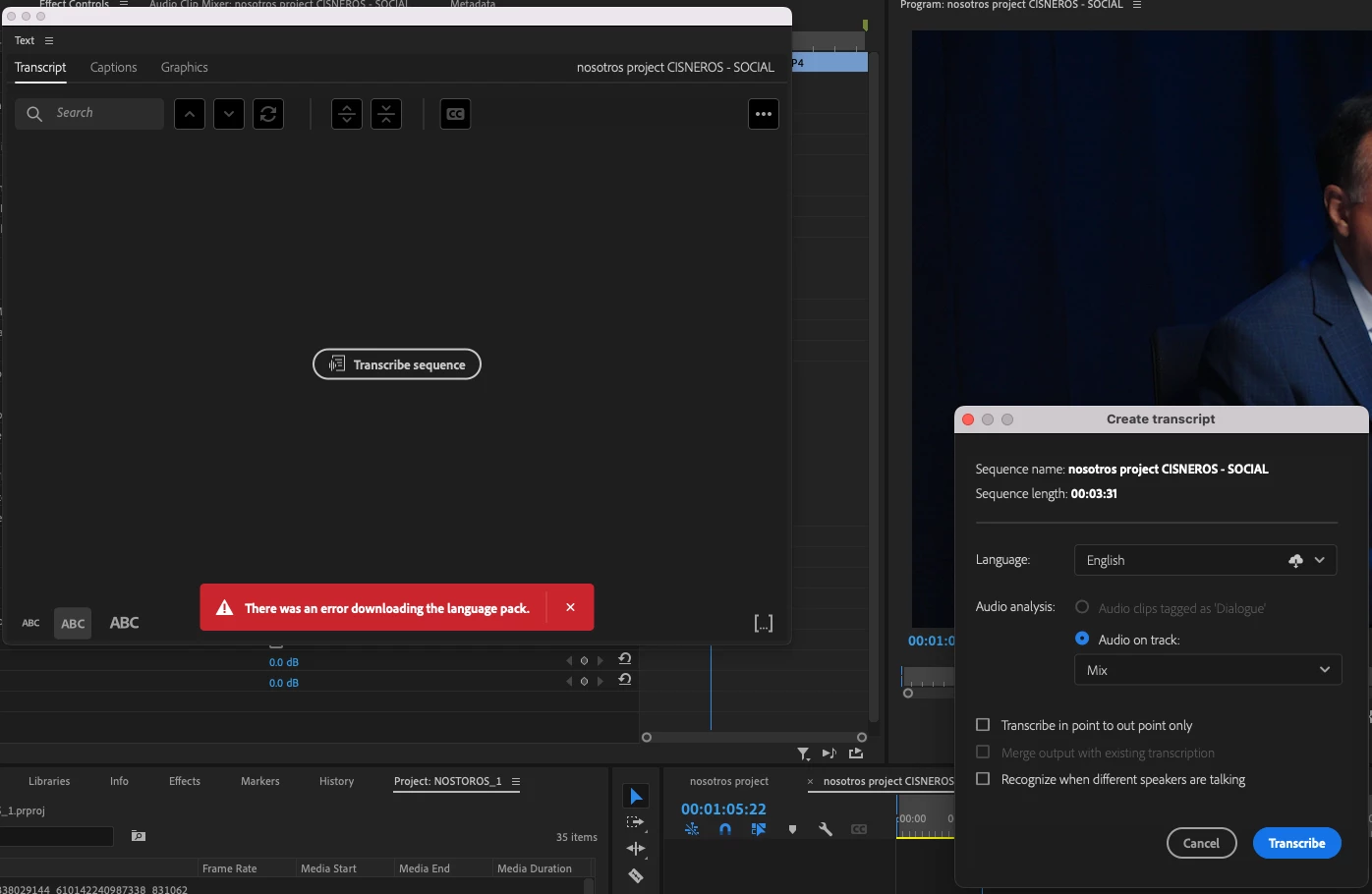
I've restarted, rebooted, turned off the VPN, tried different WiFi networks, cleared Media Cache and tried other fixes I've seen elsewhere with no luck. Any ideas how to get this working?


 AdChoices