

Question
Unable to copy and paste file path in finder Mac.
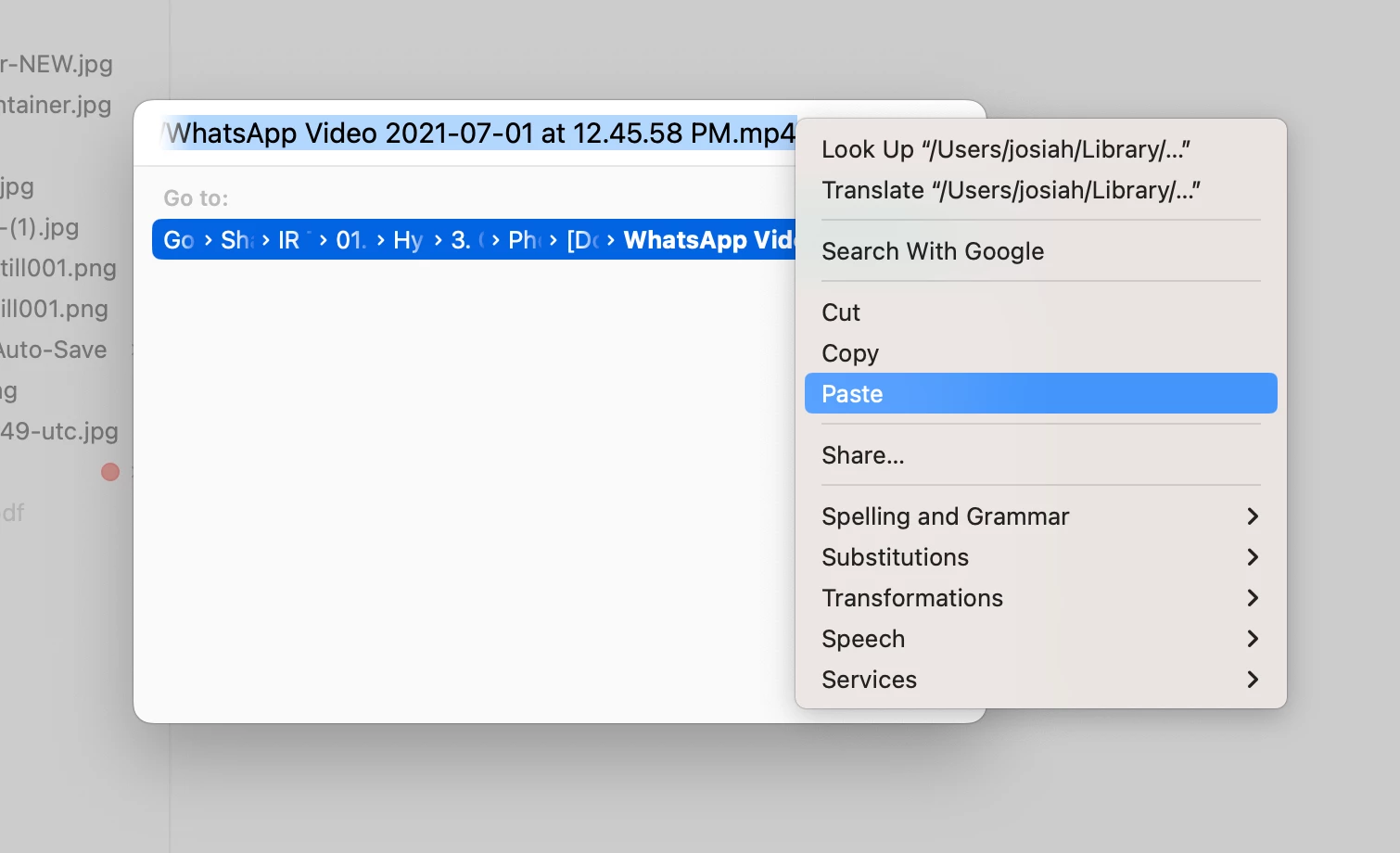
Premiere Pro has had this bug for the past two years. Whenever I try to copy and paste a file path within a finder window that has been opened up through Premiere (for example, importing a file), I can't hit cmd+v to paste the file path into the go field. I have to right click and click paste. This issue is not present in other adobe apps.


 AdChoices