


Participant
May 16, 2023
Question

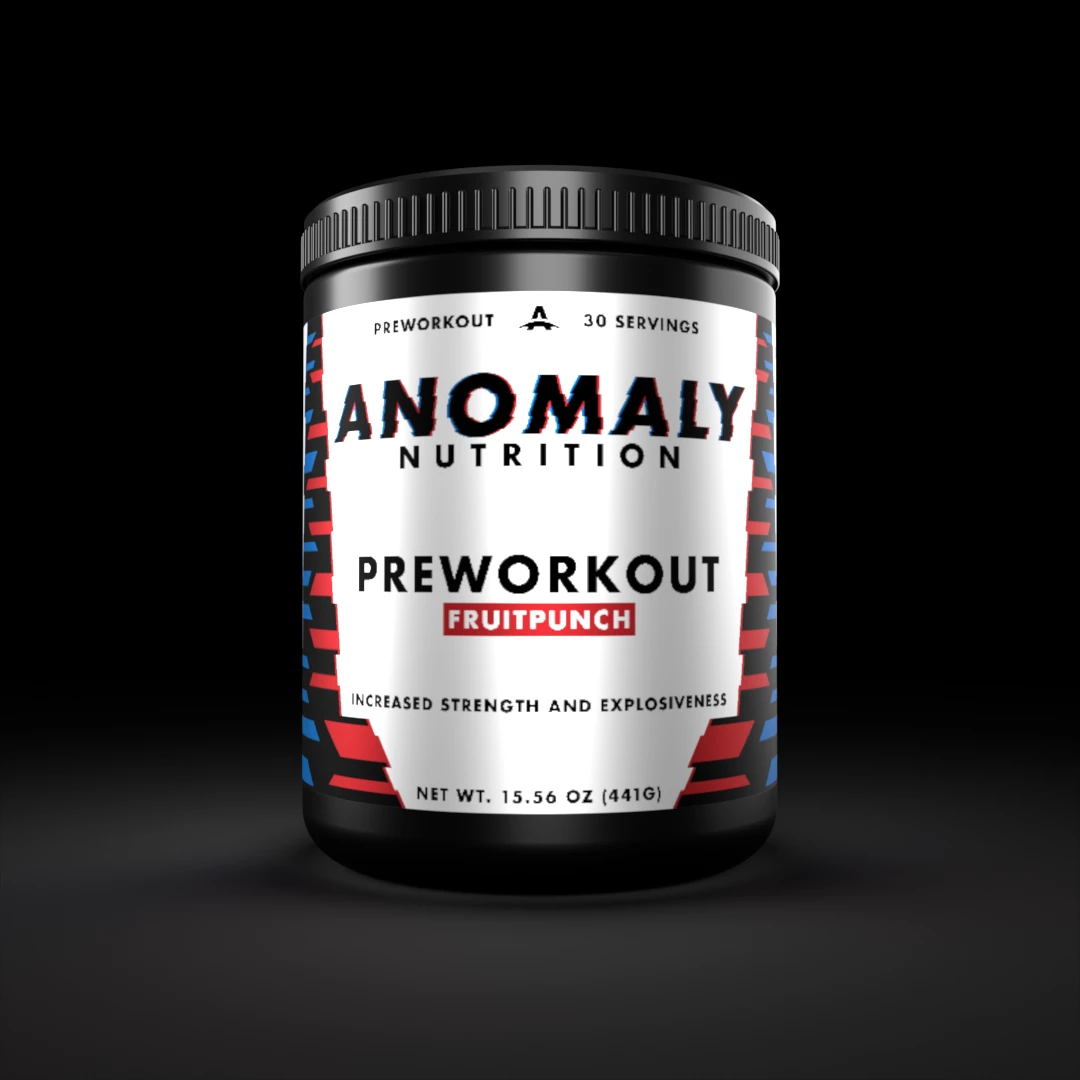
Decals are pixelated and low quality

  • May 16, 2023
  • 4 replies
  • 2204 views

I am sure this has been asked a million times but what is the right way to fix this issue, I wish dimension would support .svg... 

You can see the smaller text losses its quality in this render, espicially when zoomed in.
This topic has been closed for replies.

4 replies

Alexandre Becquet
Community Expert
Community Expert
September 18, 2023
christophesyren
Participant
August 24, 2023

Version 2.1.1 is out now.


I'm very new on Adobe Substance 3D Stager, but I discover this (incredible and big) problem of pixelated decals, with silly lines on the sides of the object…

I tried Adobe Dimension as mentioned on posts, and it is doing the job correctly, just as expected.


Does anyone have seen an inprovement since May?

DavidLloydImageworks
Inspiring
August 24, 2023

No, this is still a very serious issue that has not been fixed, at least not publicly. There are workarounds, but they are very labor intensive for what should be a couple minute process. In my correcpondence with Adobe stager team, I have been told repeatedly that this is an issue that they are addressing in the next version. it has been nearly 9 months since I was told that by the product manager. I have tried to be patient, but its been a very expensive, nearly 2 years since I have been working around this issue.

christophesyren
Participant
August 24, 2023

So the most simple solution is to return to Dimension?

DavidLloydImageworks
Inspiring
May 17, 2023

What David Zeno said is true.


I have talked to the Stager PM about this in December and have been told that this is a bug that they are focusing on for the next version. Of course it is now almost June and I have no information on when they might release that version.

the only work-around I have found is to use Substance 3d Painter to create the label and appearance, the round trip to Stager seems to survive with the detail intact. That said, adding a "decal" in painter is much more labor intensive than the stager route. Best of luck.

Participant
May 19, 2023

I found exporting the UV map of the model then taking that into Illustrator and putting my graphics exactly where I need them helps, then apply the graphic as a fill instead of a decal on the model in stager.

Inspiring
May 17, 2023

Today is May 17, so your post has been sitting here for 2 full days and not a word from an Adobe employee.  That shows you something.  There is little being done with bugs. This is a huge bug. Go back to a thread just posted a few days ago, this problem was talked about there, so I won't go into again, but this is a huge bug that has been around since the first ever version of Stager.  You will also notice that on some renders you will get a white hard outline on parts of a model, and this is also a bug.  Like I've said on other threads, eventually things will be addressed and fixed, but one has to remember that this program is like a new born baby, vs a program like Cinema 4D that has been out for so long now ( so many years ) so it's really hard to compare the 2 software programs. With time Adobe will fix stuff, but it takes time, but I'll be honest, something this important should have been fixed a year ago.  It's a fun program at the moment to dabble in, but for any real work ( professional ) you may wish to think of alternatives.  That said, I believe it's good to keep up to date on all the platforms so you are never left in the dust.  With enough people asking about the problem you have, hopefully Adobe will realize it's something they need to really look into, and this forum is full of your exact question / problem.

Participant
May 19, 2023

I did realize making the decal metallic makes the text quality even worse when lighting hits a specific part of the decal. 

Hopefully a staff member will see this thread and note these things down for improvement.