


Edit Search Result Display in RH 2020 V7
Hi
We’re on RH V2020.7.46
We want to change the display of search results from the default display
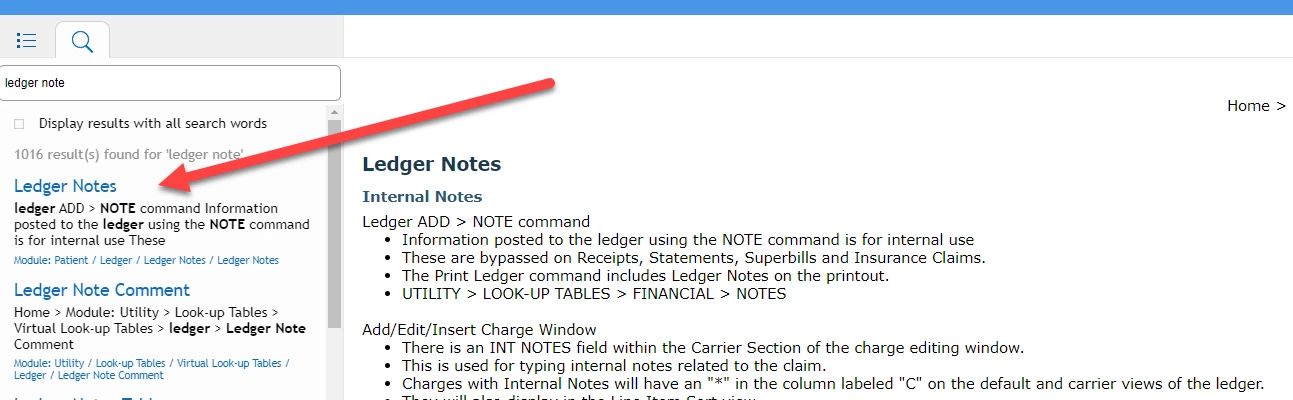
Currently, the output displays a bread crumb trail and an inexact copy of what is desribed in the topic
1) We'd prefer to remove the breadcrumb trail completely.
2) We also question the precision of the topic description section; you can see this is not using the same capitalization or spacing, and ignores bullets in the topic.
We searched the forum and found this previous thread concerning this issue:
First we attempted to follow this suggestion:
"Select "result-item-path" and open "LAYOUT" section properties on right-adjacent side. Now select value "none" in "display" property. Save the skin and generate the output. It should hide the paths in search results of the output. Please let us know if it still doesn't work."
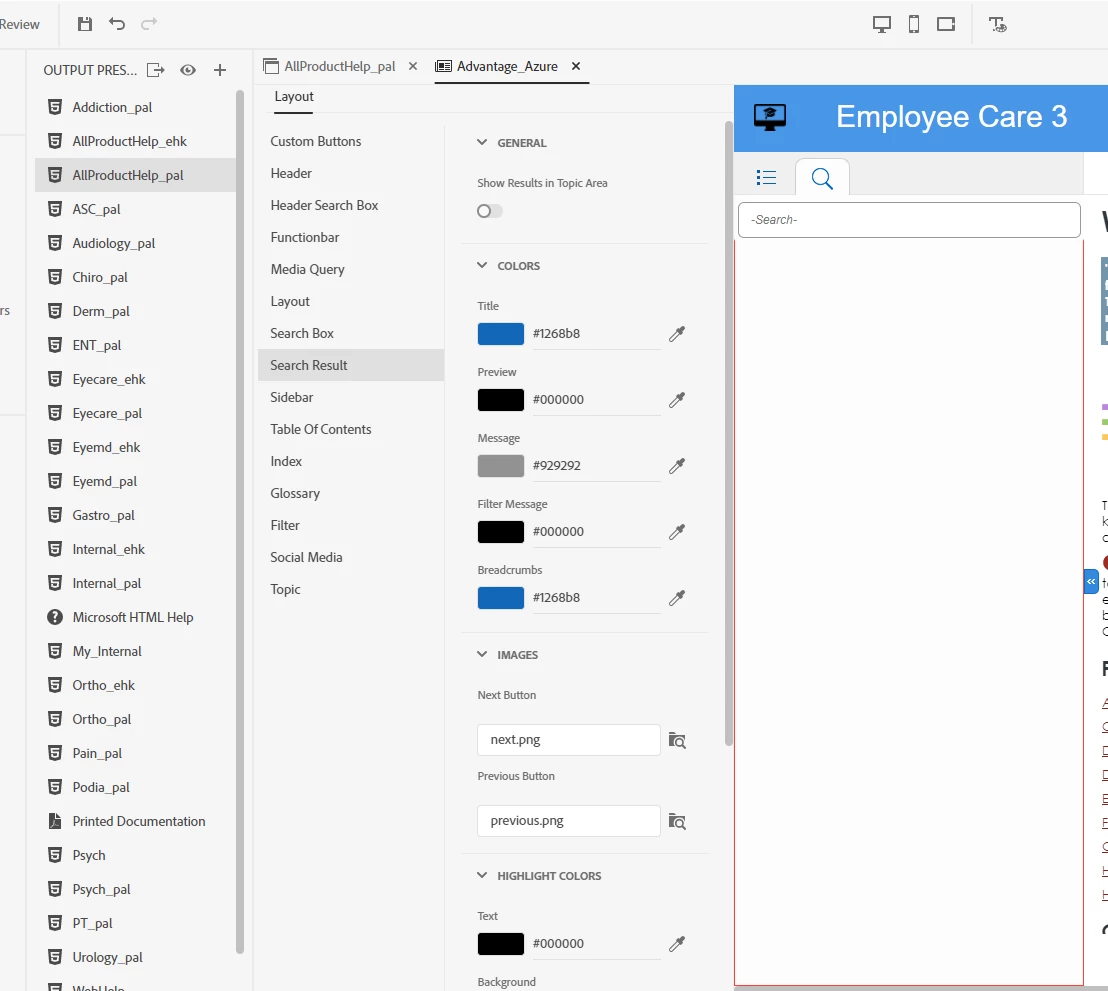
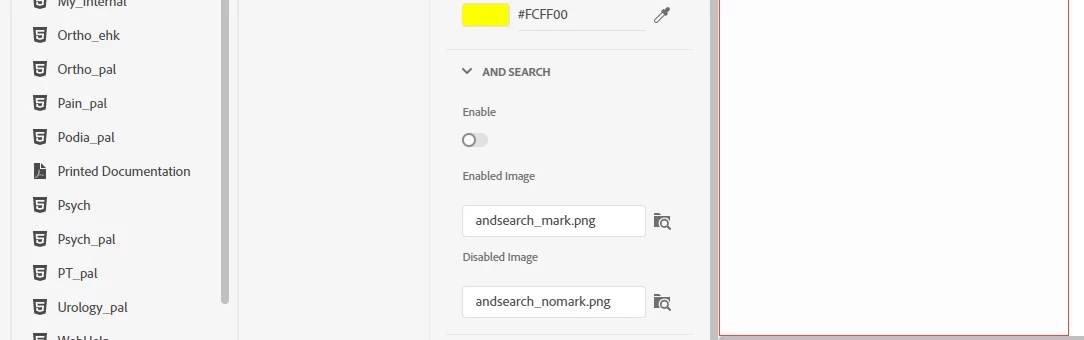
We aren't finding the 'result-item-path' and in our Layout Tab > Seach Result, we don't have the display property being mentioned.
Next, we tried adding the custom.css to the User Assets section of the skin, and when that didn't work, adding the suggested text to the Layout.css. Saved, Relaunched etc. Preview didn't show any changes, and generating did not help for either suggestion
The thread included a few specific questions and those were identified to be bugs.
Does anyone have suggestions on what our next steps might be?
Thank you,
Paul
 AdChoices