Participant
February 3, 2024
Question

Master Project Responsive HTML 5 Output Search Issue

  • February 3, 2024
  • 3 replies
  • 180 views

Hello,
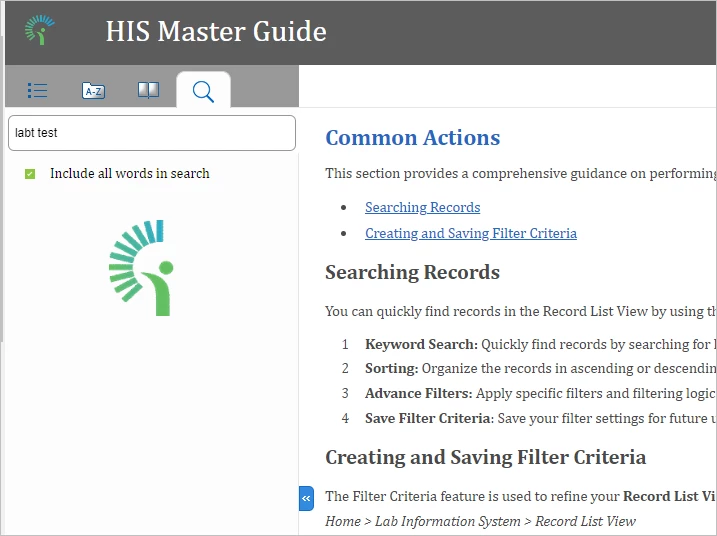
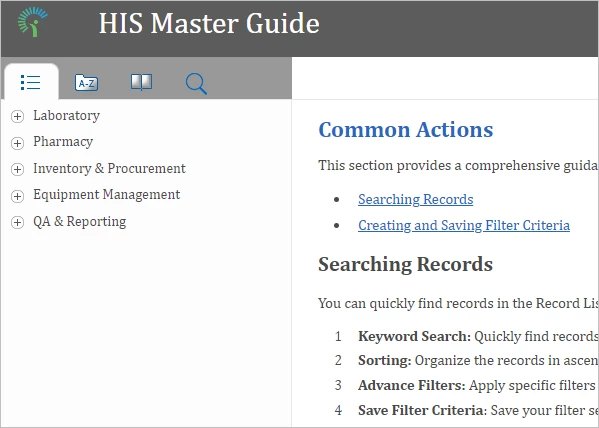
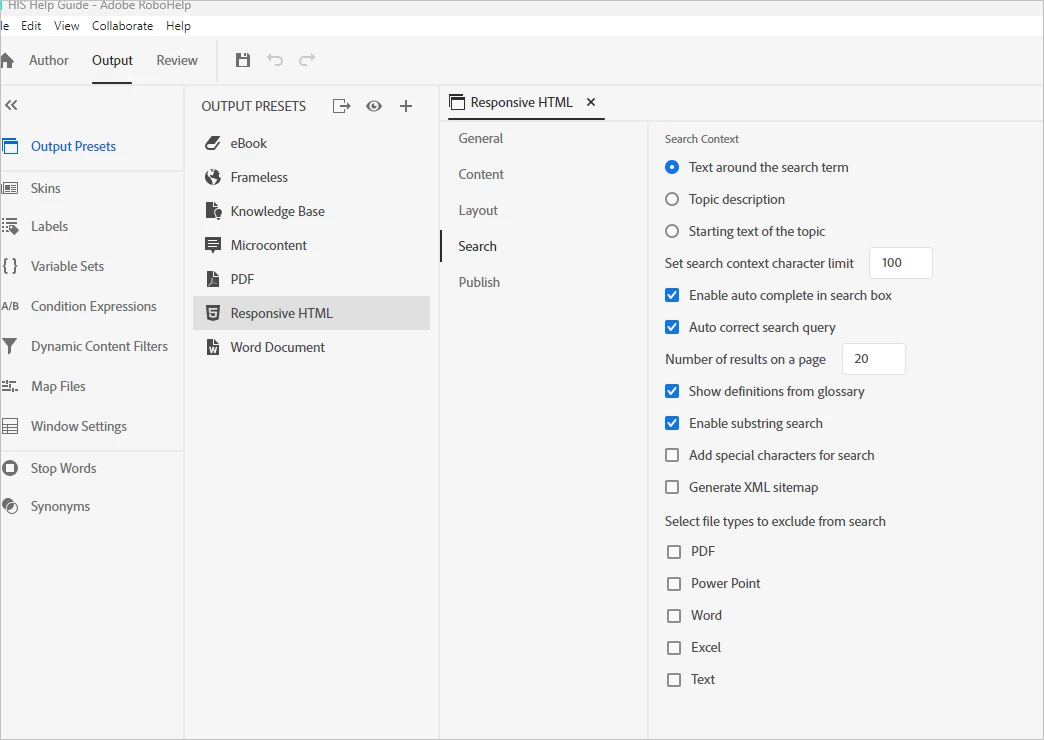
I have generated a Master Project (linked 5 child projects within the master project) and the Responsive HTML 5 output. I have kept all necessary search settings but still, keyword search is not showing any results.

  • Robohelp Version: 2020.8.24
    OS: Windows 11 version 22H2 for x64 based system
  • Refer to the screenshot below.
This topic has been closed for replies.

3 replies

Community Expert
February 5, 2024
Peter Grainge
Community Expert
Community Expert
February 4, 2024

You refer to keywords but seem to be having the problem with the Search tab. Keywords are linked to the Index, albeit they do get used in the Search along with all the text in your topics.


  1. Is it the case that when you search, nothing is returned?
  2. Does this occur only with the generated help when it is published to a webserver? If that is the scenario, then manually delete the whxdata folder and its contents from the webserver and publish again.
  3. Is the server a webserver rather than a file server?
  4. See the Merged Help Using RoboHelp New UI (grainge.org) page on my site. Check the instructions there and also download the demo project. Does that work correctly?
  5. Did you generate the Parent project first and have you generated all the child projects, not just some?


Try those things first and let us know how you get on.

________________________________________________________

My site www.grainge.org includes many free Authoring and RoboHelp resources that may be of help.


Use menu (bottom right) to mark as Best Answer or to Highlight particularly useful replies. Found the answer elsewhere? Share it here.
kglad
Community Expert
Community Expert
February 3, 2024

in the future, to find the best place to post your message, use the list here, https://community.adobe.com/

p.s. i don't think the adobe website, and forums in particular, are easy to navigate, so don't spend a lot of time searching that forum list. do your best and we'll move the post (like this one has already been moved) if it helps you get responses.


<"moved from using the community">