


Participant
November 24, 2021
Answered

White screen when starting RoboHelp

  • November 24, 2021
  • 2 replies
  • 490 views

I installed RoboHelp to assist a colleague, but on starting I just see this white screen:
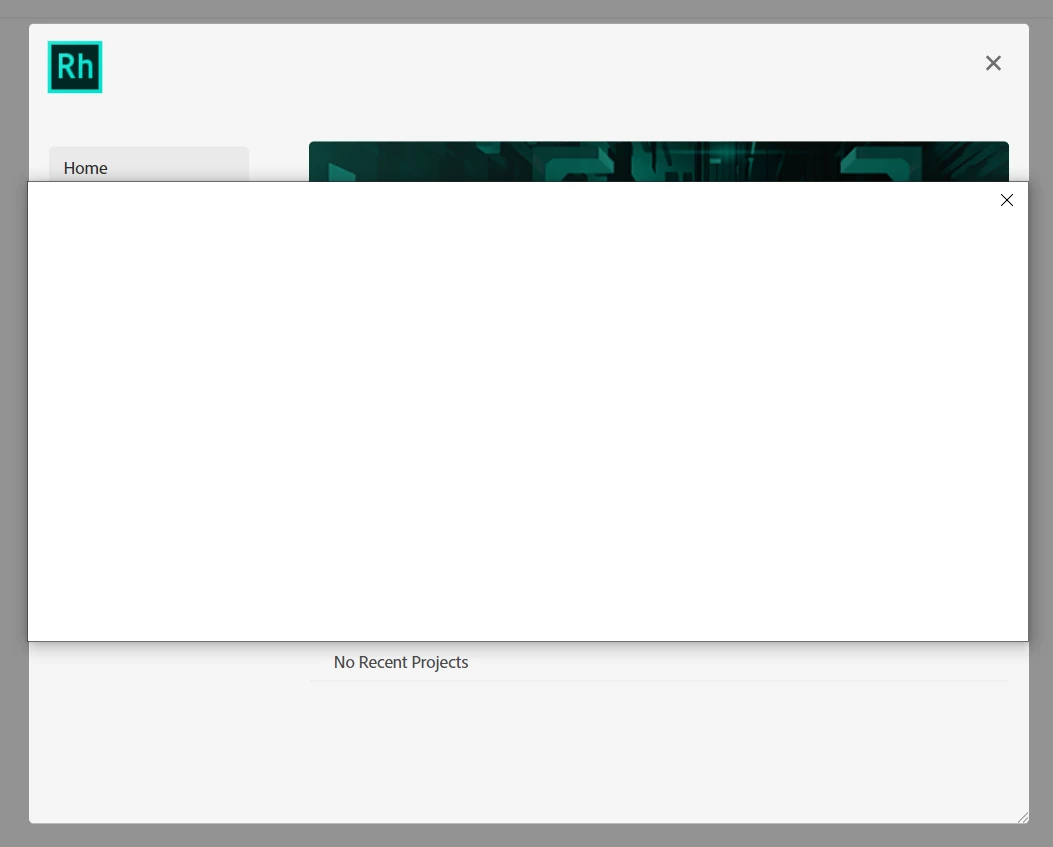
I can't do anything with the app without closing this blank panel, and if I do that the app closes. The only useful-looking log (please find attached) that I could find was this:

"%APPDATA%\Roaming\Adobe\RoboHelp\rhlogs\15\2021_11_24\RH_Log_1637774895739.log"

I know there's a known issue with the installer but that went without a hitch, and this seems to be something else.


I've also tried launching as an admin user with no success.

    This topic has been closed for replies.
    Correct answer Sameek5F87

    Hi All,

    The issue is resolved now - please check try it out.

    Sincere apologies for the inconvenience caused to everyone.

    Regards

    Sameek

    2 replies

    Sameek5F87Correct answer
    Adobe Employee
    November 26, 2021

    Hi All,

    The issue is resolved now - please check try it out.

    Sincere apologies for the inconvenience caused to everyone.

    Regards

    Sameek

    Participant
    November 26, 2021

    Thanks @Sameek5F87 it does seem to be working now.

    Peter Grainge
    Community Expert
    Community Expert
    November 24, 2021

    This looks to be the same issue as in https://community.adobe.com/t5/robohelp-discussions/white-window-at-startup-after-trial-installation/td-p/12536561


    I'll see what I can find out but I won't get an answer until tomorrow.

    ________________________________________________________
    See www.grainge.org for free Authoring and RoboHelp Information

    Use the menu (bottom right) to mark the Best Answer or Highlight particularly useful replies. Found the answer elsewhere? Share it here.
    Participant
    November 24, 2021

    Does look like the same issue.


    As far as I know a license has been assigned to me, but any info you can dig up would be helpful


    Thanks