Participant
January 26, 2023
Question

How can I optimise my 3D scenes for aero to not crash so frequently?

  • January 26, 2023
  • 1 reply
  • 189 views

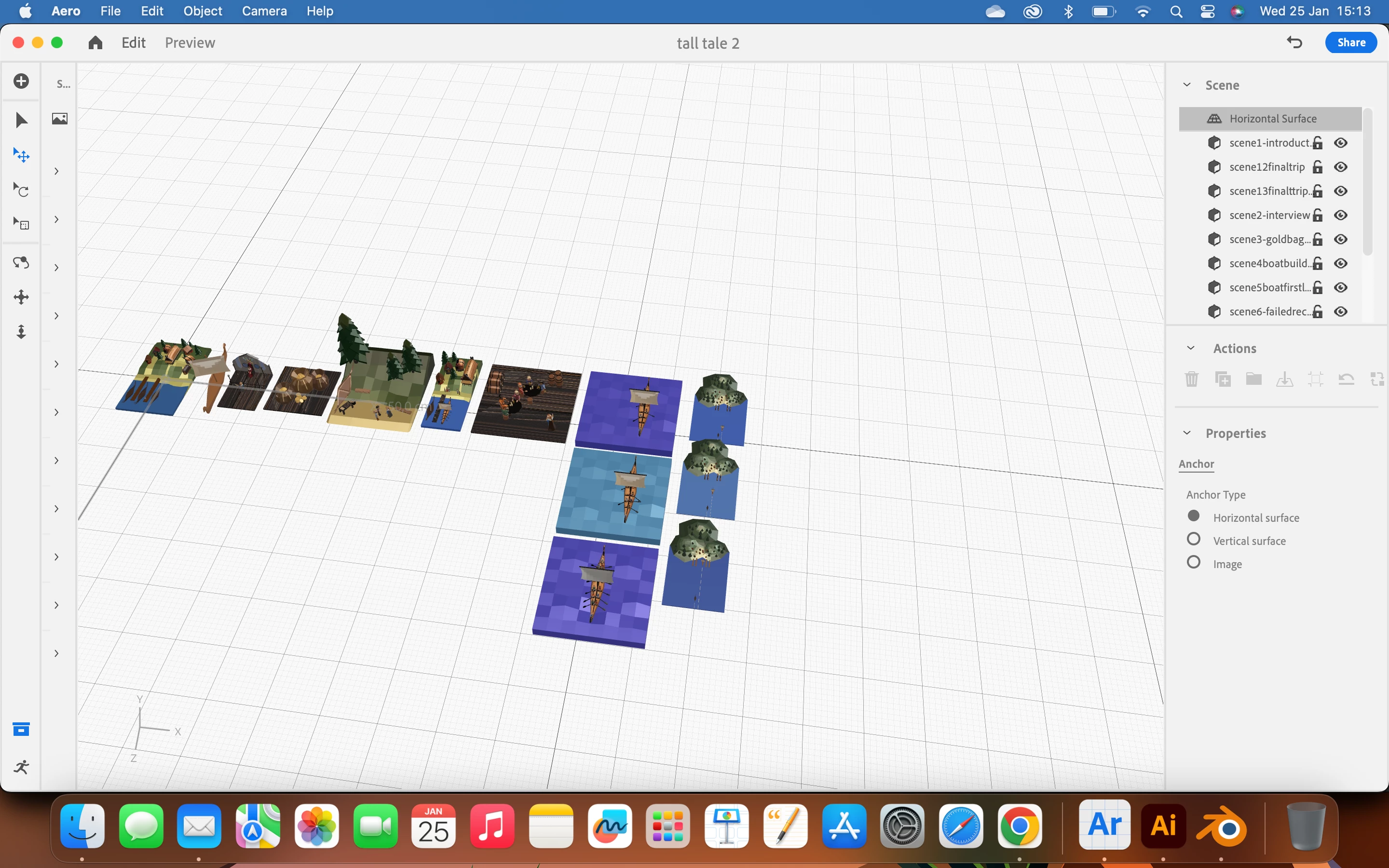
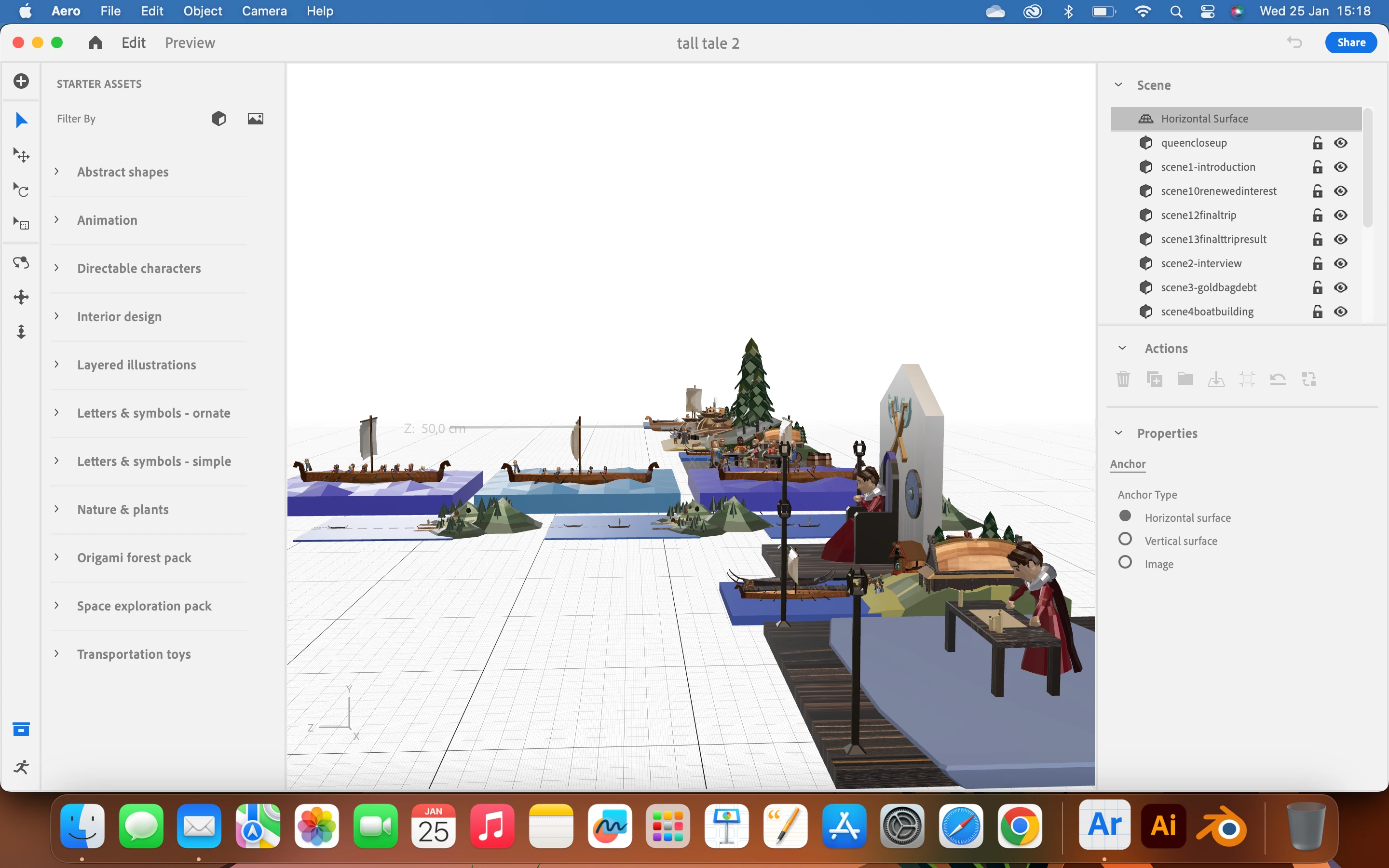
For context, I am challenging adobe aero a little bit by having several 3D scenes I made in blender to click through, think about 16 scenes ranging from around 200KB to 2.5MB. Theoretically, the recommended maximum file size for aero is 50 MB. I've tallied up the total size of all my scenes put together, and it's 23.2MB, less than half of the maximum recommended size, yet it starts crashing non stop when it's gotten about 13 out of the 16 scenes and runs fine before that. I've tried downsizing, removing unnecessary objects and polygons, exporting in the smallest 3D file format, but it still does this. If anyone has any tips that can help me keep the scenes and software within operational range, please let me know. 
This topic has been closed for replies.

1 reply

Inspiring
January 26, 2023

Hi @Business2684331828ot This is a good question and optimizing geometry comes up frequently. I am going to find some easier solutions, perhaps as techniques in Blender. Right now, I can offer this command line tool: https://meshoptimizer.org/gltf/ which has gotten me up to %40 size reduction on gltf models. It is a command line tool and if you want ome help getting up and running PM me, Thanks!

Participant
February 2, 2023

Thank you! In the meantime I have found that importing the scenes and making them not appear all at once helps aero to run better, and I've been trimming on polygons to get it down to the right size, but I think this program should definitely help with bringing it into the limits.