



NursingNnenna
Participant
June 17, 2026
Answered

All Tools Pane Disappears/Empty When I Select Edit PDF?

  • June 17, 2026
  • 59 replies
  • 4622 views

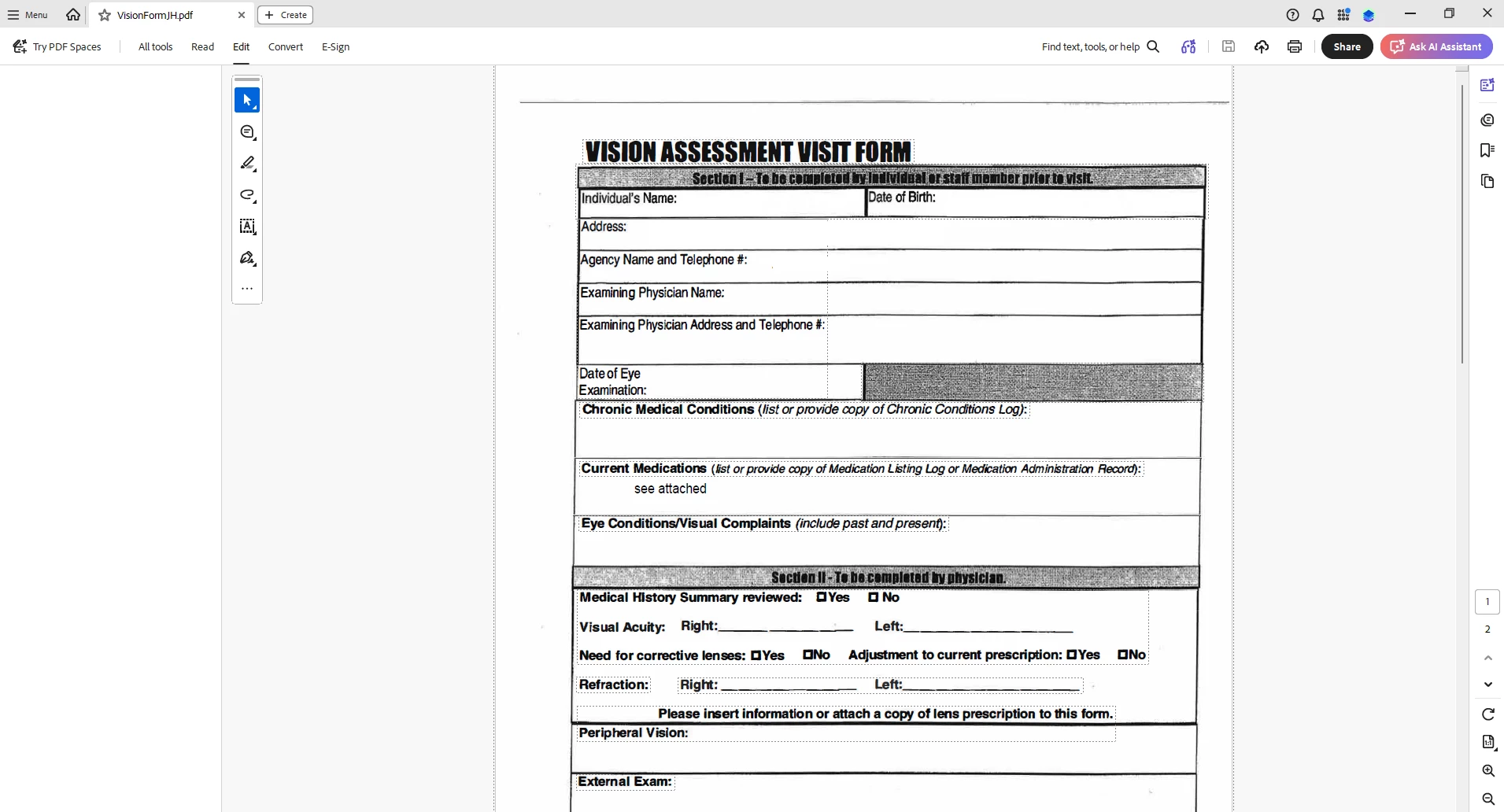
When I select “Edit PDF” option, the “All Tools” pane disappears.

This issue seems persistent.

I’ve tried looking at the view/show settings.

Running a repair on the installation.

Uninstalling and Reinstalling Adobe Acrobat.


Can someone please help or provide some suggestions?


Thank you,
 

    Correct answer Anand Sri Bhattacharya

    Hi All!


    Thanks for your patience and cooperation on this.


    Please try the following suggestions, and let us know if this fixes the issue for you.

    Please note: Create a backup of the registry settings before making any changes. To create a backup, check this article: https://support.microsoft.com/en-us/topic/how-to-back-up-and-restore-the-registry-in-windows-855140ad-e318-2a13-2829-d428a2ab0692


    • Go to the registry location: "Computer\HKEY_LOCAL_MACHINE\SOFTWARE\Policies\Adobe\Adobe Acrobat\DC\FeatureLockDown"
    • Right-click on the right blank space > select New > DWORD 32-bit value.
    • Rename it to:  bGenCoverPagesLabelStrings
    • Right click on the new value > Click Modify > add the value as ‘1’ (numeric one)
    • Restart the Acrobat and the machine and check the performance.

    Let us know if you experience any issues.

    Regards,

    Anand Sri.

    59 replies

    Chris_COA
    Participant
    June 18, 2026

    I opened a ticket with Adobe - can confirm the registry entry did fix our systems.

    Here is their response:


    I wanted to address your query regarding Acrobat sidebar issue. I would like to inform you that this is a known bug. This is raised at the highest priority with Engineering team. The team has started to roll back the feature that led to the issue. It will take effect tentatively by tomorrow.

    To mitigate the problem at the current state, you can create the following registry -
    Path- Computer\HKEY_LOCAL_MACHINE\SOFTWARE\Policies\Adobe\Adobe Acrobat\DC\FeatureLockDown\
    Dword - bGenCoverPagesLabelStrings
    Value - 1

    If you can wait till tomorrow, it will be resolved automatically. No intervention needed.

    GregWCB
    Participant
    June 18, 2026

    Happening for my company as well. Seems to have started at least yesterday (possibly earlier). Any update on a fix would be appreciated.

    spruceink
    Participant
    June 18, 2026

    Same, good number of random users. Disabling the new view is our current work around.

    SarahF2026
    Participant
    June 18, 2026

    Thanks everyone! I was tearing my hair out as have Board papers to send. I have reverted to old Adobe - now I just have to remember where everything is!

    No thanks to Adobe for whatever they have messed up :(

    A+McCleery
    Participant
    June 18, 2026

    I am having the same issues as well. When I try to edit a pdf, all tabs go blank. Also having an issue with the pen/draw tool. I have to reselect it every time a line ends.  

    John24720114bn5k
    Participant
    June 18, 2026

    Same issue in my ORG. Any update on when this will be fixed?

    DKB+-+TWC
    Participant
    June 18, 2026

    We are also having the same issue.  

    Participant
    June 18, 2026

    Having the same issue - Edit pane and Use Guided Action pane are blank. Im using Acrobat 2026.001.21662 64bits.

    Found a work around to disable new Acrobat and able to use the feature that i need but i dont like the old acrobat as i cant review the comment and run a guided actions in the same time.

    Please help. Please fix.

    david_1113
    Participant
    June 18, 2026

    Our company is also seeing this behavior with our staff. We are on Acrobat 2026.001.21662.
    New Acrobat is enabled.  Issue started yesterday.

    Deborah62-
    Participant
    June 18, 2026

    We are having the same issues with the EDIT and TOOL column not being there - we did revert back to the OLD version of Adobe and that has also had its challenges. Especially when adding signature boxes, we are getting the below - if we have multiple boxes to add we are having to click elsewhere and add - so taking twice as long. Others are having issues with the highlight pen and either having to click the pen each time or the highlight option just will not work. Very frustrating! Any timeline on a fix would be appreciated.
