



NursingNnenna
Participant
June 17, 2026
Answered

All Tools Pane Disappears/Empty When I Select Edit PDF?

  • June 17, 2026
  • 61 replies
  • 5918 views

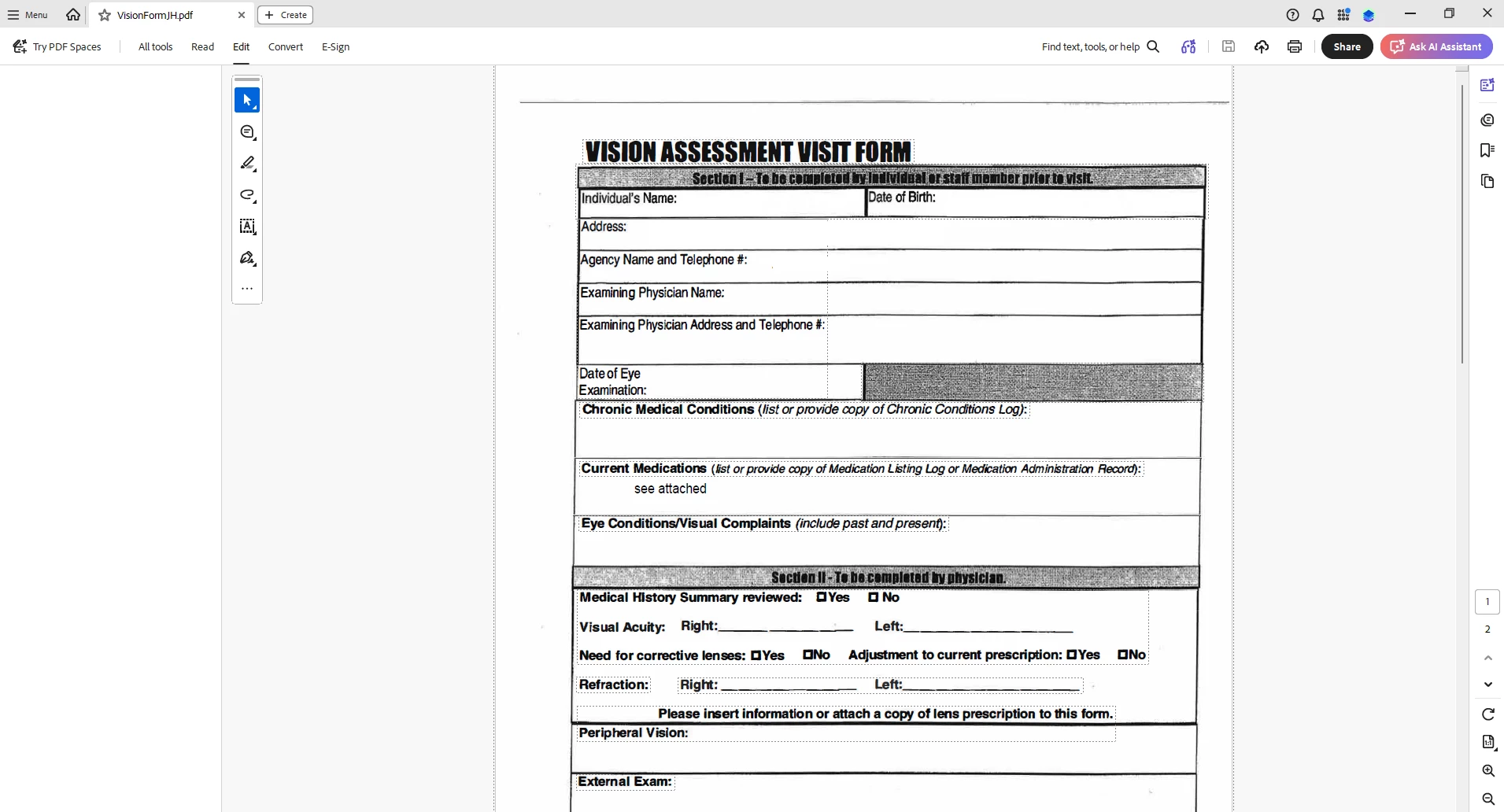
When I select “Edit PDF” option, the “All Tools” pane disappears.

This issue seems persistent.

I’ve tried looking at the view/show settings.

Running a repair on the installation.

Uninstalling and Reinstalling Adobe Acrobat.


Can someone please help or provide some suggestions?


Thank you,
 

    Correct answer Anand Sri Bhattacharya

    Hi All!


    Thanks for your patience and cooperation on this.


    Please try the following suggestions, and let us know if this fixes the issue for you.

    Please note: Create a backup of the registry settings before making any changes. To create a backup, check this article: https://support.microsoft.com/en-us/topic/how-to-back-up-and-restore-the-registry-in-windows-855140ad-e318-2a13-2829-d428a2ab0692


    • Go to the registry location: "Computer\HKEY_LOCAL_MACHINE\SOFTWARE\Policies\Adobe\Adobe Acrobat\DC\FeatureLockDown"
    • Right-click on the right blank space > select New > DWORD 32-bit value.
    • Rename it to:  bGenCoverPagesLabelStrings
    • Right click on the new value > Click Modify > add the value as ‘1’ (numeric one)
    • Restart the Acrobat and the machine and check the performance.

    Let us know if you experience any issues.

    Regards,

    Anand Sri.

    61 replies

    david_1113
    Participant
    June 18, 2026

    Our company is also seeing this behavior with our staff. We are on Acrobat 2026.001.21662.
    New Acrobat is enabled.  Issue started yesterday.

    Deborah62-
    Participant
    June 18, 2026

    We are having the same issues with the EDIT and TOOL column not being there - we did revert back to the OLD version of Adobe and that has also had its challenges. Especially when adding signature boxes, we are getting the below - if we have multiple boxes to add we are having to click elsewhere and add - so taking twice as long. Others are having issues with the highlight pen and either having to click the pen each time or the highlight option just will not work. Very frustrating! Any timeline on a fix would be appreciated. 


    mfink
    Participant
    June 18, 2026

    Problem started for me this morning as well.  Updating and reinstalling does not fix the issue.  Having the same issue on two different PCs under the same profile.  The only fix seems to “Disable new Acrobat.”  How disappointing.  Shame that developers no longer test their own work… we’ve evolved into a program and throw it against the wall to see if it will stick mentality (and let the end-users test).  

    proudparrot2
    Participant
    June 18, 2026

    employees at my company are experiencing this as well. they are on the affected version mentioned earlier, they have tried the normal troubleshooting steps mentioned by the post author, disabling new acrobat seems to be working for them.

    this is disrupting core business operations, I realize that it’s being worked on, so please let us know when this is resolved.

    Michael325901916lm5
    Participant
    June 18, 2026

    I am having the same problem. I have tried all of the solutions mentioned including Uninstalling and re-installing. The All Tools have not reappeared. This does not appear to be the case with others within my organization. My job includes preparing our PDF files for accessibility, so I need these tools often. It seems I can get to the tools through the tool search area, but this slows down my workflow and is very inconvenient.

    dave365x
    Participant
    June 18, 2026

    Adding that our organization started seeing this issue yesterday as well. Disabling New Acrobat has resolved it for our affected users so far.

    Cwhite1
    Participant
    June 18, 2026

    I have completed these things so far:

    • Checked and downloaded new updates
    • Restarted computer
    • Ran repair from within the app
    • Uninstalled the app
    • Restarted pc again post uninstall
    • Reinstalled the app
    • Checked and downloaded new updates (Odd that my brand new install needed updates)
    • Ran a repair through control panel instead of from within the app


    So far I have not been able to restore those tools.

    Thanks,

    -Cody

    Anand Sri Bhattacharya
    Community Manager
    Community Manager
    June 18, 2026

    hello ​@Cwhite1 


    I hope you are doing well, and we’re sorry for the trouble. Thanks for trying the steps. I have requested some additional information via email on the email address that you have used to log in to the community platform. Please check the email, and share the information via email only.


    Thanks for your cooperation on this.

    Regards,

    Anand Sri.

    Said36230099nnbf
    Participant
    June 18, 2026

    We are experiencing the same issue across the company, affecting more than 500 employees. Disabling the new Acrobat is not a viable solution, as it is equivalent to asking users to work on a different program. We need a proper solution as soon as possible. Thank you

    BenC2026
    Participant
    June 18, 2026

    Open Adobe Acrobat and go to menu in the top left. Go down the menu until you see Disable New Adobe and click it. This will ask you to restart Adobe, restart and it should open up Adobe again but looking a little bit different (older UI). Test out a pdf and tools panel. This has worked 4/4 times for me so far. 

    Anand Sri Bhattacharya
    Community Manager
    Community Manager
    June 18, 2026

    Hello ​@BenC2026 ​@mobyalex ​@jj_00 ​@chaitali_0179 ​@DSHAME125 ​@Lawrence219279676nrk ​@JohnFunk ​@avilaaa 


    I hope you are doing well, and thanks for your cooperation on this.

    I have requested some information via email. I have sent the email to the email ID that you used to log in to the community platform. Could you please check the email and share the requested information via email only?

    Regards,

    Anand Sri.

    mobyalex
    Participant
    June 18, 2026

    Have several users in our organization with this exact issue. Uninstall, reinstall, run cleaners, reboots, new machine, doesn’t matter. Tools don’t work in this version.

    Said36230099nnbf
    Participant
    June 18, 2026

    You need to install an older version. It works for me.
