



NursingNnenna
Participant
June 17, 2026
Answered

All Tools Pane Disappears/Empty When I Select Edit PDF?

  • June 17, 2026
  • 61 replies
  • 7843 views

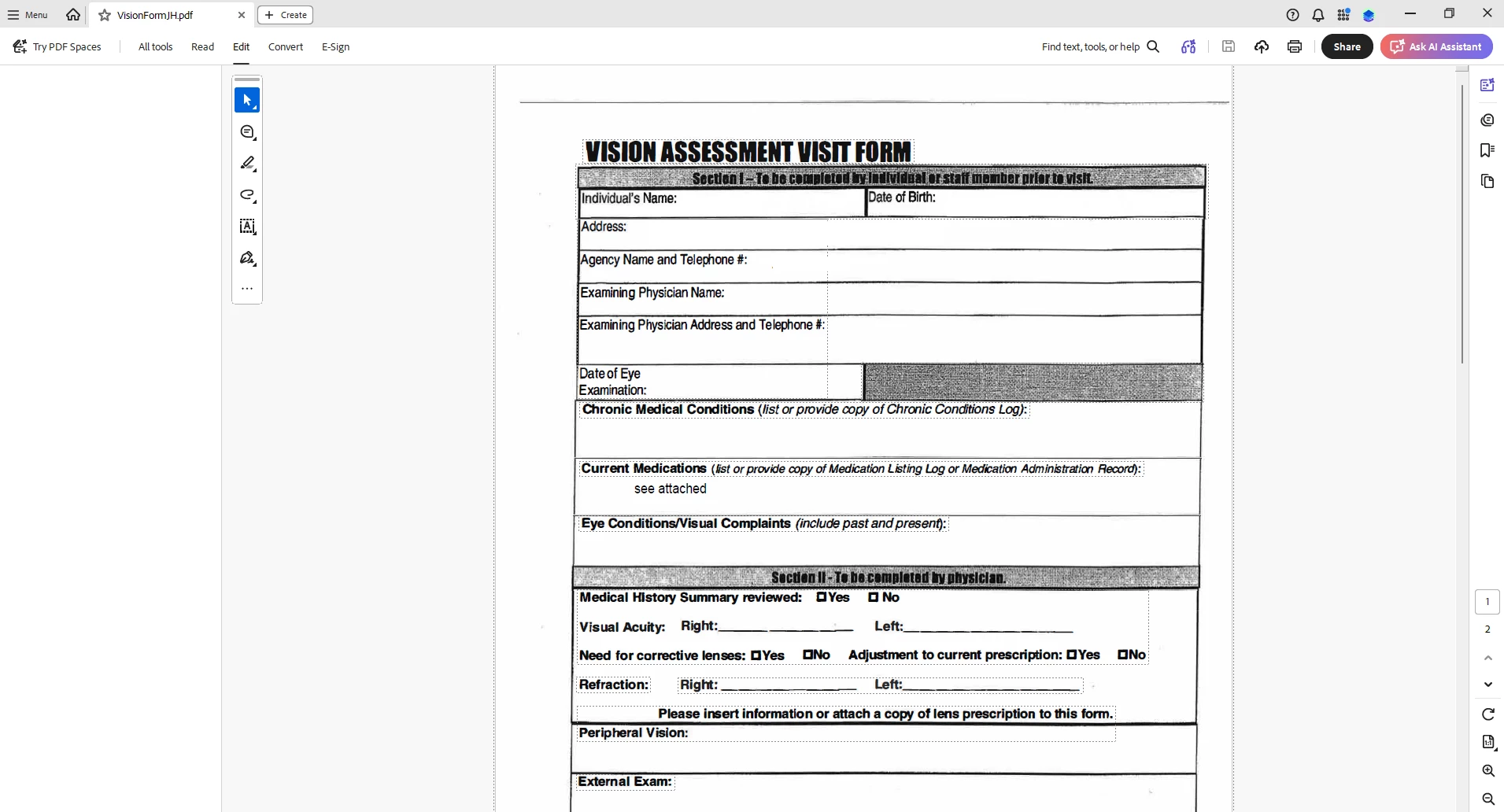
When I select “Edit PDF” option, the “All Tools” pane disappears.

This issue seems persistent.

I’ve tried looking at the view/show settings.

Running a repair on the installation.

Uninstalling and Reinstalling Adobe Acrobat.


Can someone please help or provide some suggestions?


Thank you,
 

    Correct answer Anand Sri Bhattacharya

    Hi All!


    Thanks for your patience and cooperation on this.


    Please try the following suggestions, and let us know if this fixes the issue for you.

    Please note: Create a backup of the registry settings before making any changes. To create a backup, check this article: https://support.microsoft.com/en-us/topic/how-to-back-up-and-restore-the-registry-in-windows-855140ad-e318-2a13-2829-d428a2ab0692


    • Go to the registry location: "Computer\HKEY_LOCAL_MACHINE\SOFTWARE\Policies\Adobe\Adobe Acrobat\DC\FeatureLockDown"
    • Right-click on the right blank space > select New > DWORD 32-bit value.
    • Rename it to:  bGenCoverPagesLabelStrings
    • Right click on the new value > Click Modify > add the value as ‘1’ (numeric one)
    • Restart the Acrobat and the machine and check the performance.

    Let us know if you experience any issues.

    Regards,

    Anand Sri.

    61 replies

    Participating Frequently
    June 18, 2026

    yeah, my site having the same issue as well.
    Hopefully can get fix ASAP. 


    Regards

    Edgar 

    Joseph2189
    Participant
    June 18, 2026

    we too have a few users experiencing the same issue. Was on Version 2026.001.21662 64 bit.  Doing the udpate doesn’t fix the issue


    NR_PDF
    Participant
    June 18, 2026

    Our temporary fix was to uninstall Acrobat and then install 26.001.21529
    Probably best to turn off updates til there’s a patch so you don’t return to the same position.

    Old_m8
    Participant
    June 18, 2026

    Same issues over here. Just noticed the issue today and then updated to Acrobat v 2026.001.21677 and we are on Win11 24H2 build 26100.8655. Not sure what version of Acrobat I was on before I did the update though. Not sure I want to re-install this application for the entire business. So I will keep an eye on here for a better fix.

    Edit: Disabling the new version worked for me, but others in the business it is not working for.

    FSTQT
    Participant
    June 17, 2026

    Dealt with this issue around 1pm MST. no luck with patching, repairing, uninstalling/re-installing. Tried the Adobe download again and now I can see the edit panel? Not sure if there’s been a fix implemented or its device/account based. 


    Gerardo.Ramirez
    Participant
    June 17, 2026

    I’m having the exact same problem along with the rest of my team. The only solution is to disable the new adobe from the menu. A few of us have tried uninstalling/installing/repairing but nothing fixes the issue.

    Participant
    June 17, 2026

    Patch my PC just pushed out an update to Acrobat Pro, now many users in my organization cannot use the toolbar. 

    Version 21662

    Meenakshi0101
    Community Manager
    Community Manager
    June 17, 2026

    Hi All,


    This issue has been reported to the team, and they are currently working on a fix. We will keep you updated with any information regarding this.

    Thank you for your patience.


    Thanks,

    Meenakshi

    Participant
    June 17, 2026

    Several users in our org have reported this starting today. Updated to latest version available (26.001.21677) doesn’t recover the panel. We’re currently using the workaround of disabling “new adobe”. I haven’t tried uninstalling/reinstalling though.


    sibleyc
    Participant
    June 17, 2026

    anyone find a solution yet?

    Participant
    June 17, 2026

    Disabling New Adobe under Menu seems to allow me to use the tools in the meantime. Unsure when this bug will be fixed. 

    Meenakshi0101
    Community Manager
    Community Manager
    June 17, 2026

    Hi NursingNnenna, and KGoodwin2,


    Thank you for reaching out, and sorry for the trouble caused.


    Please confirm if the issue started recently. If yes, could you please share the current Acrobat and OS version numbers installed on the machine.


    In the meantime, please try reinstalling once again using the steps suggested below:

    • Remove the application and run the cleaner tool (https://www.adobe.com/devnet-docs/acrobatetk/tools/Labs/cleaner.html).
    • Reboot the machine 
    • Now install Adobe Acrobat from the following page: Download Acrobat.


    Let us know how it goes.


    Thanks,

    Meenakshi

    edward_8377
    Participant
    June 17, 2026

    I am having the same issue!!!~!!!!!!!


    Meenakshi0101
    Community Manager
    Community Manager
    June 17, 2026

    Hi edward_8377,


    Thank you for reaching out and reporting this.


    Please try reinstalling the application using the steps suggested above. If the issue still occurs, please share the following information:

    • Since when has the issue started?
    • Did you make any recent changes, like updating the application?
    • Share the Acrobat version number
    • OS version on the machine.

    Let us know how it goes.


    Thanks,

    Meenakshi
