



NursingNnenna
Participant
June 17, 2026
Answered

All Tools Pane Disappears/Empty When I Select Edit PDF?

  • June 17, 2026
  • 107 replies
  • 27172 views

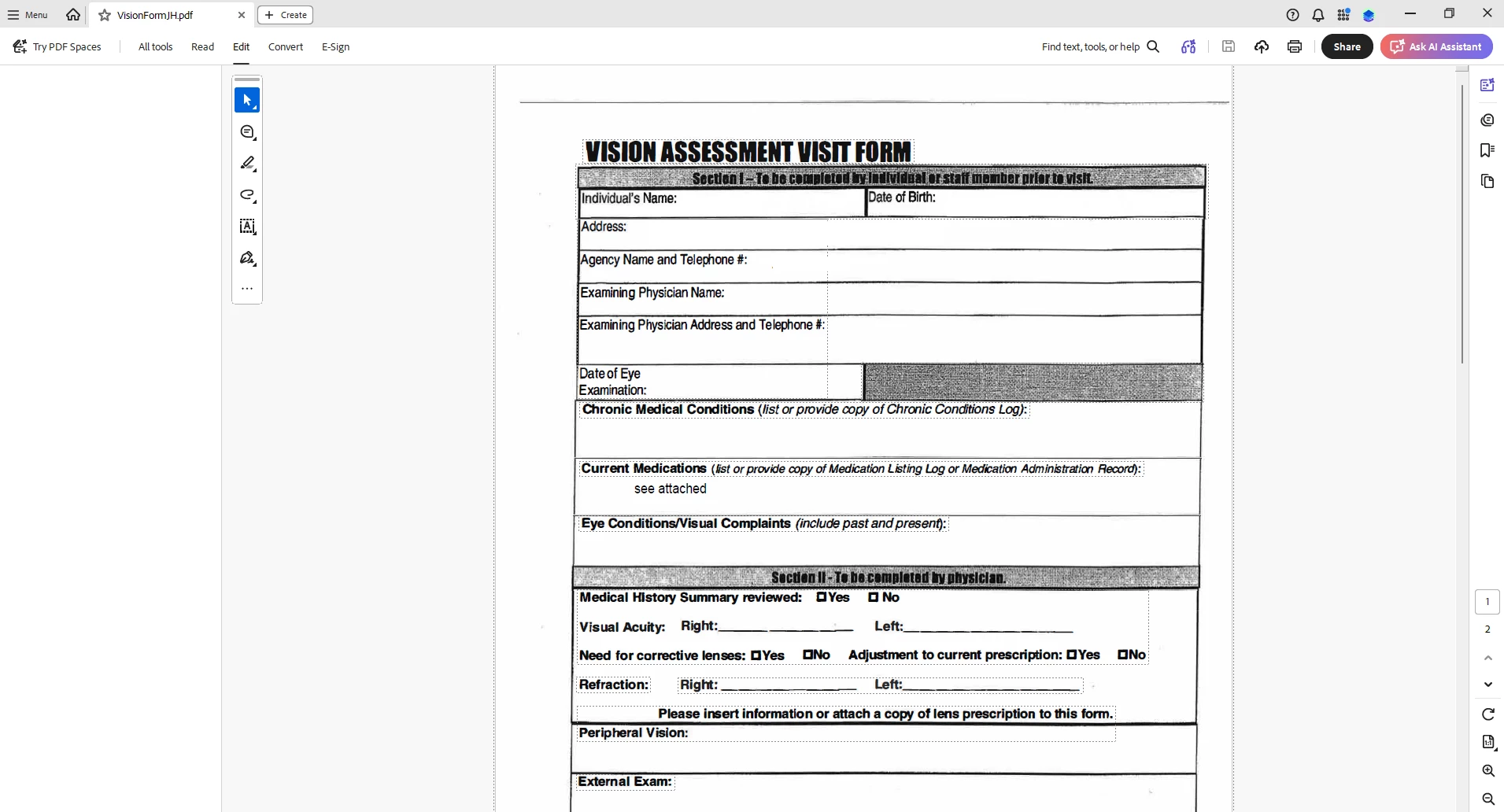
When I select “Edit PDF” option, the “All Tools” pane disappears.

This issue seems persistent.

I’ve tried looking at the view/show settings.

Running a repair on the installation.

Uninstalling and Reinstalling Adobe Acrobat.


Can someone please help or provide some suggestions?


Thank you,
 

    Correct answer Anand Sri Bhattacharya

    Hi All,


    Thanks for your patience and cooperation on this.

    The patch is available with the fix 26.001.21691, Planned update, Jun 25, 2026. Please install the latest build of Acrobat from Menu > Help> Check for updates. Restart the machine after installing the updates, and check the performance of the app.


    Let us know if you experience any issues after installing the latest build


    Regards,

    Anand Sri.

    107 replies

    spruceink
    Participant
    June 18, 2026

    Same, good number of random users. Disabling the new view is our current work around.

    SarahF2026
    Participant
    June 18, 2026

    Thanks everyone! I was tearing my hair out as have Board papers to send. I have reverted to old Adobe - now I just have to remember where everything is!

    No thanks to Adobe for whatever they have messed up :(

    A+McCleery
    Participant
    June 18, 2026

    I am having the same issues as well. When I try to edit a pdf, all tabs go blank. Also having an issue with the pen/draw tool. I have to reselect it every time a line ends.  

    John24720114bn5k
    Participant
    June 18, 2026

    Same issue in my ORG. Any update on when this will be fixed?

    DKB+-+TWC
    Participant
    June 18, 2026

    We are also having the same issue.  

    Participant
    June 18, 2026

    Having the same issue - Edit pane and Use Guided Action pane are blank. Im using Acrobat 2026.001.21662 64bits.

    Found a work around to disable new Acrobat and able to use the feature that i need but i dont like the old acrobat as i cant review the comment and run a guided actions in the same time.

    Please help. Please fix.

    david_1113
    Participant
    June 18, 2026

    Our company is also seeing this behavior with our staff. We are on Acrobat 2026.001.21662.
    New Acrobat is enabled.  Issue started yesterday.

    Deborah62-
    Participant
    June 18, 2026

    We are having the same issues with the EDIT and TOOL column not being there - we did revert back to the OLD version of Adobe and that has also had its challenges. Especially when adding signature boxes, we are getting the below - if we have multiple boxes to add we are having to click elsewhere and add - so taking twice as long. Others are having issues with the highlight pen and either having to click the pen each time or the highlight option just will not work. Very frustrating! Any timeline on a fix would be appreciated. 


    mfink
    Participant
    June 18, 2026

    Problem started for me this morning as well.  Updating and reinstalling does not fix the issue.  Having the same issue on two different PCs under the same profile.  The only fix seems to “Disable new Acrobat.”  How disappointing.  Shame that developers no longer test their own work… we’ve evolved into a program and throw it against the wall to see if it will stick mentality (and let the end-users test).  

    proudparrot2
    Participant
    June 18, 2026

    employees at my company are experiencing this as well. they are on the affected version mentioned earlier, they have tried the normal troubleshooting steps mentioned by the post author, disabling new acrobat seems to be working for them.

    this is disrupting core business operations, I realize that it’s being worked on, so please let us know when this is resolved.
