
Question
An Internal Error Occured, Cannot Use Adobe Acrobat
Hello,
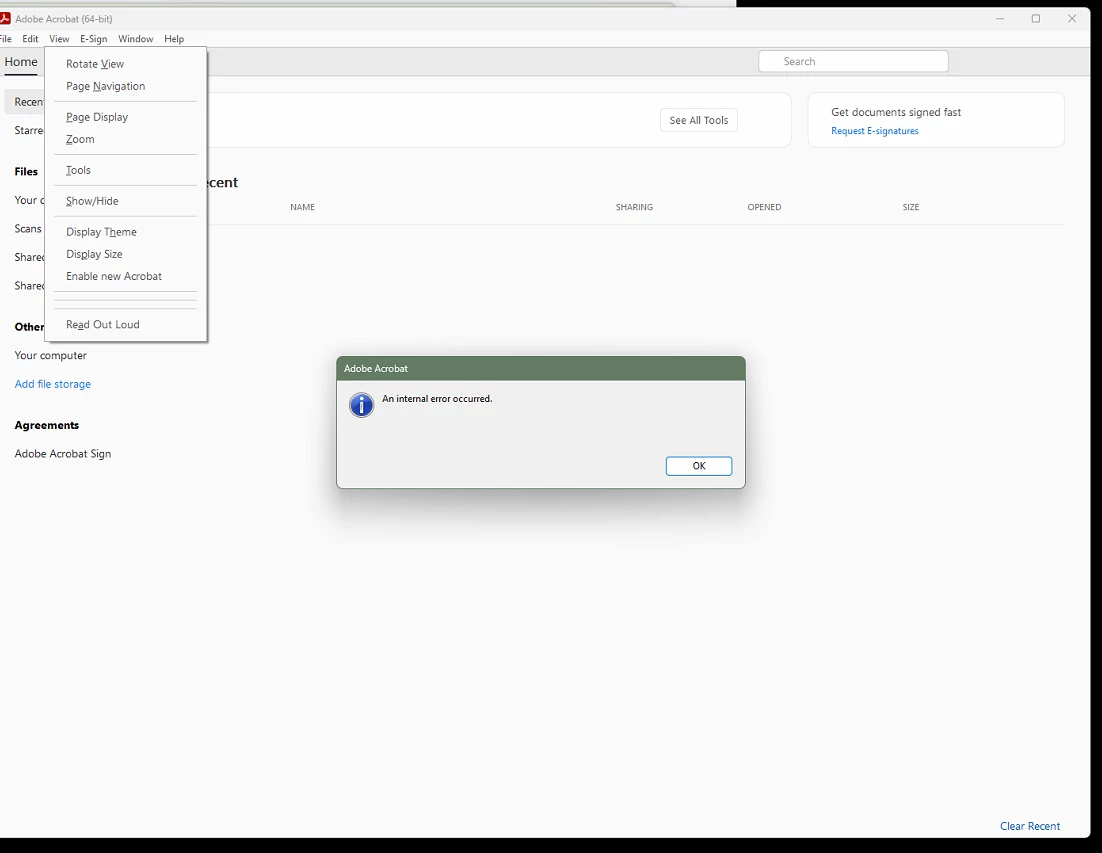
I'm receiving an error on a team member's computer that pops up after the program is opened and I try to navigate the toolbar in Adobe Acrobat. This error doesn't occur when I open the program as admin and only seems to happen when it's opened with their profile logged in. We use SSO in our environment.
Here's some troubleshooting steps I've taken:
- Killing program and then re-open
- Restart computer
- Check for updates
- Make sure Adobe and CC are updated
- Use both AcroCleaning Utility and CC Cleaning Utility and then reinstall
- Uncheck various settings in the app preferences
- Check Security tab of shortcut/program for users that should not be there
My thought is that the issue is somehow related to Adobe being in some kind of authentication loop or their version of Adobe being in "Old Acrobat." I can't select any of the options at the top toolbar. When I do, I get the above error message. Any ideas on how to fix this?


 AdChoices