


Answered
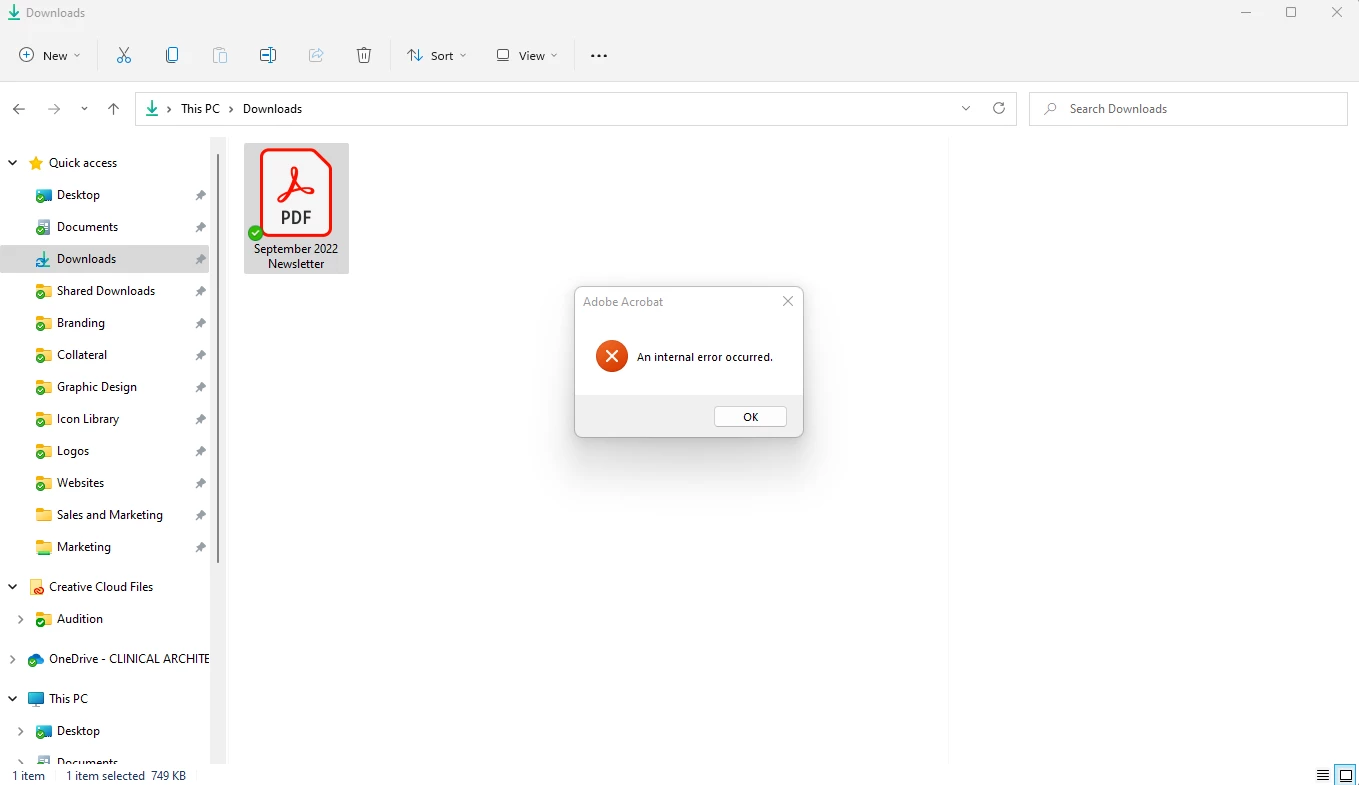
"An Internal Error Occured" when clicking on a PDF and Windows Explorer preview pane is showing.
Hi there,
Running Windows 11, up-to-date system and up-to-date Creative Cloud and Adobe Acrobat DC. I have my preview pane visible when going through my files, and sometime in the last 2 weeks PDFs no longer show up in the preview pane. Instead, windows explorer freezes for a few seconds and then shows an Adobe Acrobat "An Internal Error Occured" pop-up. I tried clearing out my temporary files, and tried creating a "2022" folder in C:\Users\(user)\AppData\Local\Adobe\Acrobat\ which was suggested in this thread. Neither worked. All other file types (.jpg, .doc, etc.) show up in the preview pane just fine. Any suggestions?
 AdChoices