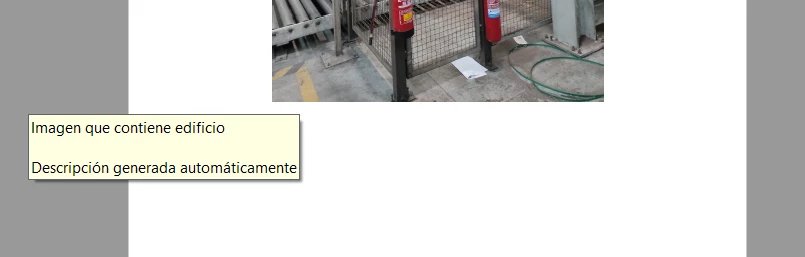
This is "alt text", an accessibility feature which allows somebody with assistive devices (e.g. a screen reader) to find out what the image is, without being able to see it. So in general, this is a good thing. In Word, when you right-click on the image, you can edit this alt text. If it's in the PDF file (as in, the PDF file is an accessible file), I don't think you can prevent this popup.
Thanks so much!
That's a good way to delete this alternative text from Word, but it takes you much time (depending on the length of the file) if you have many pictures in your file.
However, I think that I have found one solution (furthermore yours), that consist of deselect this part in the "Options" window when you are saving as PDF one Word file. I mean:
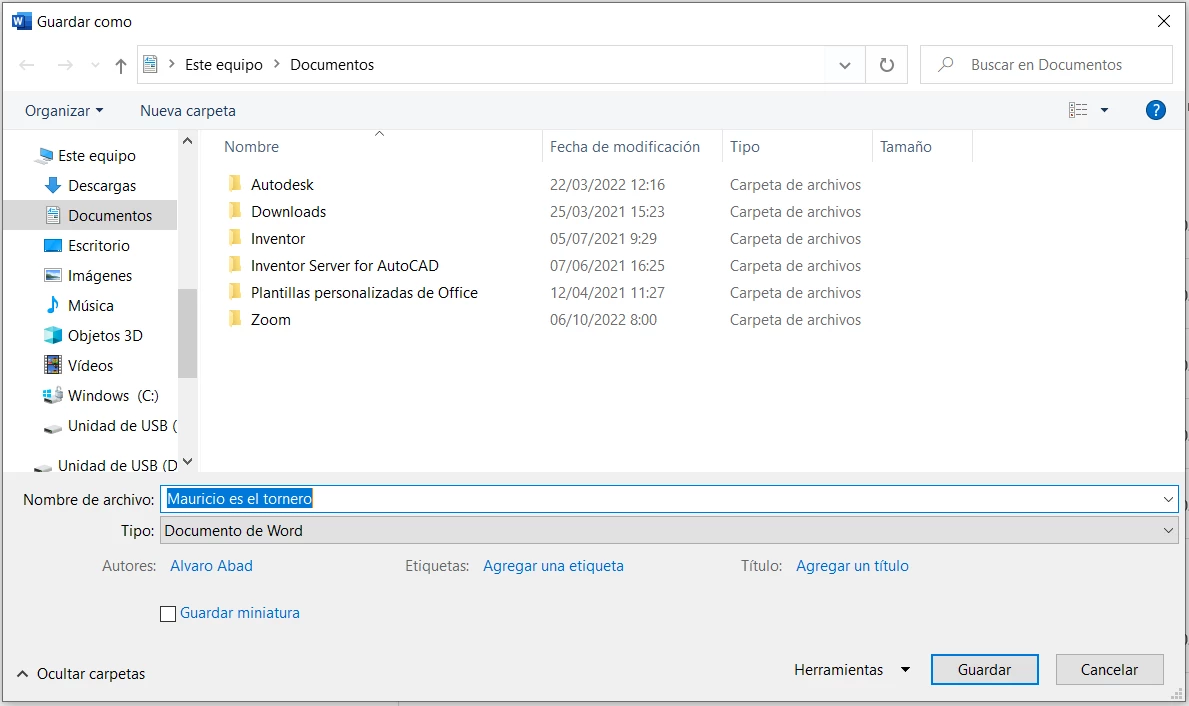
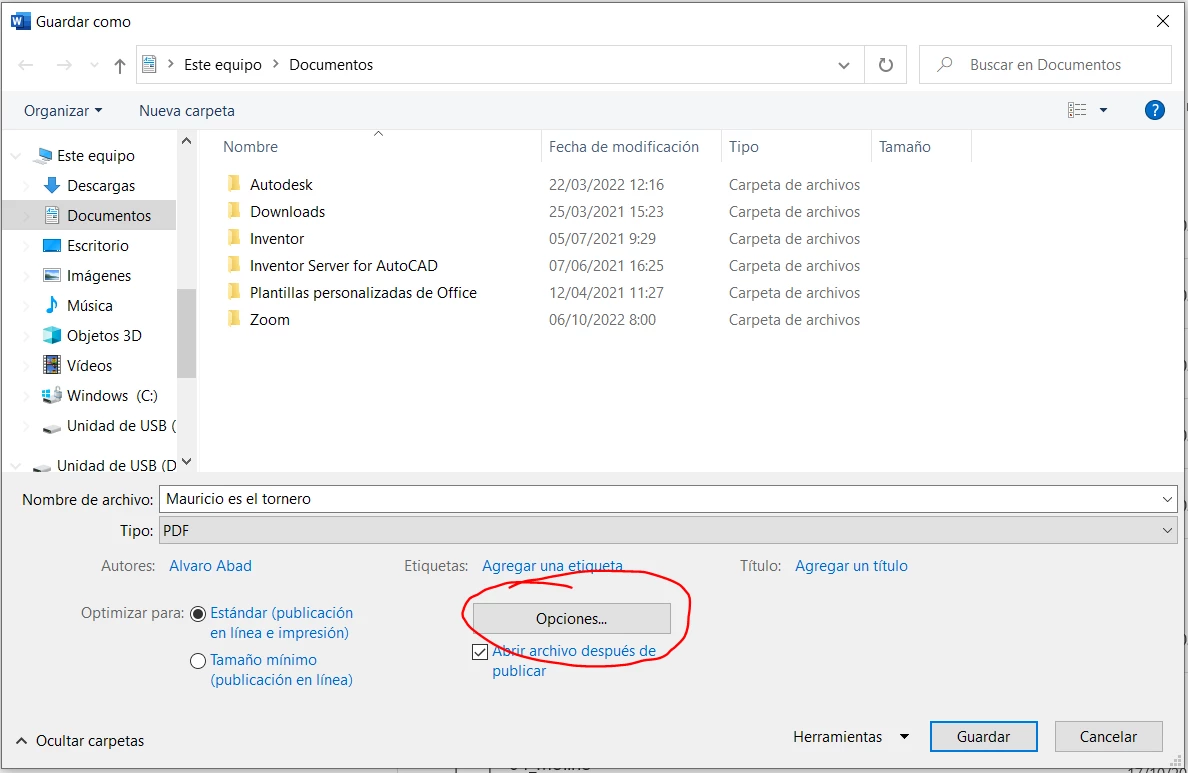
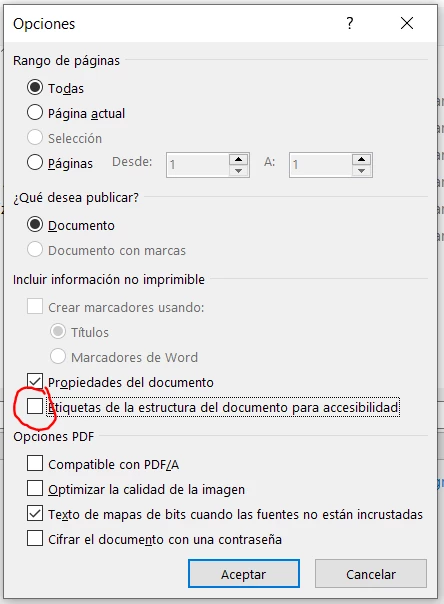
And when you do that, the file in PDF format is without any alternative text when your cursor is over an image.
Thanks for all Karl!

 AdChoices