



Question
Bug Report - Acrobat Pro - "dead" windows displayed in Windows 11 taskbar
Unknown if this an Acrobat Pro bug or Windows 11, but if I hover the cursor over the acrobat pro icon on the task bar, I get a list of documents that are currently open PLUS a list of “dead” documents.
These cannot be closed.
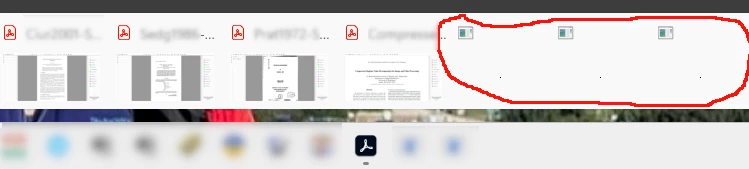
If I “close all tabs” in Acrobat, only the real documents will disappear - the dead ones will continue be listed. AFAICS it might take a restart of windows to clear these, but I may be mistaken.
 AdChoices