


Conveniently access "recognize text" feature?
Hello,
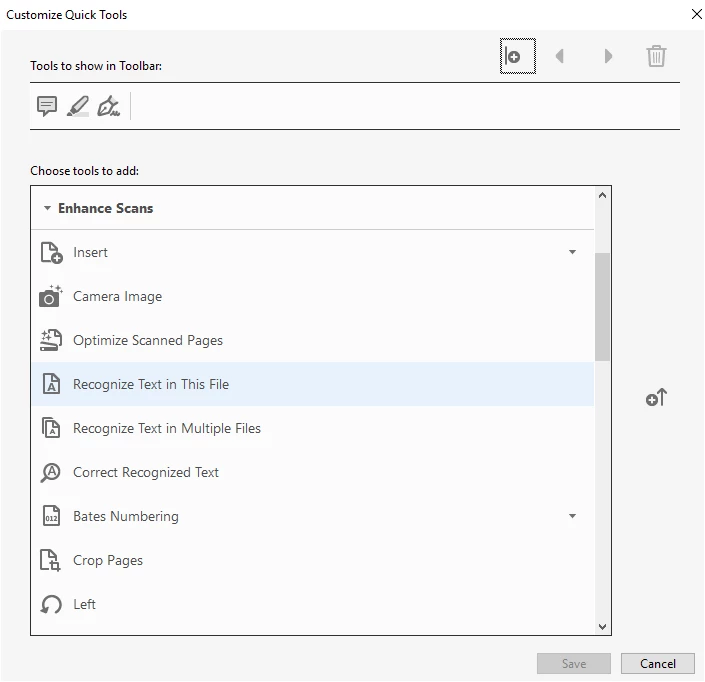
I am using Acrobat Pro DC on a Macbook. I receive batches of several PDFs at once via email and must always OCR one or two of them. Most of the time I can simply right click in the body of the document and select "Recognize Text". However, sometimes this command doesn't appear in the contextual menu. Since I am unable to locate any part of the interface that actually contains this command, my only choice is to use the "Search tools" function and partially type the name of the command. This is very inconvenient and I would like to either know some place the command can be accessed directly or some method of placing it in a "quick access" bar or some other interface element that would let me access this feature without having to search for it—preferably without having to navigate through multiple menu levels.
I am aware that there may be an option to OCR all documents automatically by default, but this would not be useful to me.
 AdChoices