


andyw13412392
Participating Frequently
March 6, 2018
Question

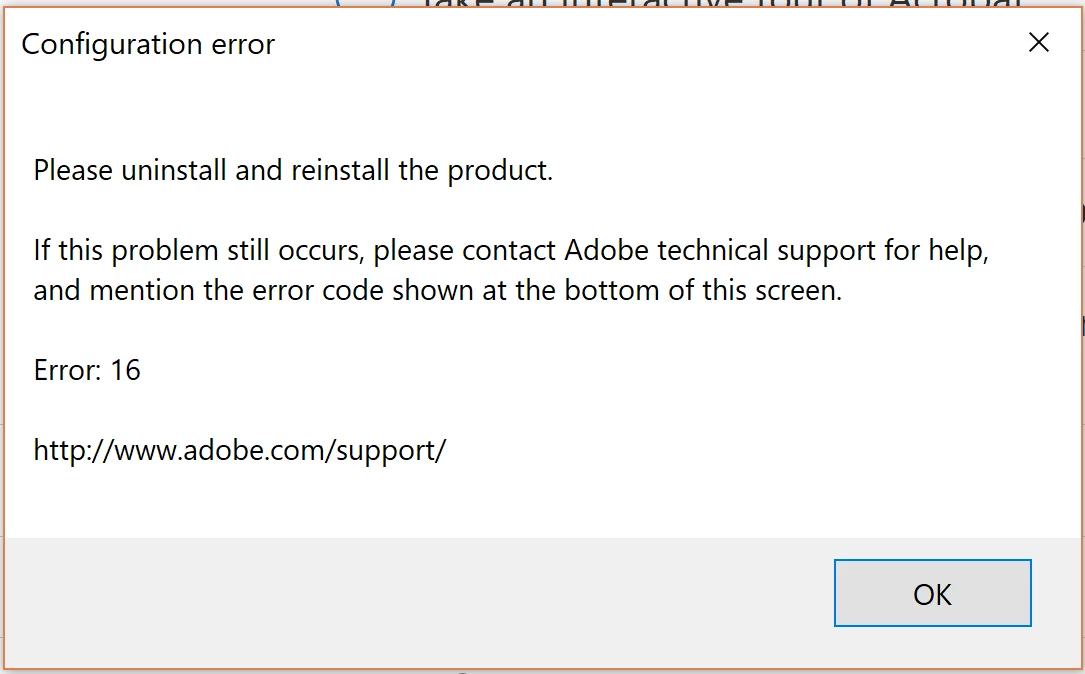
Error 16 installing Acrobat DC inCreative Cloud

  • March 6, 2018
  • 1 reply
  • 1337 views

Hi all,

I'm having issues installing Adobe Acrobat PRO DC. Following installing, an error message (as per attached picture) comes up and prevent me from using the program.

I have followed the following answers on the forum already but still no luck.

error 16 


Configuration error in Adobe Creative Cloud

I would appreciate any help to fix this issue.

Thanks in advance!
This topic has been closed for replies.

1 reply

kglad
Community Expert
Community Expert
March 6, 2018

uninstall everything cc including preferences, https://helpx.adobe.com/creative-cloud/help/uninstall-remove-app.html

then uninstall the cc desktop app, https://helpx.adobe.com/creative-cloud/help/uninstall-creative-cloud-desktop-app.html

clean your computer of cc files per http://www.adobe.com/support/contact/cscleanertool.html

remove your adobe pcd and slstore folders (see your 2nd link for locations)

restart your computer (don't skip this)

reinstall the cc desktop app, https://creative.adobe.com/products/creative-cloud.

if you're unable to install the cc desktop app at this stage, use an administrator account (solution 4 here, https://helpx.adobe.com/creative-cloud/kb/creative-cloud-missing-damaged.html)

use the desktop app to install your cc programs/trials

andyw13412392
Participating Frequently
March 7, 2018

Hi,

Thanks for you help. I went through your instructions step by step but still no luck.
Any ideas?

Much appreciate you time and help.

Thanks!

kglad
Community Expert
Community Expert
March 7, 2018

what's your os?

do you have an acrobat subscription?  if yes, are you using the cc desktop app from here to install acrobat, https://creative.adobe.com/products/creative-cloud ?