



Question
Execute Menu Item > Navigation > Previous View Doesn't Work on Phone, but Works on Desktop
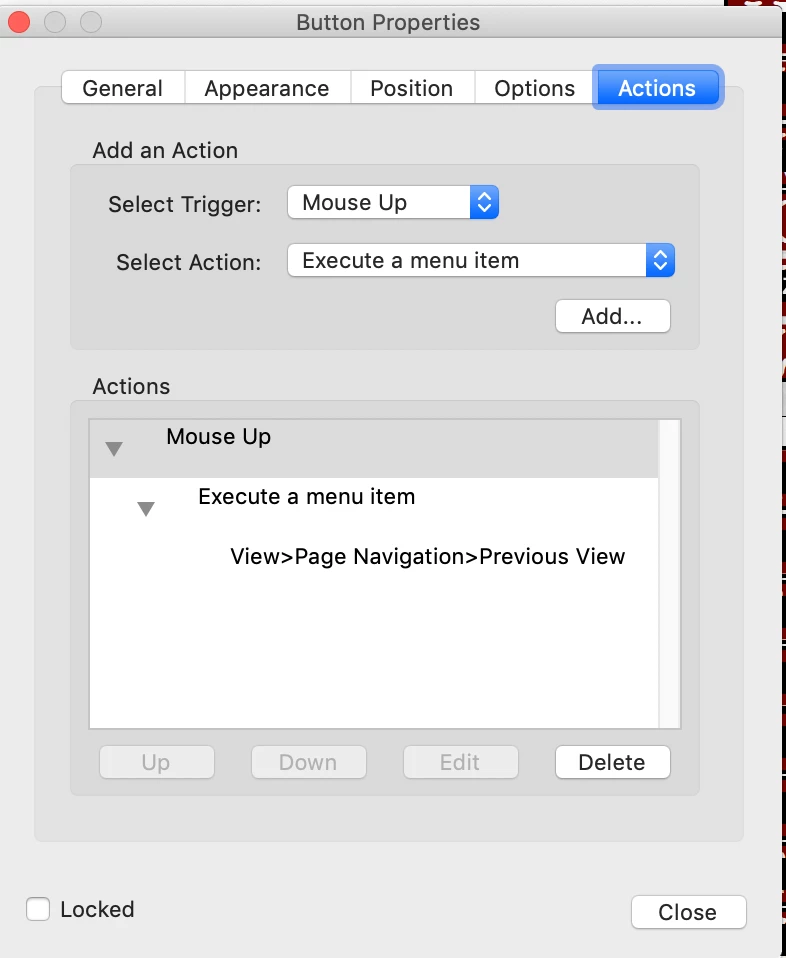
I'm having a lot of trouble understanding why a 'back' button I've created in a document isn't working. I've created a 'live footer' on a PDF made for mobile. There's a link to a 'contents' page and a 'back' button. Back is created by making a Rich Media button with Execute Menu Item > View > Page Navigation > Previous View.
It works perfect on Desktops, as it's supposed to. But on a phone, the 'back' button simply causes the PDF to freeze, or stutter, or do nothing.
Is the answer that 'rich media' isn't supported on devices? If so, what's the workaround? Thank you in advance for any answers. I appreciate the help.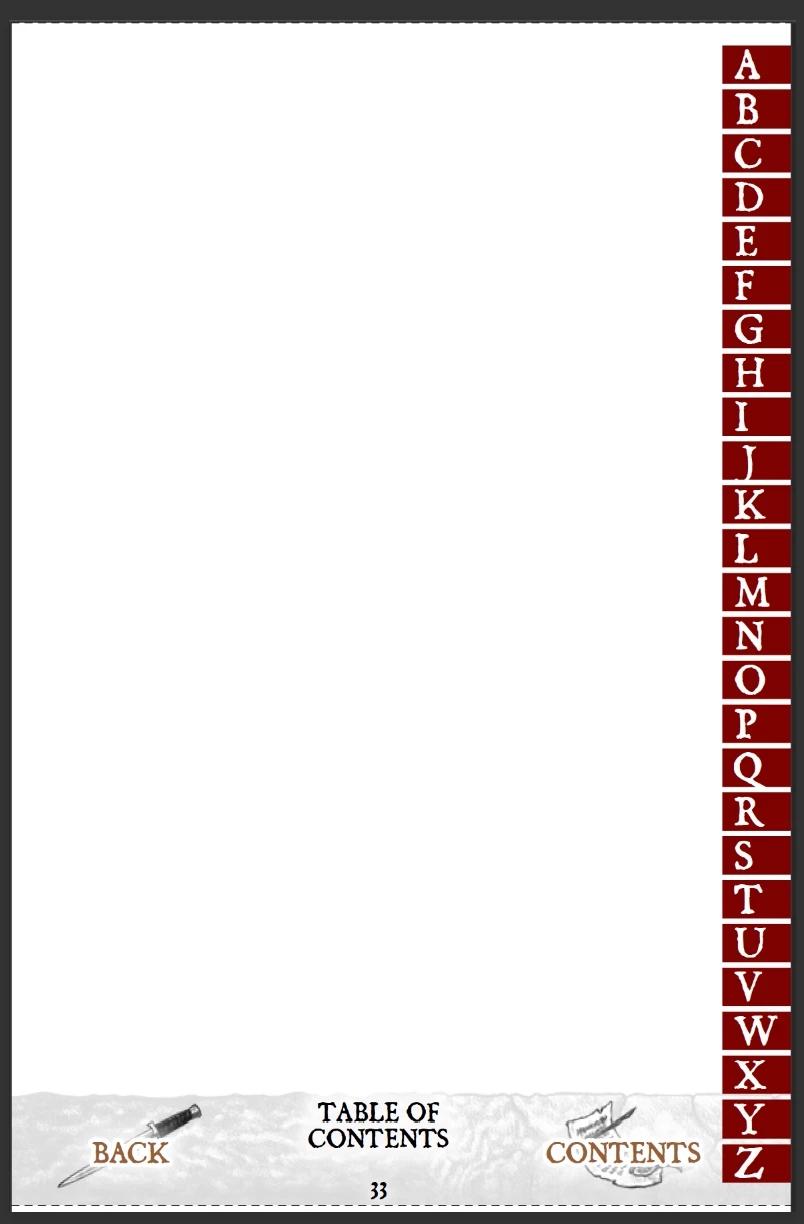
 AdChoices