


New Participant
March 9, 2022
Answered

Font size 'Auto' not working

  • March 9, 2022
  • 2 replies
  • 2364 views

Hi,
I am creating a certificate with a Name field for which I am setting the font size to 'Auto'

When filling the form in Acrobat DC, it works as inteded...
Short name:

Long name: 
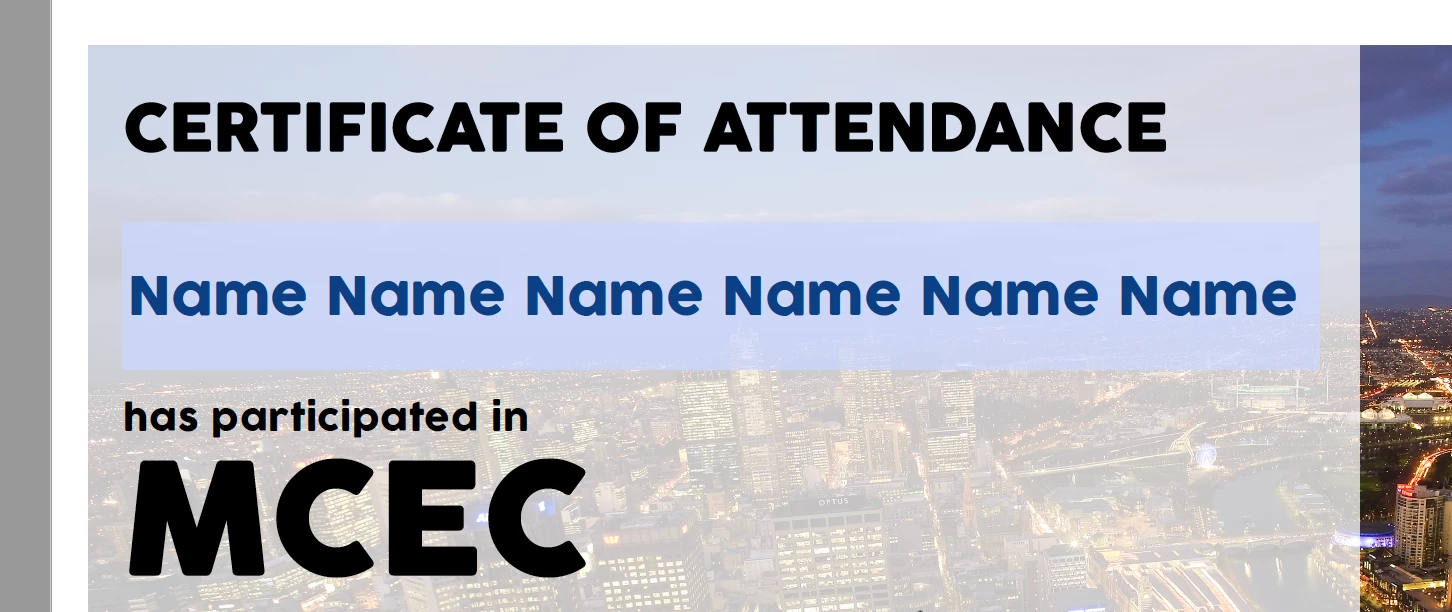
However, once saved as a pdf, the font does not autosize any more. It starts with a small font size that doesnt change and looks like this:
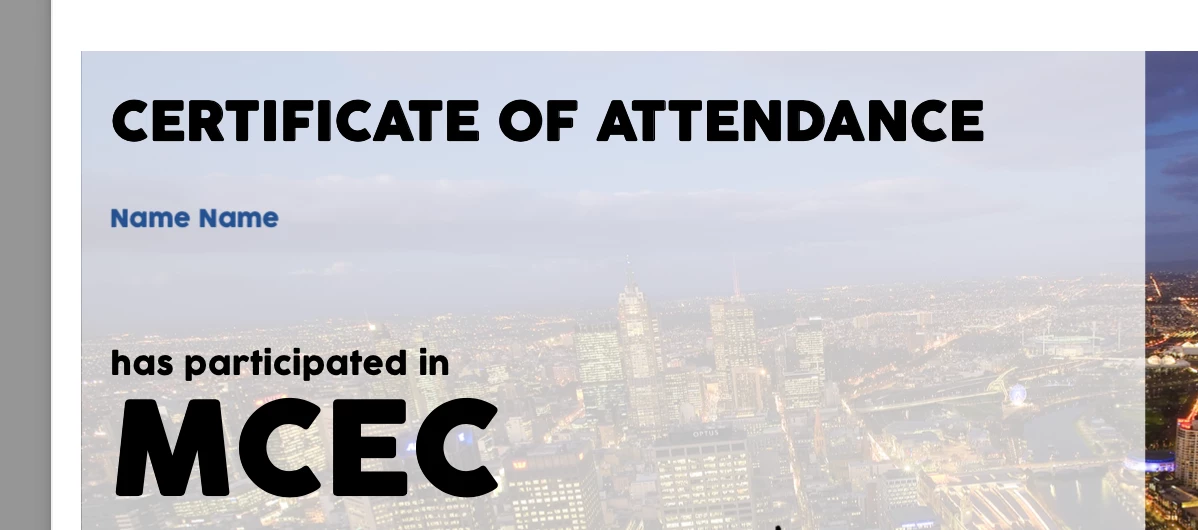
I've gon through alls ettings and can't find an explanation or solution.

Many thanks in advance!


This topic has been closed for replies.
Correct answer try67

Unfortunately, Preview is a very buggy application and is known to corrupt PDF forms just by opening them, so this is not surprising. There's nothing you can do about it, except for complain to Apple and ask them to fix it, and instruct your users not to open the file using this application.
They should stick with Adobe Reader (or Acrobat, if they have it) for best results.

2 replies

JR Boulay
Community Expert
March 10, 2022

Apple Preview support PDF formats from 1.0 (released in 1991) to 1.4 (released in 1999), so that it is more than obsolete.


As its name suggests Apple Preview is a preview software.
It allows you to preview PDF, PSD, DOCX, XLSX, etc. files more or less faithfully, but you don't expect it to have the same functionality as Photoshop, Excel, Word, etc.

It's the same for the PDF format, Preview does not have a hundredth of the features provided by Acrobat.

Acrobate du PDF, InDesigner et Photoshopographe
try67
Community Expert
March 9, 2022

What do you mean by "once saved as a PDF"? If you edit it in Acrobat it's already a PDF...

New Participant
March 9, 2022

Sorry, I wasn't that clear. What I meant is once I open that pdf in an application other than Acrobat DC (eg in Mac Preview or th Acrobat Reader, it displays the font size incorrectly.

try67
try67Correct answer
Community Expert
March 9, 2022

Unfortunately, Preview is a very buggy application and is known to corrupt PDF forms just by opening them, so this is not surprising. There's nothing you can do about it, except for complain to Apple and ask them to fix it, and instruct your users not to open the file using this application.
They should stick with Adobe Reader (or Acrobat, if they have it) for best results.