Participant
May 14, 2022
Answered

Make another field required based on radio button choice - javascript problem

  • May 14, 2022
  • 2 replies
  • 3483 views

I have no experience of scripting, and I'm creating a form using Acrobat Pro DC. I have a number of sets of radio buttons that, depending on user responses, require other fields to be completed. 


I'm stuck on trying to get this to work, despite the community having posted lots of useful scripts for the fields I want user's answers to point to. I used to be able to point to a specific field when I created forms a few years ago using LiveCycle Designer but am obviously missing something about how to get the Run a JavaScript function to work.


I have tried to Add an Action to a radio button option (e.g. the Yes button) using 'Run a JavaScript' 


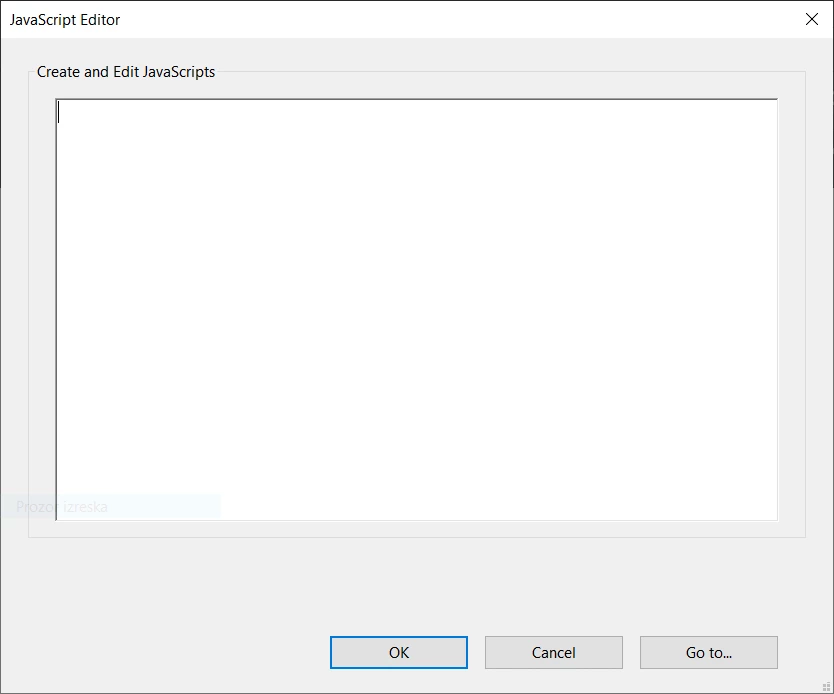
An example is in the Javascript Editor window, I have typed:

if (event.target.value == "Yes")

{this.getField("Employee").required = true;}


What (line detail) do I put in the 'Go to' window that also requires completion? 


Any help would be much appreciated.


Many thanks.  
This topic has been closed for replies.
Correct answer Nesa Nurani

Thanks - see below


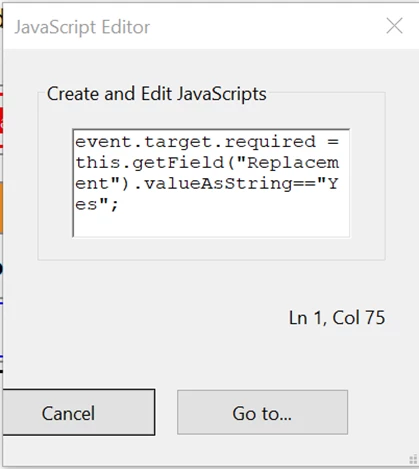
You need to resize editor window so you can see 'Ok' button.

2 replies

try67
Community Expert
Community Expert
May 15, 2022

The code looks fine, except it doesn't change the required property back to false if the field is unticked.

Change it to:

this.getField("Employee").required = (event.target.value == "Yes");

And put it as the Mouse Up event of all the check-boxes in the group.

Another option is to do it from the Calculation event of the text field. That is better as it will also be triggered when the file is cleared. To do that you would need to adjust it slightly, though. You didn't mention the name of the radio-button group, but let's say it's "Radio1". You can then use this code as the custom Calculation script of "Employee":


event.target.required = this.getField("Radio1").valueAsString=="Yes";

Participant
May 15, 2022

Hello


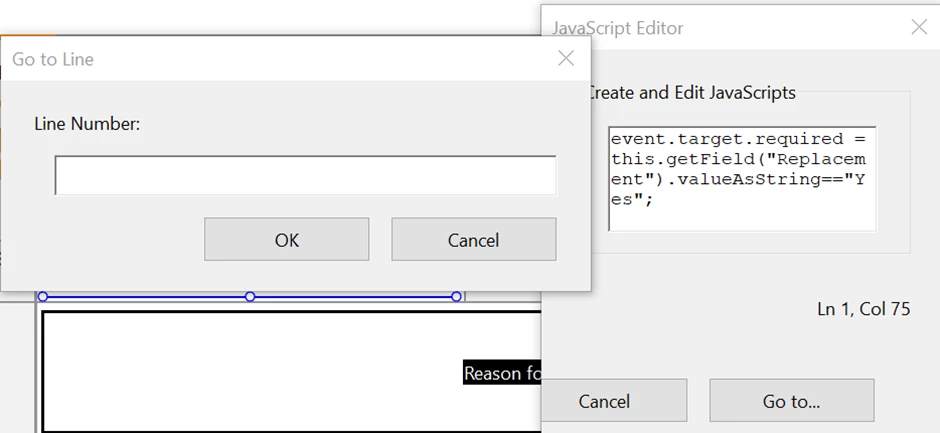
Thanks for looking into this and providing an alternative way forward - sounds good. I've tried going down the route of the custom calcuation script for the 'employee' text field (using the name of the radio button group in substitution for 'Radio1', and have put the suggested script into the Create and Edit JavaScript window. This then shows 'Ln 1, Col 52' underneath the window. I've then tried putting all permutations i.e. just 1, Ln 1 and Line 1 of the line (and even column number) in the 'Go To' pop up, but nothing sticks and I just end up back at the Create and Edit window. Seem to be stuck in some sort of loop whereby my only options are either Cancel or Go To, and the latter is where I'm obviously doing something wrong.


As I said in my original post, I'm an absolute newbie when it comes to scripting, so it's likely to be something obvious that I've missed in how to deal with the 'Go To' bit, so bear with me!


Many thanks.


try67
Community Expert
Community Expert
May 15, 2022

Post a screenshot of what you're seeing, as it's not clear at all what's happening...

Nesa Nurani
Community Expert
Community Expert
May 15, 2022

'Go to' in javascript editor is to jump to specific line.

What exactly are you trying to achive?

Participant
May 15, 2022

Hi there


Many thanks for the reply. I'm trying to take the user to a specific (text) field that they will be required to complete, depending on their choice of radio button answer i.e. if they opt for 'yes', they have to go to one field to provide further information, and if they opt for 'no' they have to go to a different text field where they will be required to provide further details relevant to that response. 


Kind regards.