Participating Frequently
May 8, 2024
Answered

Missing Preflight Profiles and Fixups

  • May 8, 2024
  • 1 reply
  • 7414 views

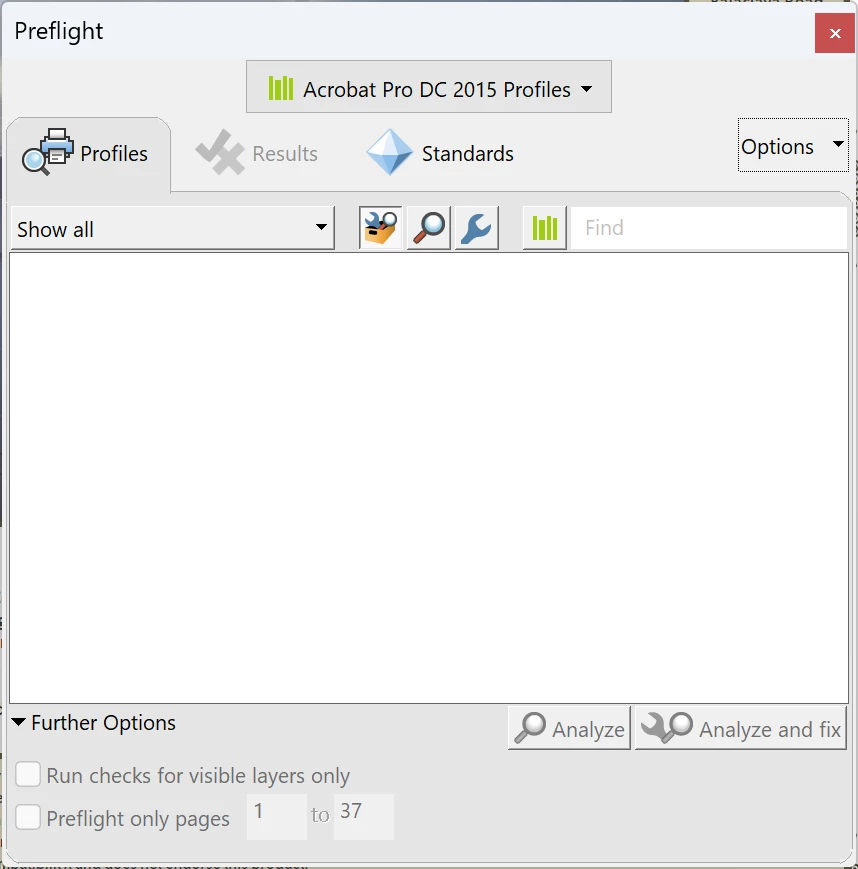
For some reason all of the preflight profiles and fixups are missing from my Adobe Acrobat. I'm running the latest DC subscription version with all updates installed.


Also tried a clean install with no luck.


I need to use some of these features, how can I get them back?
 

Correct answer Amal.

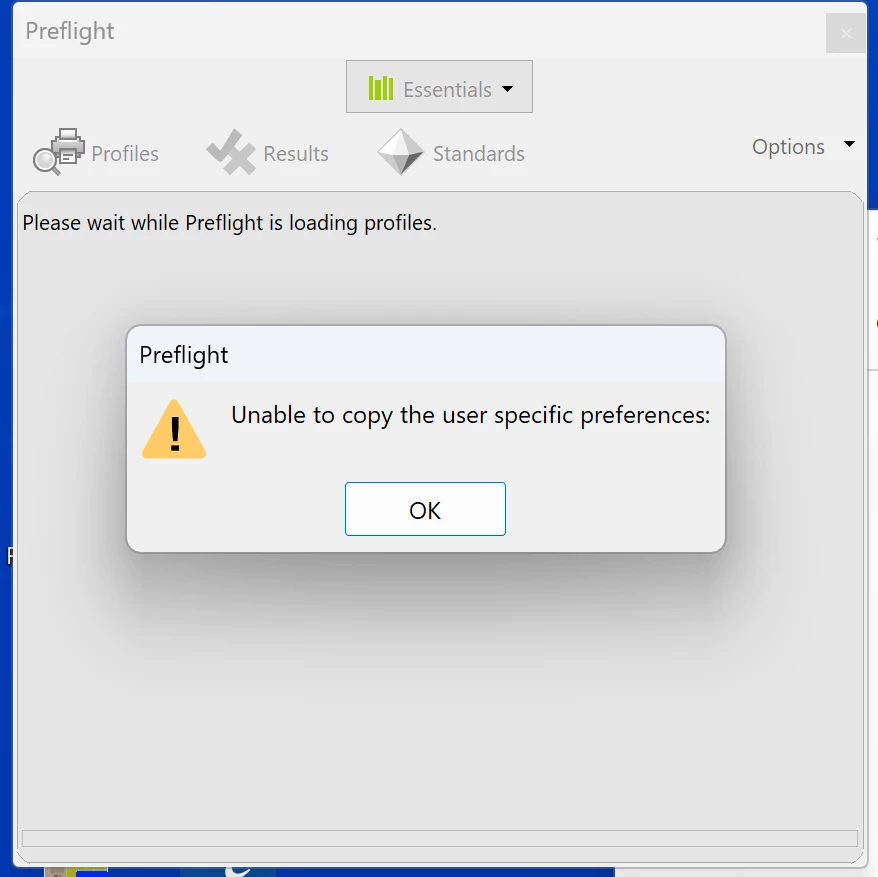
Now I am getting a new error. 


Hi there


Sorry to hear that, please go through the correct answer marked in the similar discussion https://community.adobe.com/t5/acrobat-discussions/preflight-error-unable-to-copy-the-user-specific-settings-then-crashes/m-p/14067782#M427889


Let us know how it goes.


~Amal

1 reply

Amal.
Legend
May 8, 2024

Hi @Felipe Seiber 

Hope you are doing well and sorry to hear that

What is the version of the OS and the Acrobat DC you are using? To check the version go to Help > About Acrobat and make sure you have the recent version 24.02.20736 installed. Go to Help > Check for updates and reboot the computer once.

Also try to repair the installation from the help menu (Win Only) and see if that works.

Please try to reset the Acrobat preferences as described here https://community.adobe.com/t5/acrobat-discussions/how-to-reset-acrobat-preference-settings-to-default/td-p/4792082

You may also try to create a new test user profile with full admin rights in Win or enable the root account in MAC and try using the application there and check.


~Amal


Got your issue resolved? Please label the response as 'Correct Answer' to help your fellow community members find a solution to similar problems.

Participating Frequently
May 9, 2024

This is the the Acrobat version I am running. 


After I deleted preferences now I get this message 


I have also done the repair installation as advised then restarted and it still doesn't work. 


Amal.
Legend
May 9, 2024

Hi there


Please try to Disable the sandbox feature in Acrobat for testing (under Preferences > Security (Enhanced) > Enable Protected Mode at startup (Preview)) and see if that works. 


Note: Please turn on the security after testing to avoid any security risks.


Let us know how it goes.


~Amal