Known Participant
October 28, 2021
Answered

Signature and Calendars Just Text on Form

  • October 28, 2021
  • 1 reply
  • 424 views

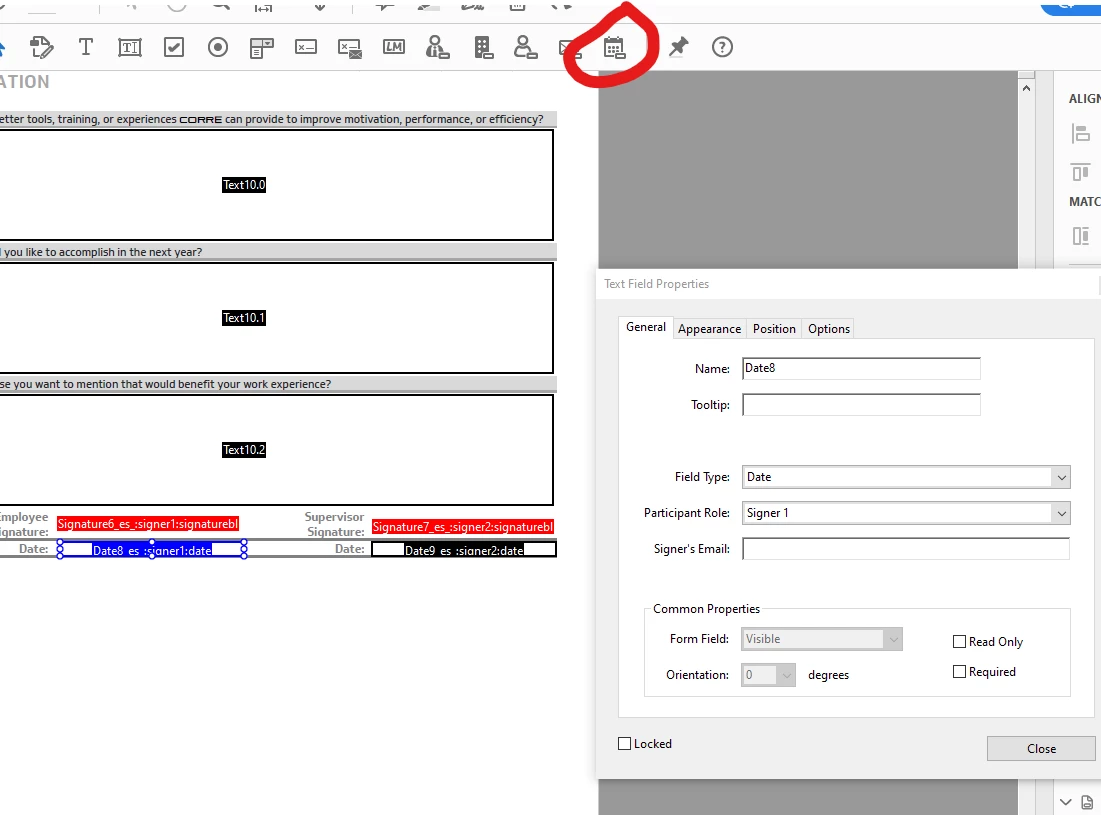
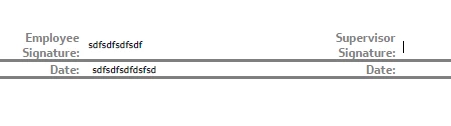
When creating a form, the signature block and date fields are just appearing as text fields. When the user clicks the signature block, they are not prompted to sign digitally, they are just able to type their name. When a date field is clicked, a calendar doesn't appear to choose the date, and they can type any character in the field. 


We are using Adobe CC and are updated through today. 


This topic has been closed for replies.
Correct answer mattPjhfit

Just found this:  

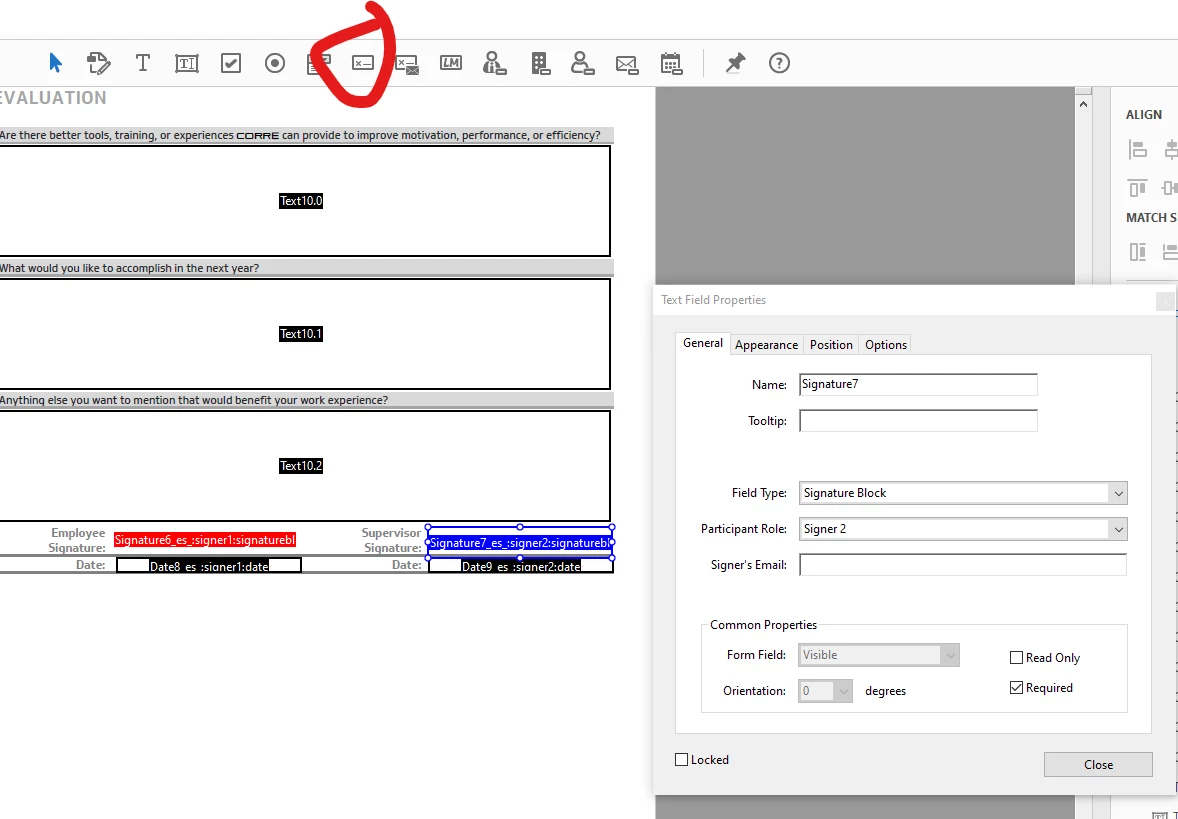
What you've done is created a form that's compatible with Adobe's E-sign services (Adobe Sign, e-signatures online, formerly EchoSign | Adobe Document Cloud ), which is entirely different than and incompatible with digital signatures.

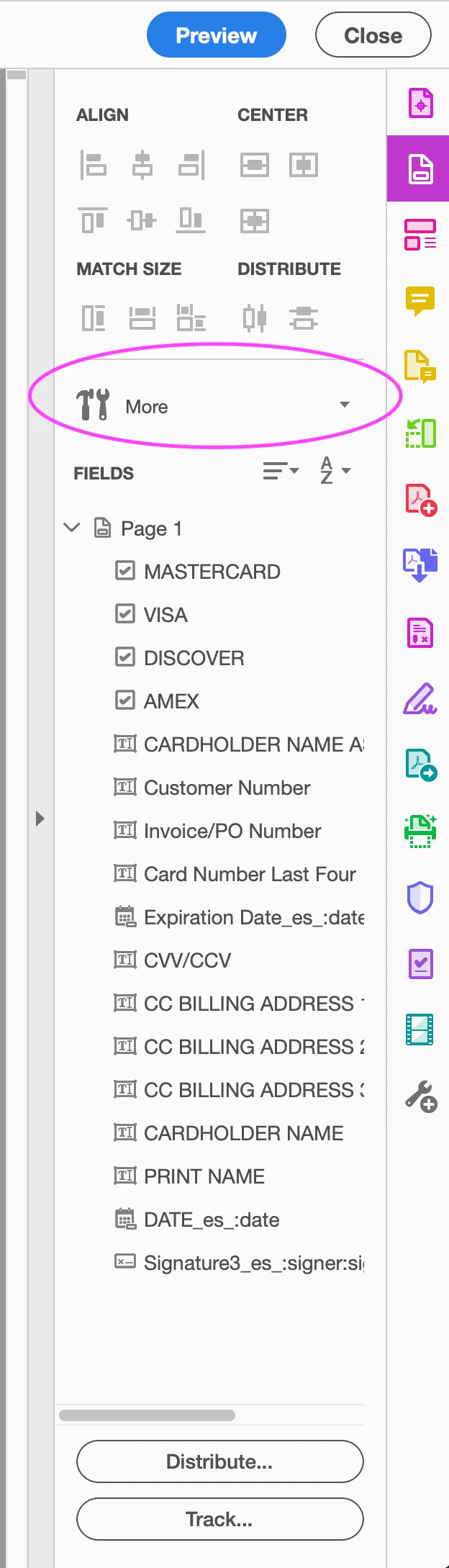
When in form editing mode, select the "More" button and select "Revert to Acrobat Form".You'll then be able to add a digital signature field.

1 reply

mattPjhfit
mattPjhfitCorrect answer
Participant
October 28, 2021

Just found this:  

What you've done is created a form that's compatible with Adobe's E-sign services (Adobe Sign, e-signatures online, formerly EchoSign | Adobe Document Cloud ), which is entirely different than and incompatible with digital signatures.

When in form editing mode, select the "More" button and select "Revert to Acrobat Form".You'll then be able to add a digital signature field.