


Community Expert
May 17, 2020
해결됨

Managing Images you use in the forum

  • May 17, 2020
  • 4 답변들
  • 1787 조회

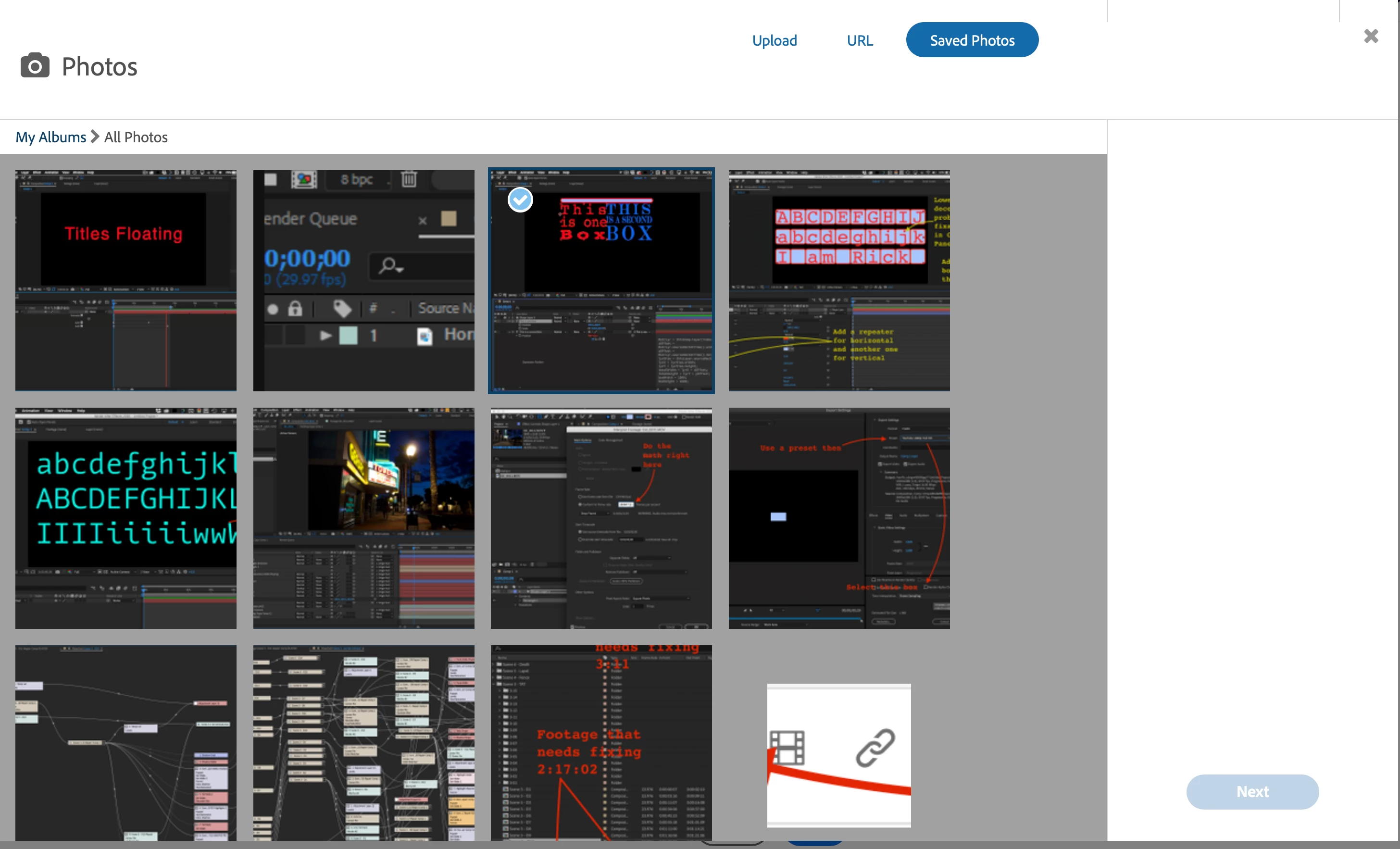
There's a great feature in the Insert Photos tool on the forum that allows you to browse through your Saved Photos. 
There is even a section called My Albums.
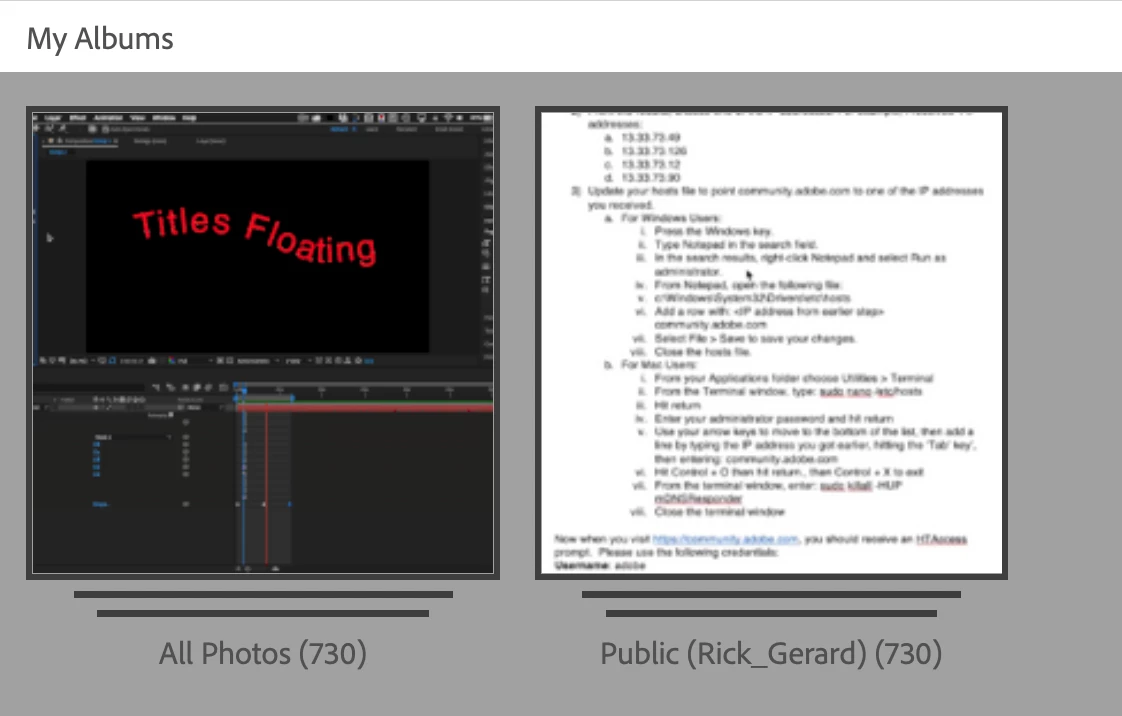
Unfortunately, I don't see and can not find any way to edit these albums. I thought it would be somewhere in my Profile. It would be a great time saver if the albums could be edited like you can edit the Macros. It would make my life easier.

최고의 답변: Peru Bob

Go here:

https://community.adobe.com/t5/media/gallerypage/user-id/9177214

but substitute your user ID instead of 9177214 (mine).

The user ID is the number at the end of the address bar when you go to your account profile.

4 답변

Participating Frequently
September 17, 2025

Thank you, Rick, for highlighting this feature! The Insert Photos tool truly makes forum interactions more dynamic and engaging. Having access to previously Saved Photos not only saves time but also helps in maintaining consistency across different threads — especially when sharing repetitive visual issues or tutorials. It’s a small feature, but one that adds a lot of value for regular contributors and learners alike. Appreciate you sharing this insight!

kglad
Community Expert
Community Expert
September 17, 2025

just to add:  don't use the insert photo option.  copy and paste images into replies.

Just Shoot Me
Legend
May 23, 2020

In my opinion the little thumbnails shown in the "Saved Photos" screen are just about useless. Since you can't see the whole image to see exactly what is included how do you actually select the right one.


Just like most of this forum system it is poorly setup.

Sil.C
Community Manager
Community Manager
May 18, 2020

Hi Rick, Bob got that link from me and I got it from engineering. It looks indeed like deleting an image using that link will also remove it from the post. 
I logged a request to our Feedback Tracker so that the option can be enabled to manage these on a profile level and 'hide' them but not delete them.

Rick GerardCommunity Expert작성자
Community Expert
May 18, 2020

Hiding them from the catalog but not deleting them from a post would be extremely helpful. I use a bunch of images in my posts and there are several times when I would like to be able to quickly find examples from other posts instead of creating a screenshot again. The albums save time, but finding an image from a long time ago is pretty tedious. Even better would be a search tab that could find images based on the description you may add to your images.


Just Shoot Me
Legend
May 23, 2020

I SAVE all my screen shots to my main computer in a folder call Post Pictures. At least in the Windows File manager I can set it to shoe Extra Large Icons so I can SEE the complete images and find the one I'm am looking for. 

As you I reuse screen shots a lot and don't want to always take a new one.


Peru Bob
Community Expert
Peru BobCommunity Expert답변
Community Expert
May 18, 2020

Go here:

https://community.adobe.com/t5/media/gallerypage/user-id/9177214

but substitute your user ID instead of 9177214 (mine).

The user ID is the number at the end of the address bar when you go to your account profile.

Rick GerardCommunity Expert작성자
Community Expert
May 18, 2020

Interesting. Now that I look at the albums it looks like if you delete one of the images it removes it from the forum. I'm curious, Peru Bob. How did you discover the album pages?