



Uploaded images must be larger - Impossible to use todays images
In many threads screen dumps form users are the key of being able to help users. In the old forum people could upload images and one could easily *see* the parameters in let´s say the Export Settings dialog in Premiere Pro.
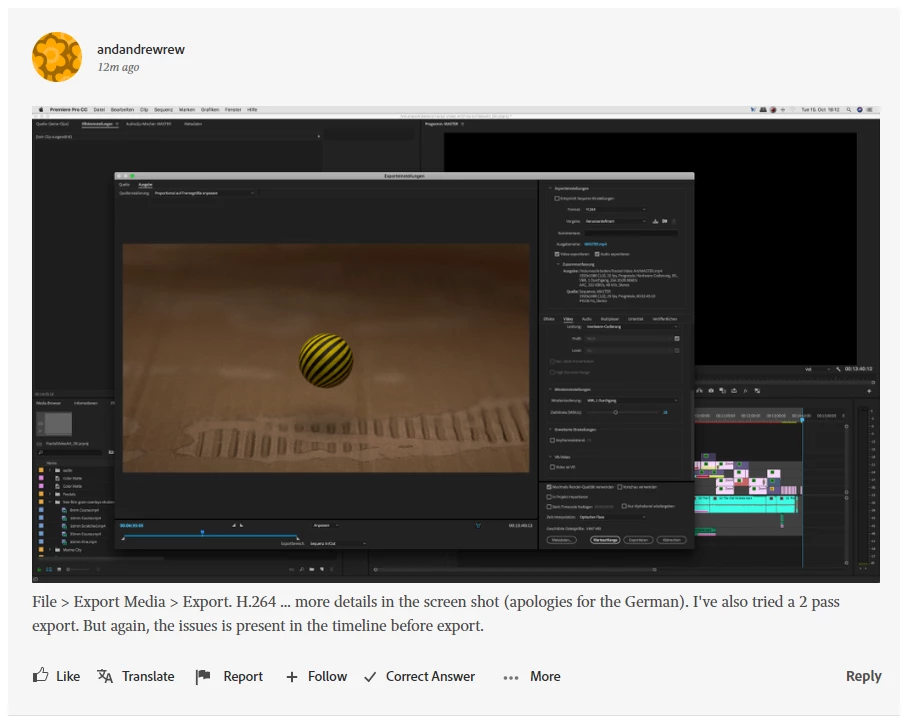
If someone upload an image today it is impossible to see any setting. If i click the image it is actually smaller than is i look at the picture in the thread. It seems that the new forum do similar to what Facebook do, iow it scales down images to a size that are predefined but unfortunately impossible to use.
In this thread the TS answers byroncortez but it is impossible to see the details of the Export Settings used by the TS: Glitch on 4K footage in 1080p sequence
Try to read the frame size and other settings from that picture. This must be solved asap.


 AdChoices