



johnrellis
Legend
May 5, 2022
Answered

Zoom button on images in posts doesn't work

  • May 5, 2022
  • 3 replies
  • 353 views

The zoom button in the upper-right corner of images in posts no longer works -- it results in a black window. E.g. in this thread:
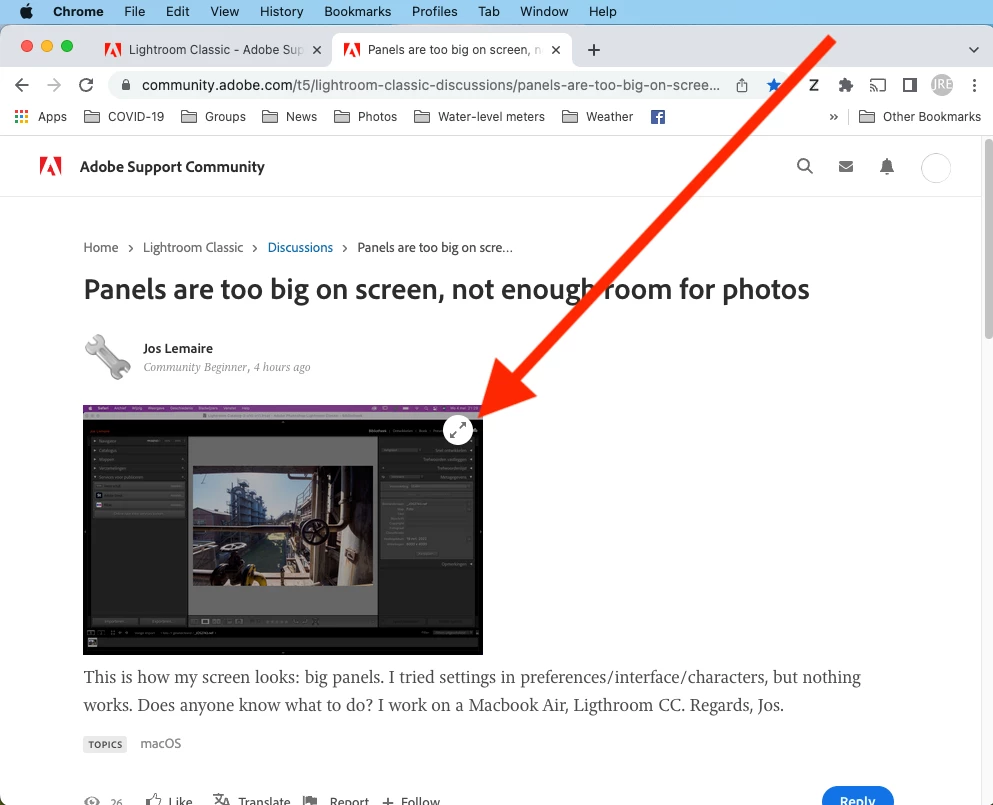
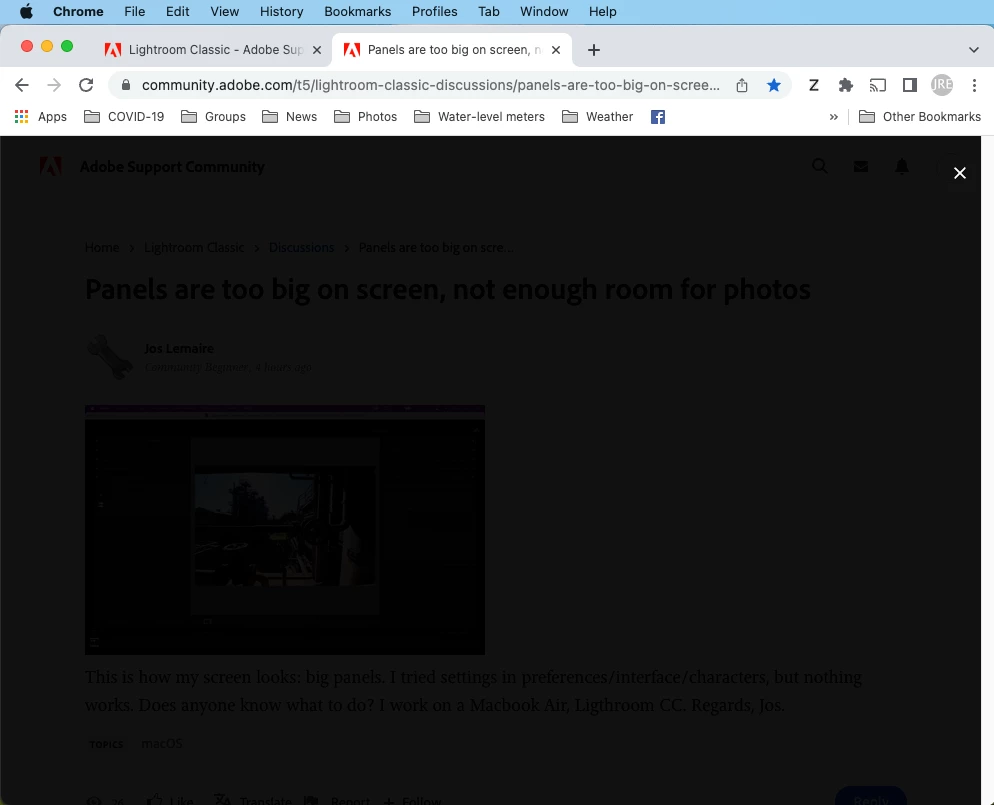
https://community.adobe.com/t5/lightroom-classic-discussions/panels-are-too-big-on-screen-not-enough-room-for-photos/td-p/12922609


Tested on Chrome, Firefox, and Safari on Mac OS 12.3.1; and on Chrome, Firefox, Edge on Windows 10; on two different networks (fiber and cell data); across several days; after deleting all browser site data.



    This topic has been closed for replies.
    Correct answer Sil.C

    Got some news about this issue! We will be rolling out the fix in our upcoming release which is scheduled on Monday.

    3 replies

    Sil.C
    Community Manager
    Sil.CCommunity ManagerCorrect answer
    Community Manager
    May 11, 2022

    Got some news about this issue! We will be rolling out the fix in our upcoming release which is scheduled on Monday.

    Sil.C
    Community Manager
    Community Manager
    May 5, 2022

    Thanks for flagging, John!
    This was reported to Khoros earlier this week. Our Community Product Team are working closely with them in order to identify a fix, which we expect they'll have shortly.

    johnrellis
    Legend
    May 5, 2022

    It's happening with the images in this thread too.