


Participating Frequently
November 16, 2016
Question

How to make text flow from one page to the next and be selectable?

  • November 16, 2016
  • 3 replies
  • 16123 views

Hi,

I have a multi-page PDF document. It looks like this:
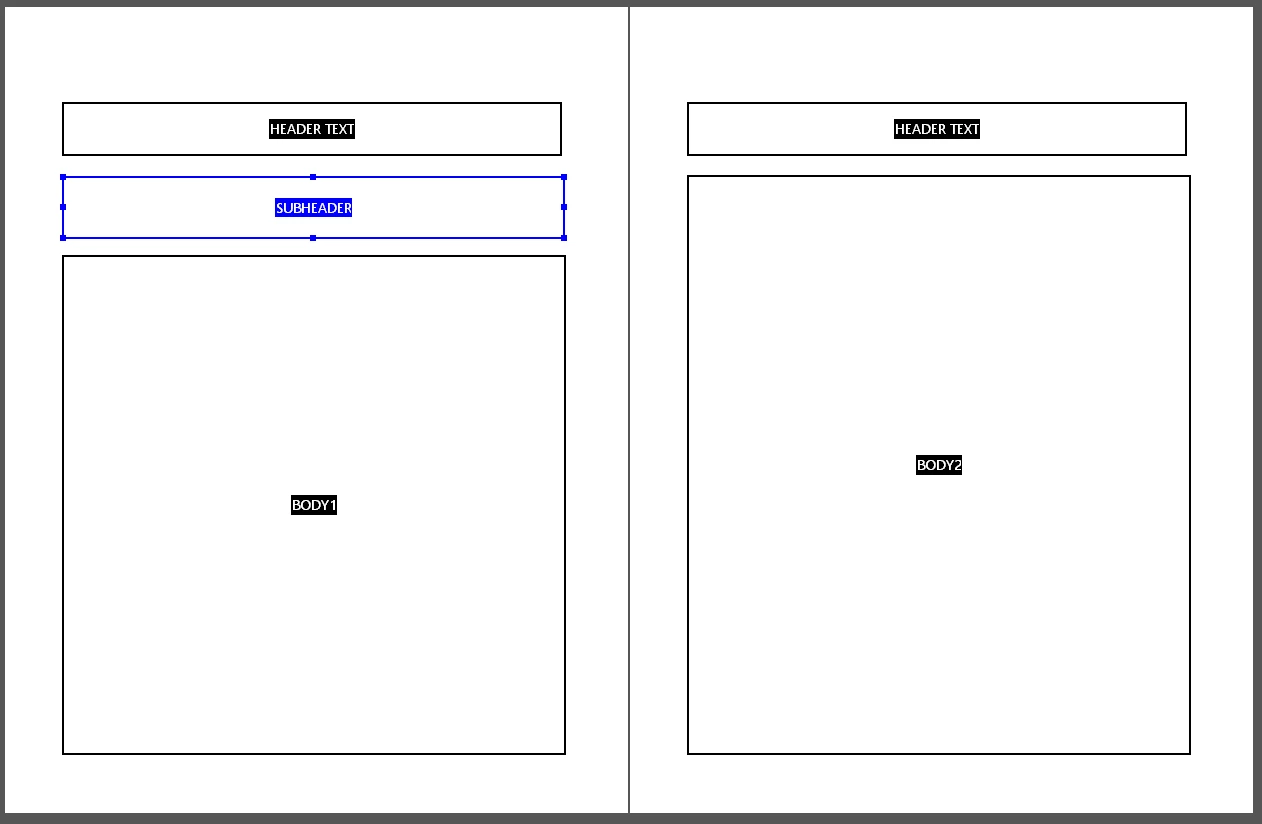
I am trying to make it so that text entered will automatically flow from the text field BODY1 to BODY2, and so on. I also need it to be selectable when someone else opens it, with CTRL+A like here: https://erc.europa.eu/sites/default/files/press_release/files/erc_press_release_adg2015_results.pdf

How do I do this?

Thank you!

This topic has been closed for replies.

3 replies

New Participant
January 11, 2022

Not sure if this is exactly what you wanted or if it will work across pages...but while I was trying to find the same answer I found this solution to flowing text from field to field.  It's not perfect, but it pretty much did what I wanted.  I too, find it hard to believe it's "not possible".   Here's the link.  Skip to part about entering the javascript in the edit of the custom properties of the text fields.   https://community.adobe.com/t5/acrobat-discussions/how-to-link-two-or-more-text-field/td-p/1109259


Bernd Alheit
Community Expert
November 17, 2016

The example is a PDF document exported from MS Word.

Participating Frequently
November 17, 2016

OK - I get that. But how do I achieve what I need to?

Bernd Alheit
Community Expert
November 17, 2016

Not possible with Acrobat.

try67
Community Expert
November 17, 2016

Not possible in a PDF file.

Participating Frequently
November 17, 2016

Hi,

Thanks for your message.

I find that hard to believe. How was it done in the link I reference in my post? It's a PDF.

Thanks!

try67
Community Expert
November 17, 2016

There are no form fields in that file, which is what I had assumed you were talking about (since you posted in the PDF Forms forum)...

Are you talking about static text? If so, all you have to do to achieve that is set the "Enable Scrolling" viewing option, under View - Page Display.