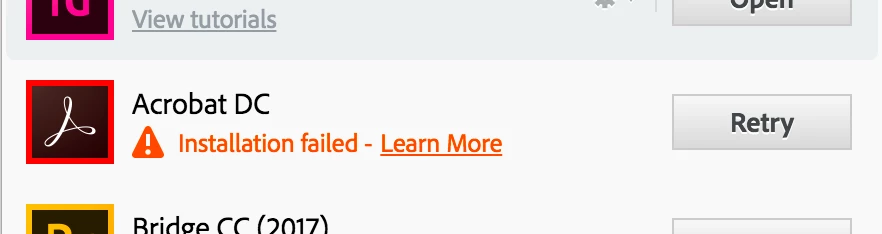
I am also experiencing this exact scenario as you describe. I'm also looking for answers. Also when trying to uninstall and then install via the Creative Cloud app, I get an installation failed" message. When I click the Learn More I get:
Exit Code: 7
Please see specific errors below for troubleshooting. For example, ERROR: DW003, DW006 ...
-------------------------------------- Summary --------------------------------------
- 0 fatal error(s), 2 error(s)
----------- Payload: Adobe Acrobat DC 17.9.20058.0 Acrobat DC/Acrobat DC Installer.pkg_17.009.20058 -----------
ERROR: DW006: Apple Package failed to install successfully.
ERROR: DW003: Third party payload installer /tmp/26047018-6B6B-4774-B90A-B4F27DA96956/Acrobat_DC_Web_WWMUI/Acrobat DC/Acrobat DC Installer.pkg failed with exit code: 1
-------------------------------------------------------------------------------------
https://helpx.adobe.com/creative-suite/kb/error-exit-6-exit-7.html



 AdChoices