Participating Frequently
October 4, 2017
Answered

I need to change numbering of footnotes in Framemaker

  • October 4, 2017
  • 1 reply
  • 1413 views

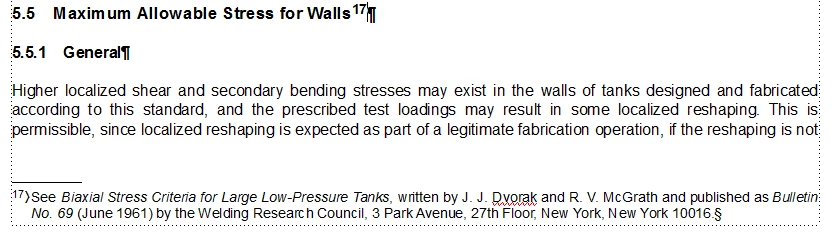
I'm an editor of an industry journal, and got corrections back from an author. He wanted the numbering of footnotes changed. I've attached a screenshot below; he wants the "17" changed to a "15" but I'm not sure how to do that. I'm hoping I can do this and the numbering is automatically changed for all subsequent footnotes.

By the way, I work primarily in Word, so appreciate any FM help. Thanks!--Andy

    This topic has been closed for replies.
    Correct answer Barb Binder

    Hmm ... it's actually not a book. There are about 20 separate FrameMaker files, and there is one chapter in each of them. The chapters aren't connected in any way. I think I probably need to treat each file as its own "book" ...

    There IS automatic footnote numbering within each file, but since the files aren't connected, the numbering doesn't continue from one file to the next.

    Just as an example, what I need to do with one particular file is have the first footnote be "16" then "17" and all the way up to "20." Then, I want to open the next file and make the first footnote be "21" etc.

    I'm sure this is a convoluted way of doing things, but it's what I have to work with; hopefully my issue is a bit clearer and that you can help.

    Thanks!


    There are about 20 separate FrameMaker files, and there is one chapter in each of them

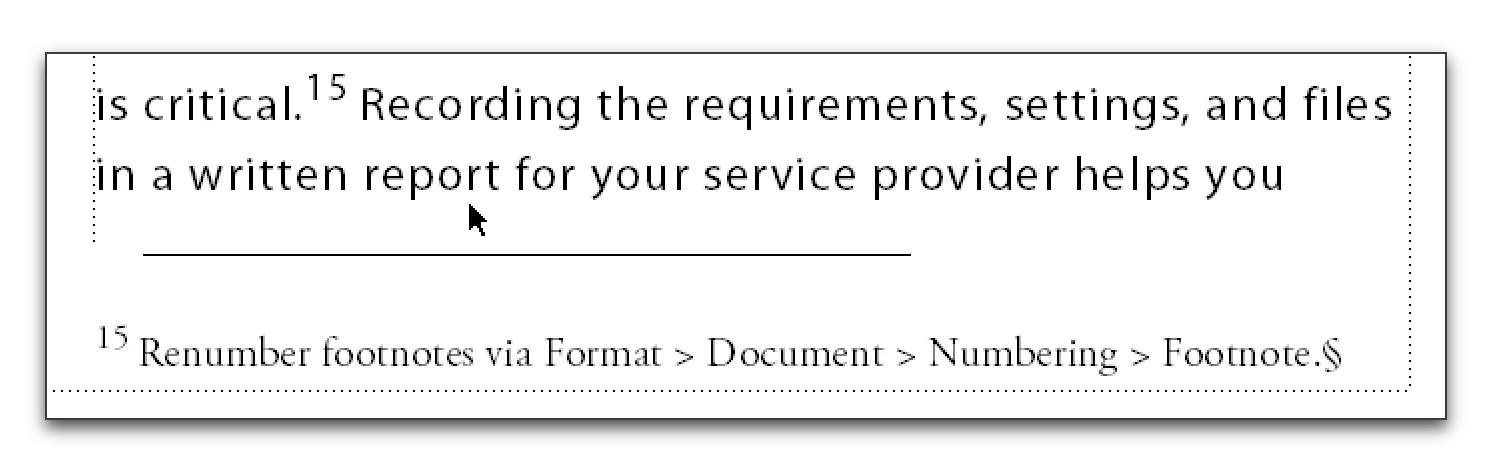
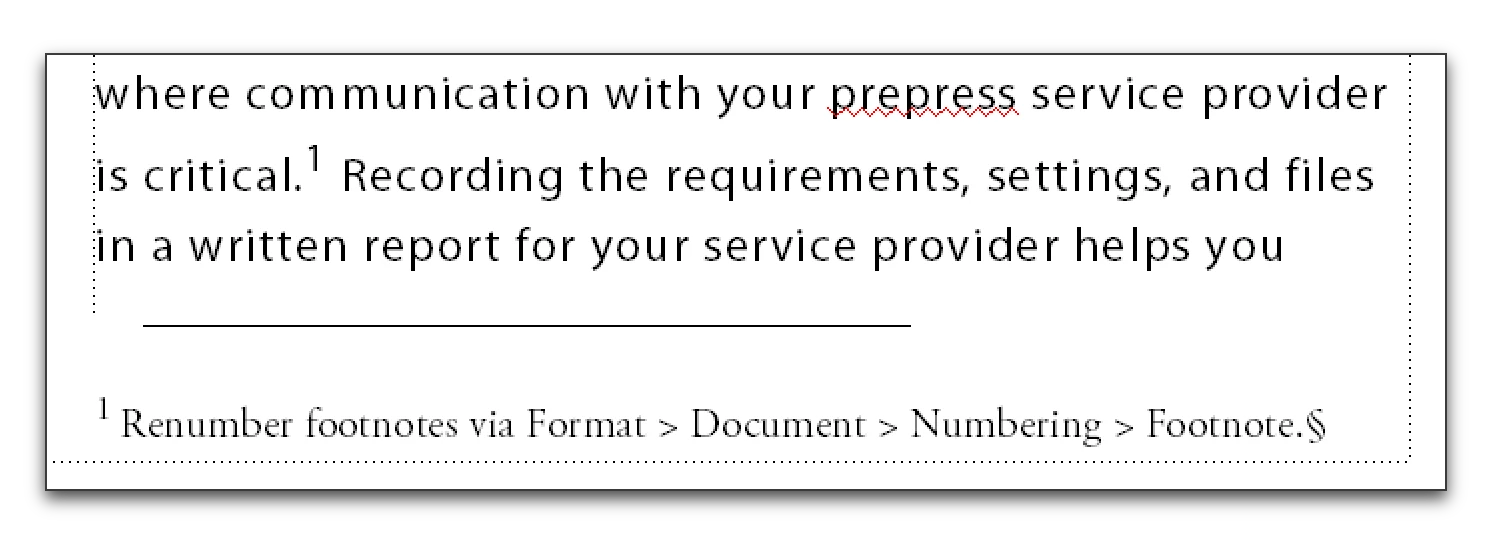
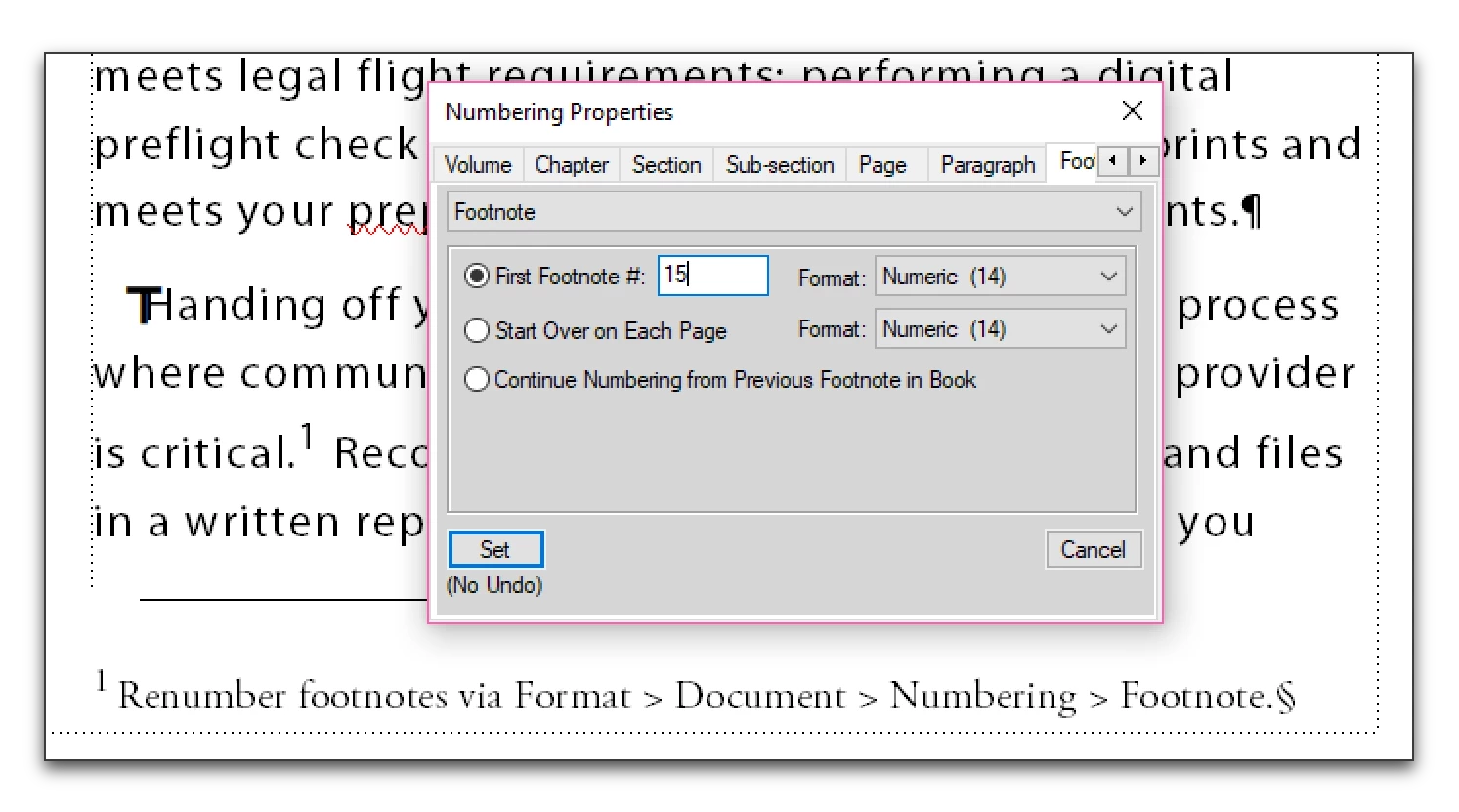
    For standalone files, use Format > Document > Numbering > Footnote and set the first footnote number manually.
    1 reply

    Barb Binder
    Community Expert
    Community Expert
    October 4, 2017

    Is this is in the middle of a chapter?

    If you delete two prior footnotes, FrameMaker will automatically renumber all the footnotes, and 17 will become 15, and 18 becomes 16, etc., assuming the footnotes are set to number consecutively. To remove a footnote, highlight the superscript number in the body of the document and press Delete.

    If it's a different scenario, please come back to describe it so that we can help.

    ~Barb at Rocky Mountain Training
    gtrsolo1Author
    Participating Frequently
    October 5, 2017

    Each chapter is a separate FrameMaker file. This is chapter 5. (Chapter 4's footnotes end with "14")  I don't want to delete the endnotes; I just need to change the number, and need the number to start with "15" in Ch. 5.

    Sorry if I'm unclear--trying to figure it out

    Barb Binder
    Community Expert
    Community Expert
    October 5, 2017

    Got it. You just need to tell the footnotes to number consecutively through the book, and then update the book.

    • In the book window, select the body chapters
    • Right click > Numbering
    • Footnotes > Continue Numbering From Previous Footnote in Book > Set
    • Update your book
    ~Barb at Rocky Mountain Training