

How to 1) Make a circle, 2) Have text follow the circle on the inside?
Hi,
Level: Novice
Watched all tutorials: Yes
Target:
Make a circular logo with the fitness4life logo in centre, 'STREETLINE DEFENCE', above following ellipse inside path,' ESTD. 1994', below following ellipse inside path.
Something like the image in my google drive public temp folder, named 'Furbzeyyy_1stlogodesign_Gedtraynorhelp.jpg'.
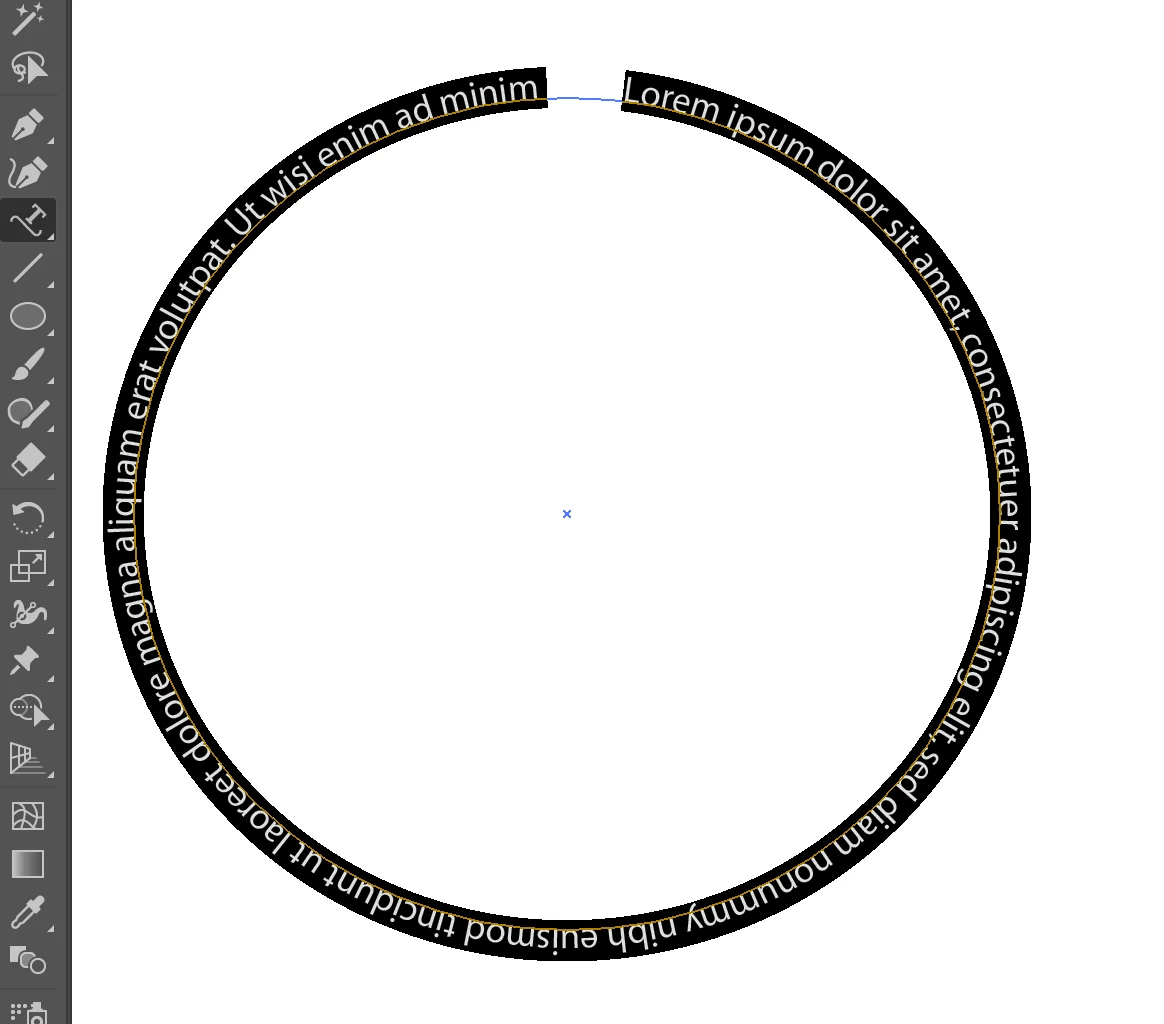
The error is the image in my google drive public temp folder, named 'furbzeyyy_1stlogodesign_circleandtextissues'
https://drive.google.com/open?id=1l1O6OXWh0J5xguazNVcvNkEeM_ZVdqOd
Query:
1) Have text follow the circle on the inside?
What ive already tried to do:
Followed the Illustrator Tutorials for Adding text to designs
Looked on youtube for a suitable video
Actual illustrator attempts and Problem:
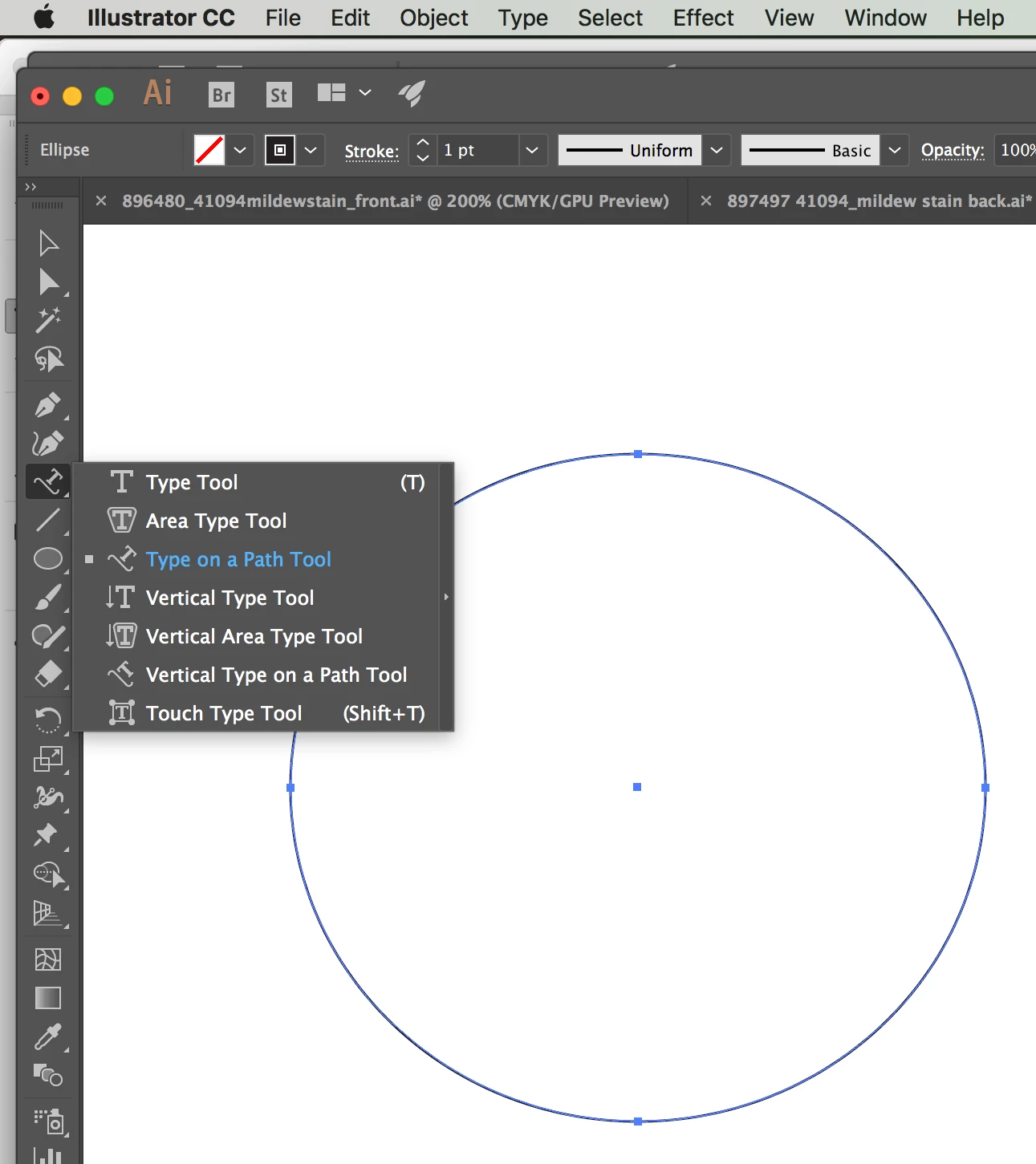
using the ellipse tool, I have drew a circle, gave it a 50% opacity fill.
Attempted to insert text on the inside of the circle by holding alt, and placing cursor above the line, notification on pointer, after click, text goes on inside, but doesn't follow the ellipse inside path.
How?
Can someone show me how to achieve the above Target with pictures and annotations please?


 AdChoices