


The_Hewitson
Participant
October 30, 2019
Answered

Illustrator "Could not read the file because the plugin could not understand the file" - cant open!!

  • October 30, 2019
  • 2 replies
  • 20338 views

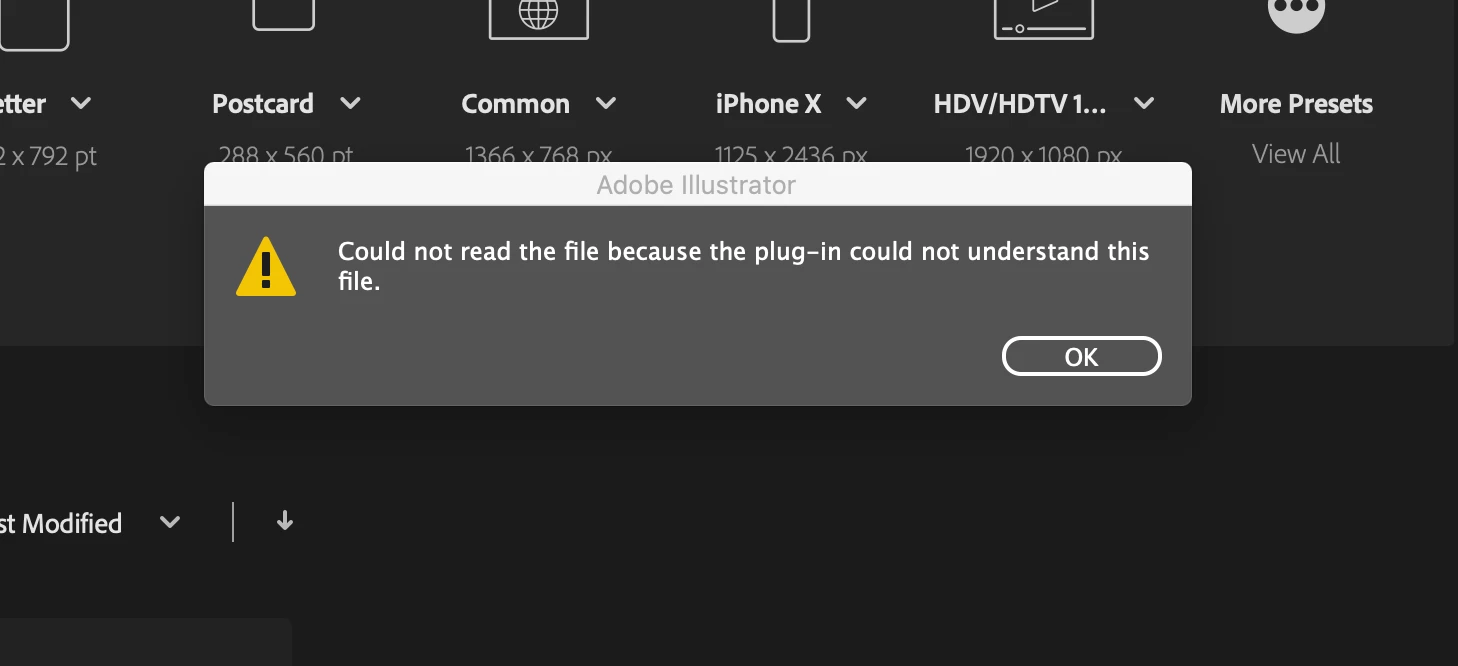
After i updated to Catalina, i tried to open one of my older files. The 2019 version of illustrator said that it was not able to open it. So i searched for a way to do this and came across the thread advising to download the 2020 beta where the issue is fixed. I did this...but then a new pop up came up "Could not read the file because the plugin could not understand the file" ....i really need to fix this - FAST! Come on adobe - you are my only hope! 
 

This topic has been closed for replies.
Correct answer AntCreations

https://community.adobe.com/t5/illustrator/error-while-opening-files-in-ai-2020-on-macos-catalina-quot-missing-plugin-quot/m-p/10718329


The checkbox within the disk access solution on the abover thread helped me. Good luck (it was driving me bonkers!)

2 replies

AntCreationsCorrect answer
Participant
November 20, 2019

https://community.adobe.com/t5/illustrator/error-while-opening-files-in-ai-2020-on-macos-catalina-quot-missing-plugin-quot/m-p/10718329


The checkbox within the disk access solution on the abover thread helped me. Good luck (it was driving me bonkers!)

Lori Burt
Participant
January 30, 2020

Thank you so much for this response! Its great to get help!

Monika Gause
Community Expert
Community Expert
October 31, 2019

The beta can only solve the issue where Illustrator can't open the files at all.


Your issue is different: the file got ruined during the update. When updating, the system moves files back and forth, and in the case of Catalina also changes user privileges and the like. That's why you should always (ALWAYS) make a backup of your drive before updating.


You could try if Illustrator can still read the PDF part of the file - did you save it PDF editable? Try and open the file in Acrobat. If that works, create a new file in Illustrator and place the corrupt file.

The_Hewitson
Participant
October 31, 2019

I saved a PDF version of it and i am getting the same pop up. 


I appreciate the advice re. the backup, but i feel like this is probably something that should of been caught before catalina got released. When you consider the size of the company adobe is, the weight of importance on peoples work....a simple thing such as opening a file....this falls well below my standards and i imaging the guys at the tops standards are higher than mine. So "you should of made a backup" feels a little bit of a redundant argument. haha 


Thanks for your reply however 🙂 

Monika Gause
Community Expert
Community Expert
October 31, 2019

"this is probably something that should of been caught before catalina got released."


It's your system that does move files around (and ruins them in the process). Illustrator then just isn't able to open them.

Making a backup before updating the system is general good practice for any computer user. And Apple advises to do so. You should read the documentation:https://support.apple.com/en-us/HT201475


You did run Time Machine? There will be a backup of your file in there.