

Question
Urgent Help! Linked images have "disappeared" into the pasteboard somewhere!
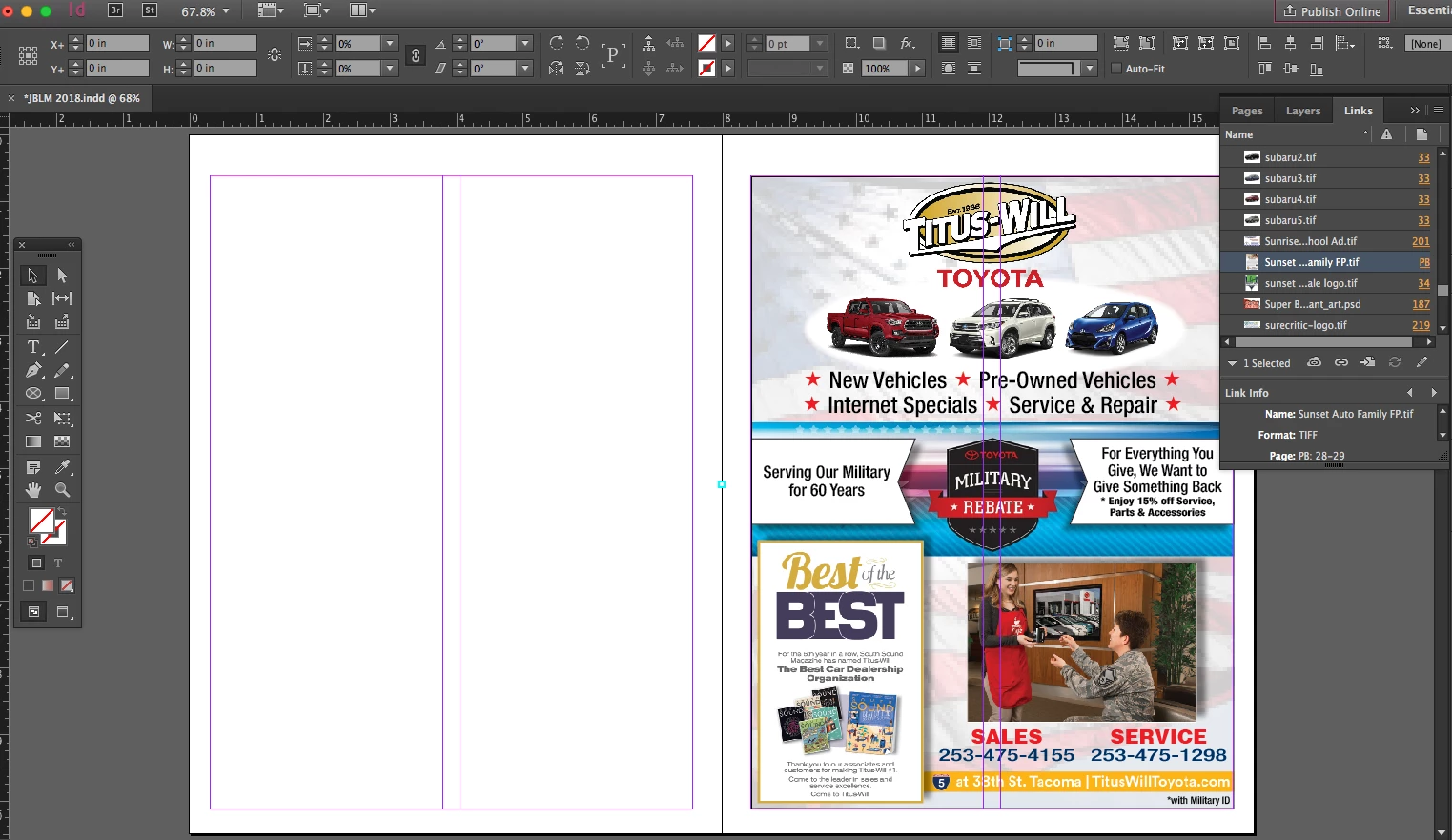 Panic Mode! I need an InDesign expert! After running a CC Update and reopening an InDesign file, half of my linked images have now "disappeared" into the pasteboard somewhere. In the image above, the tiny cyan square in the middle of the spread shows where my linked image apparently is (see the links panel on the right), but it's registering as on the pasteboard, and I can't grab it or resize it or anything. About half the ads in my 240 page document are "gone" like this... does anyone know what happened and how to fix it??? PLEASE?????
 AdChoices