


New Participant
July 10, 2017
Answered

Could not complete render video command because of a problem with adobe media encoder

  • July 10, 2017
  • 4 replies
  • 28481 views

Is anyone able to help?  I have been rendering short videos in photoshop CC and upon the latest update it no longer seems to work. Is it possibly my settings, or is there something wrong with the latest updates?

The photoshop version I am running is 2017.1.1

Media encoder version 2017.1.2

Below is the settings for the render:
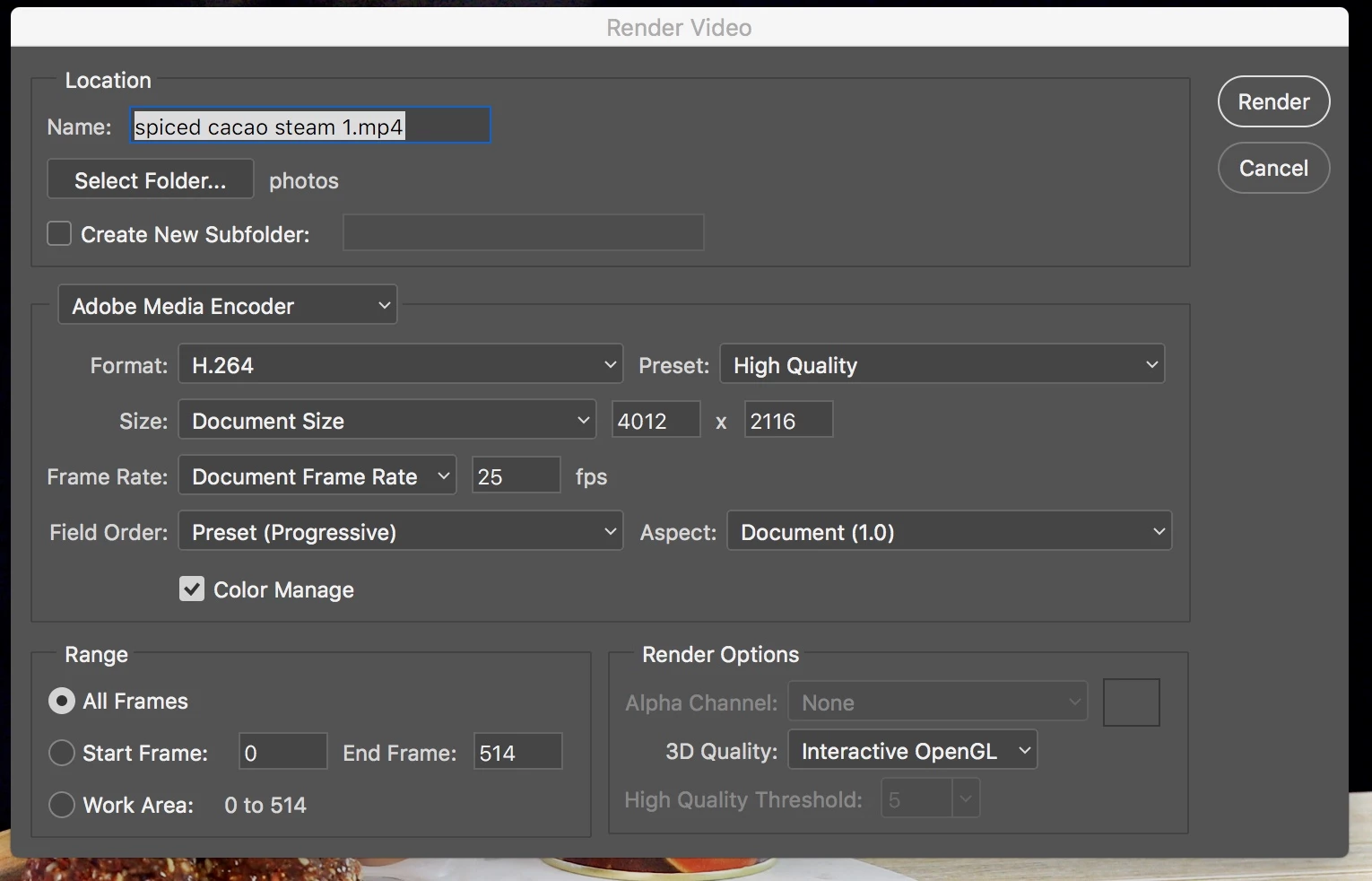
And here is the error message:
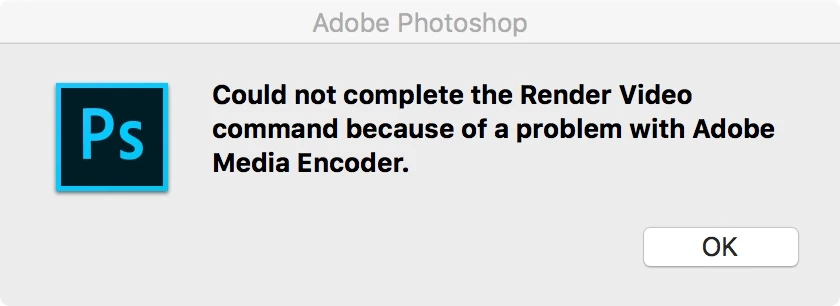
Any help would be greatly appreciated!

This topic has been closed for replies.
Correct answer Alan Erickson

With the same OS and version of PS, and same export settings, I can't reproduce the problem. However, I don't have an external drive.

Might there be a permission problem, or low space on the drive? Can you export to a subfolder on the drive? Or export to the boot drive?

Thanks.

4 replies

New Participant
September 5, 2023

I had the same problem, and turned out the file became enormous.. it was a normal file but making a video made it huge. When I made the image size of it all smaller, it went smoothly


Good Venture
Known Participant
December 12, 2022

Hi,


I have the same problem, the animated sequence won't export. 


Never had this problem before, and exported files in the same way regularly in the past days. 


I tried all the suggested hints reported on this thread. 


Any suggestions?


Brenda de Vries
New Participant
January 6, 2023

Had the same problem, did the CC cleaner stuff, reinstall everything. Still didn't work. The solution, just save the video on your desktop or any other location on your own HD instead of an external drive. That works for me now. Good luck!

Participating Frequently
April 11, 2023

Thank you, I have spent 2 days on trying to save this even via Media Encoder and it was not. I honestly felt like i was loosing my mind. Now it saved under a different location. If i could show stars here, I would. You are a star!


Adobe Employee
July 10, 2017

When does the error occur? Is it immediately after you click Render? Does the progress window appear? If so, how far does it get?

It looks like you're running on Mac - is that correct? What OS version? Where exactly is the "photos" folder?

marti57Author
New Participant
July 10, 2017

Hi Alan,

Thanks for replying. 

Yes, it occurs immediately after I click Render and the progress window does not appear at all.

That is correct, I am running on a mac.  Specs are below:

Sierra Version 10.12.5

iMac (Retina 5K, 27-inch, Late 2014)

4 GHz Intel Core i7

16 GB 1600 MHz DDR3

Macintosh HD

AMD Radeon R9 M290X 2048 MB

The photo folder is located on an external drive. Actually, the photos folder is the external drive.

Thanks for your help

Alan EricksonCorrect answer
Adobe Employee
July 11, 2017

With the same OS and version of PS, and same export settings, I can't reproduce the problem. However, I don't have an external drive.

Might there be a permission problem, or low space on the drive? Can you export to a subfolder on the drive? Or export to the boot drive?

Thanks.

marti57Author
New Participant
July 10, 2017

I should add that I have tried uninstalling and then reinstalling both Photoshop and Media Encoder and am still encountering the problem.