


Question
canvas print mock up smart object
hi, i make canvas prints and i use mock ups to display them
i want to use a smart object or another suggestions to make it faster to display the image on my template
its basically 3d so its side on, please see the image. is it possible to create a smart object that when i click and add the picture it creates the 3d effect already.
sorry if i haven't explained it properly. 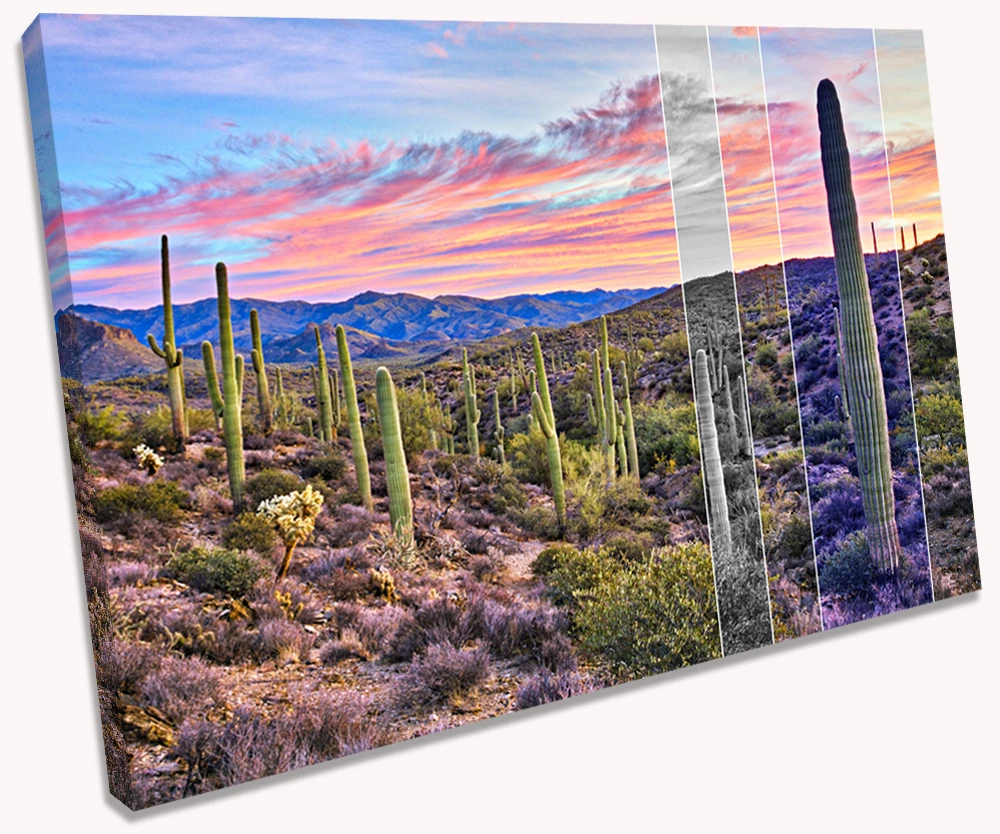
i already purchased a smart object from creative market that does it for me, i double click the smart object add my picture and it makes it for me, however its square and i need different shapes so need to be able to make one myself
this is smart object i purchased
Canvas mockup(SQ) ,Smart object PSD ~ Product Mockups ~ Creative Market
 AdChoices