Participant
June 22, 2017
Answered

need to have sharp image of text photo

  • June 22, 2017
  • 6 replies
  • 82075 views

Hi All,


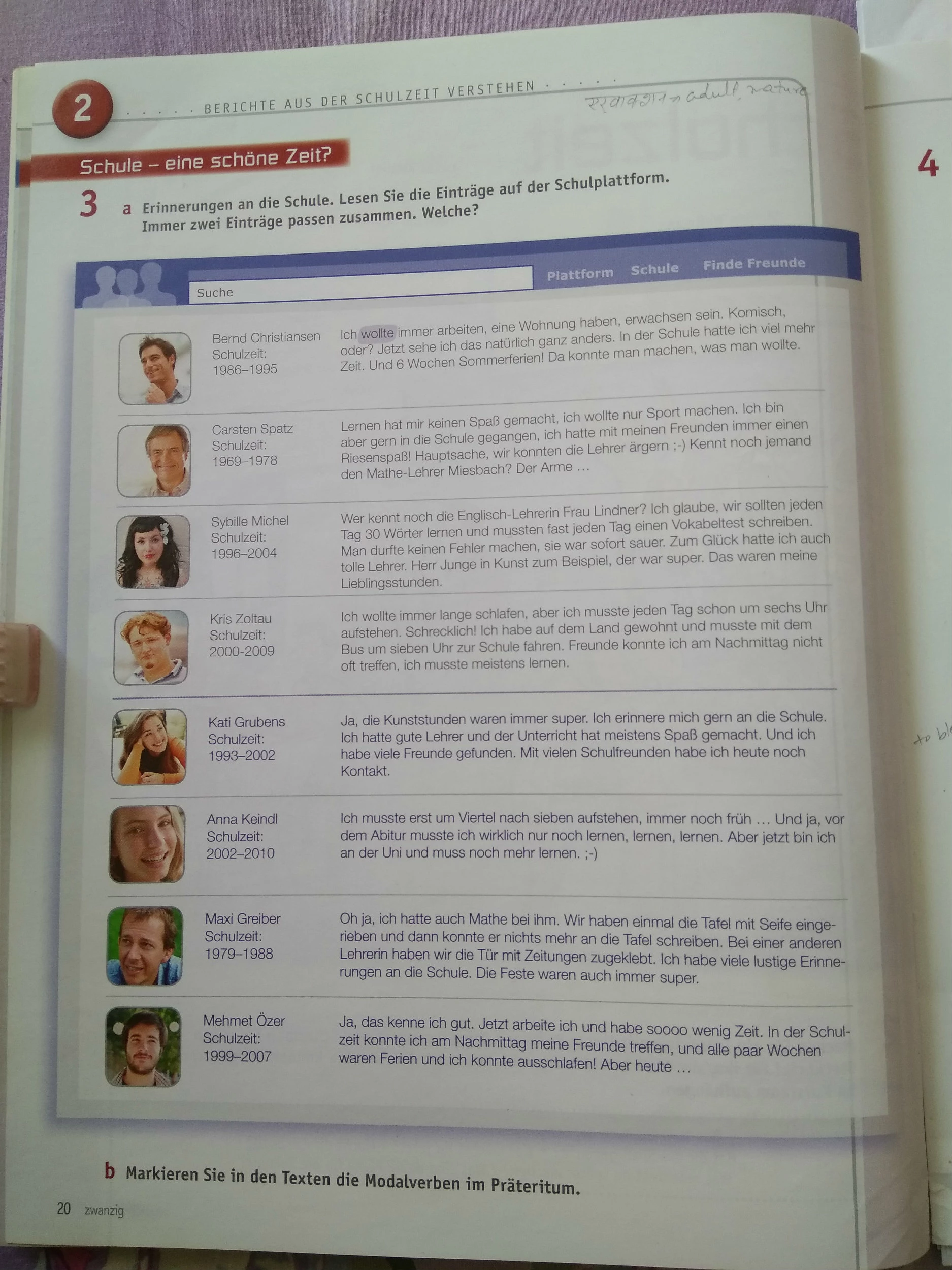
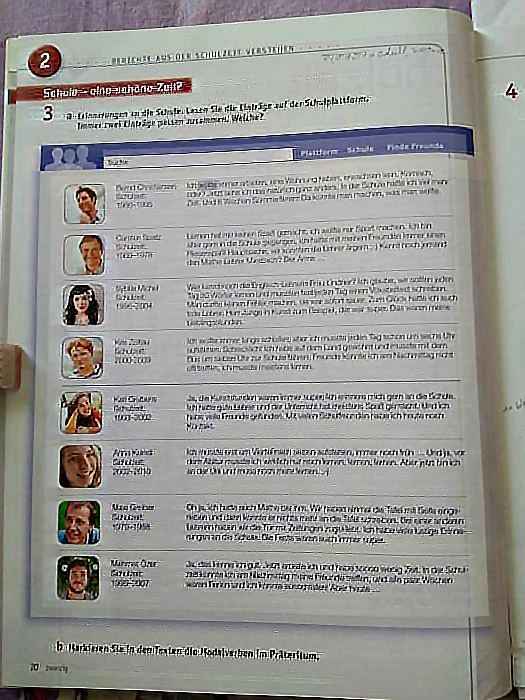
I have taken a pic of my text document using my cell phone however due to inadequate lighting condition

the image got blurred and not fruitfully readable. Can any one let me know how and what can I do with Photoshop

to improve the photo quality for reading purpose.

More over since I could not use flat surface to put the page hence image text is also distorted at some extent.

Can anything be done for this also? I am completely new to Photoshop hence please explain me in a very simple

way.


way.


thanks,

Ravi
Correct answer davescm

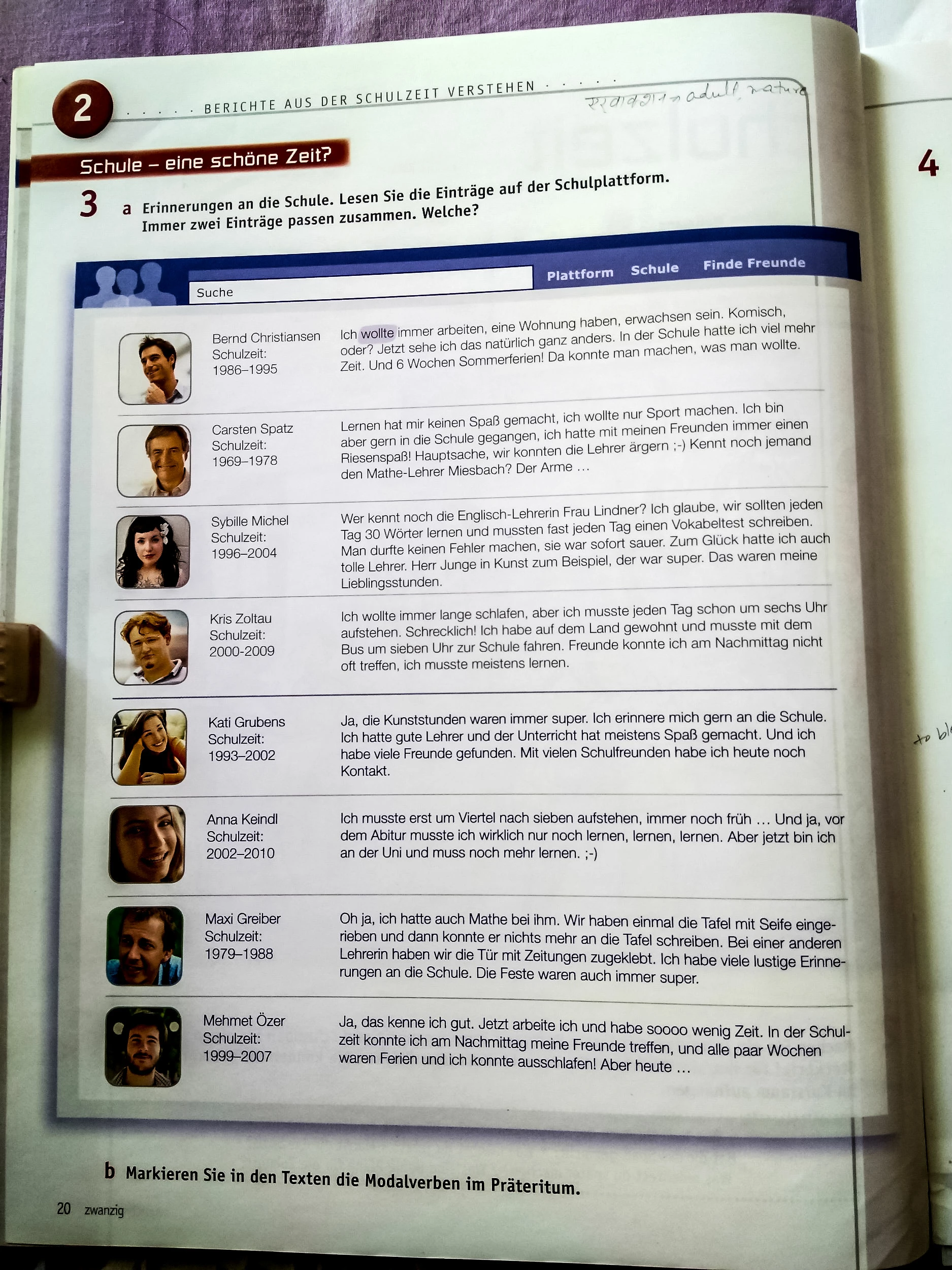
yes. attached is the modified image after following your suggestions.

not working as expected.

need more advice on this.


Hi

The trouble with "sharpening" is it is often done by increasing the contrast of edges which when overdone can introduce halos.

Try this - right click the layer and convert to smart object.

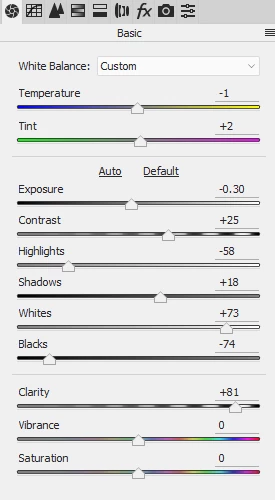
Open the camera raw filter and try the settings below :

I have increase "clarity" much more than I would for a normal photograph, but you said your aim here was to make it easily readable.

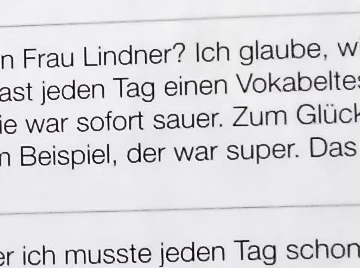
100% sample

Click to view result at 100% (the forum software will blur it at less)

Dave

6 replies

Participant
March 1, 2025
Screenshot_2025-03-01-13-44-16-192_com-android-chrome.jpg
Participant
October 10, 2023

c.pfaffenbichler
Community Expert
Community Expert
October 10, 2023

Care to elaborate? 

Participant
April 6, 2023

Help me with this


Participant
September 13, 2022

 help me with this 

Leslie Moak Murray
Community Expert
Community Expert
September 13, 2022

We'd have to gave a larger file to see it clearly. Can you post it at full size?

Trevor.Dennis
Community Expert
Community Expert
June 23, 2017

Perspective Crop is a great tool for straightening out this sort of 'taken at an angle' image

That leaves a distortion due the curve of the page near the spine though

If that was the full height of the page, you could fix it with a Displacement Map with a map like this

You'd need very low settings, like 2,2, which gives you this.  Not perfect, but more time making the map would do a better job.

The distortion is not the full height of the page, so correcting a copy and using the map on the top half of the copied layer gets you close.

Sorting out the background with Curves or Levels and sharpening finishes the job.  Note this was quick and dirty for the demonstration, but taking 30 minutes instead of two, would make a world of difference.

Sahil.Chawla
Adobe Employee
Adobe Employee
June 22, 2017

Hi Ravi,

As you want the text to be a bit sharper so that you can read it , I would suggest going to Filter > Sharpen and choose Shake reduction, this option will correct the image and the text will start looking a bit sharper.

Also, you can play with the brightness and contrast of the image to make the text most visible.

Regards,

Sahil

ravi_2k17Author
Participant
June 22, 2017

as you can see the document is not kept on a flat surface and used clip to keep the paper tight and flat. Hence text and images

are not in line. How can this be fixed ?

thanks

Sahil.Chawla
Adobe Employee
Adobe Employee
June 22, 2017

Have you tried the steps mentioned above?