



5 New Adobe Acrobat Collaboration Enhancements
5 New Collaboration Features in Adobe Acrobat to Boost Teamwork
Collaboration just got easier. Send documents for secure review and get quick approvals with new, streamlined collaboration tools. These new features are designed to make your collaboration process faster, more secure, and more efficient than ever before. Open Adobe Acrobat to start using these tools today and experience a new level of teamwork.
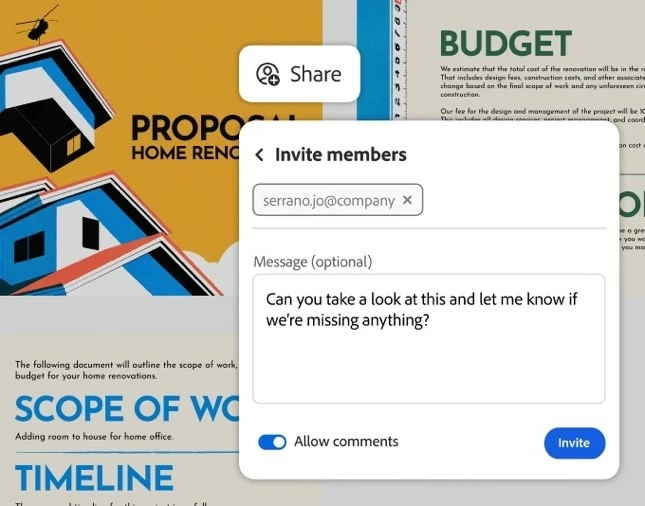
Secure Document Sharing
With custom permissions, you control who can view or comment on your documents. Plus, reviewers can start collaborating instantly with quick access on the web.
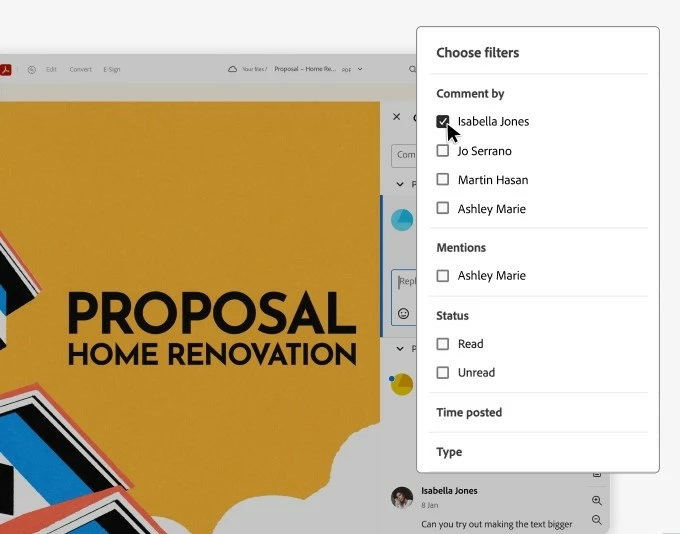
Smart Comment Filtering
New feedback filters let you sort by the commenter when comments were posted, and more, so you can find the information you need and focus on what’s important.
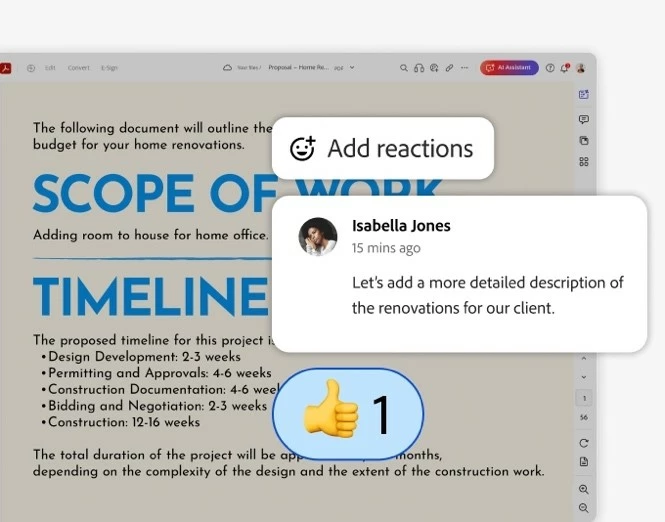
Emoji Reactions
Sometimes a quick thumbs-up is all you need. With the new emoji reaction feature, reviewers can provide instant feedback without writing out full comments, speeding up the review process for everyone involved.
Seamless Reviewer Access + Intuitive Editing Tools
We've simplified the review process for your collaborators. With easy web-based sign-in, reviewers can quickly access and comment on your documents without any hassle, and they can now leave suggested edits, mark up text, and add comments directly within your documents. This intuitive system ensures you receive precise, actionable feedback every time.

 AdChoices