


Mathieu_Fortin
Inspiring
January 24, 2017
Question

AATL - Invalid Policy Constraint in Acrobat X but valid in XI and DC

  • January 24, 2017
  • 2 replies
  • 2202 views

Hi,

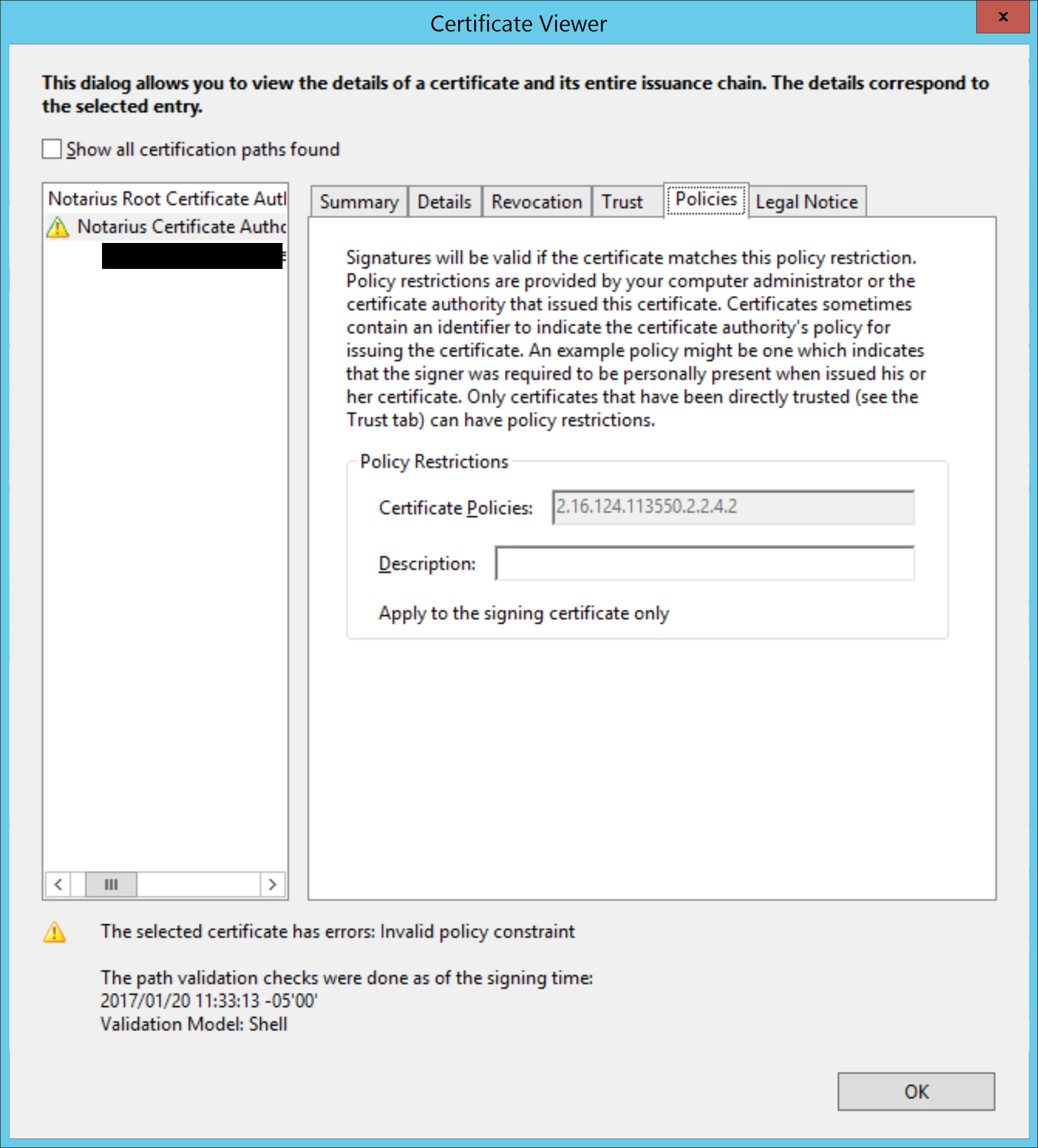
We have AATL certificates and have found that signatures done with these certificates fail validation in Acrobat X (tested in 10.1.16). The reason is: Invalid Policy Constraint.

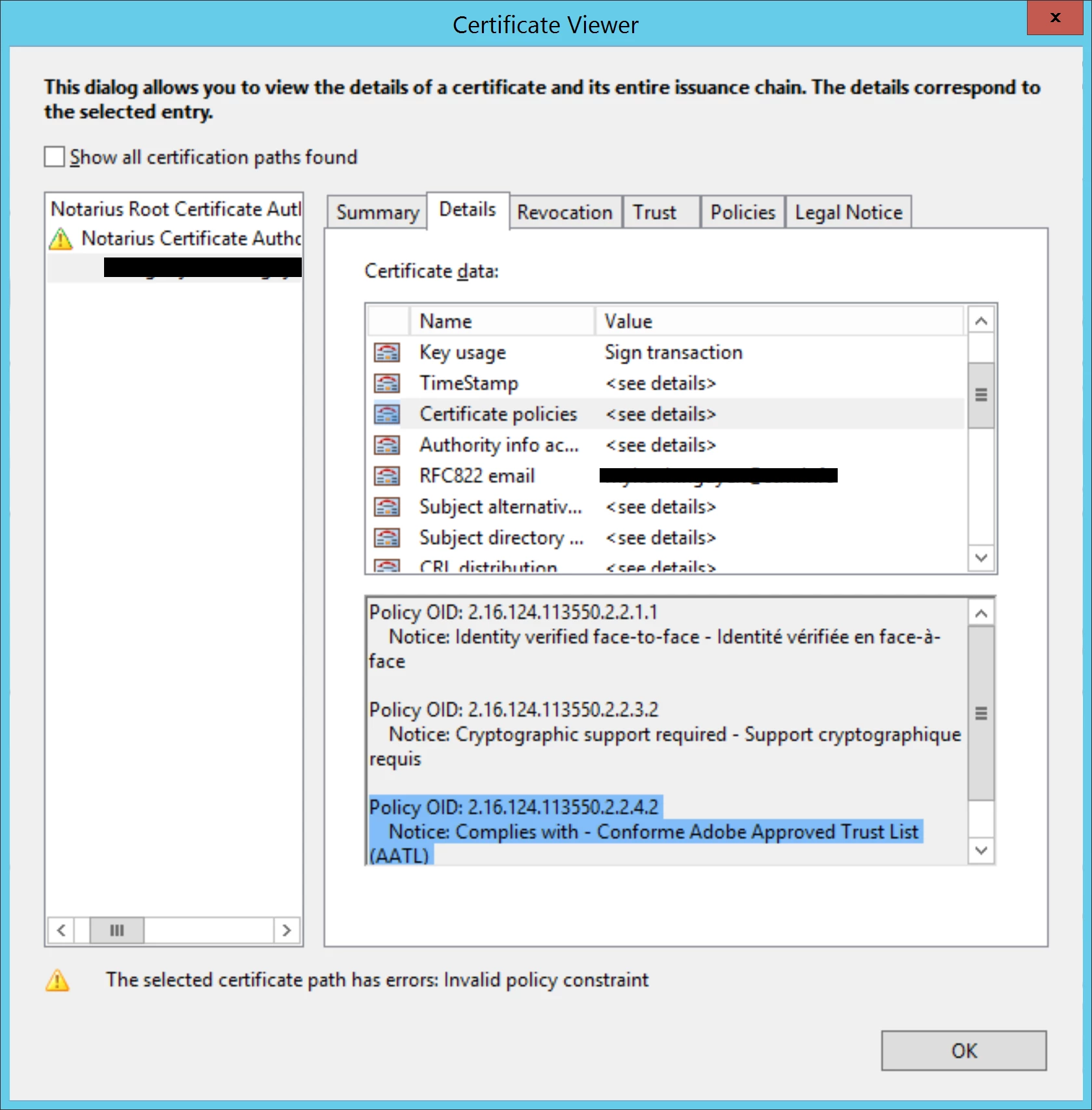
These same signed documents validate successfully in Acrobat XI and DC. Is there any known issue in Acrobat X regarding AATL validation, ie making sure the signers certificate contains the policy defined by the AATL issuing CA ?

Here is the policy constraint at the issuing CA level:
Here is the same policy at the signer level:
This topic has been closed for replies.

2 replies

Legend
January 24, 2017

Well, if working out of the box is an aim, then it has failed for Acrobat X, which will never be fixed. I have no suggestions if you don't want to take any action.

Mathieu_Fortin
Inspiring
January 24, 2017

The point is that editing trust settings (or any settings) is not a practical solution when publishing official documents and make them available to the public. I know Acrobat X isnt supported anymore, thats why I'm more looking at someone confirming that this is a known issue. This would confirm we have nothing to do on our side.

Legend
January 24, 2017

If there's a bug in Acrobat X it won't be fixed, but maybe it's settings. This page has a long discussion that looks interesting: https://forums.adobe.com/thread/902202

Mathieu_Fortin
Inspiring
January 24, 2017

Thanks for the link.

That thread makes a great job of explaining how policy restrictions work. But editing trust settings is not a solution. AATL should work out of the box. Thats the whole point of the program.