


Answered
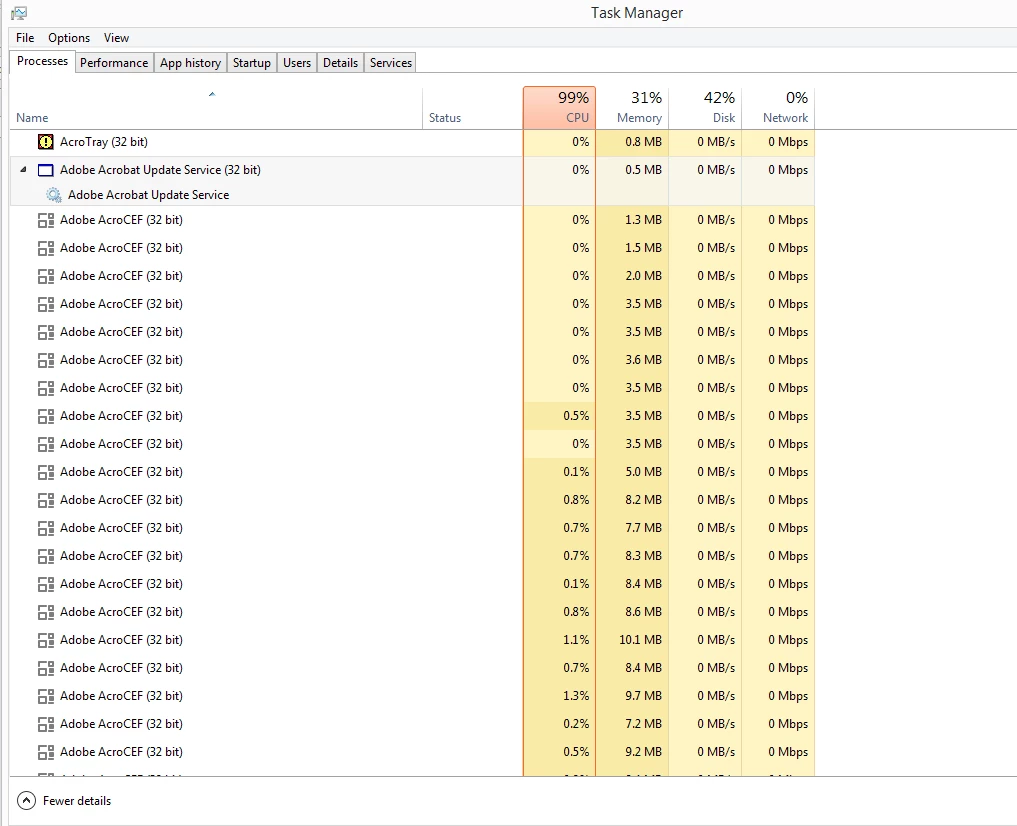
Acrobat DC when opened causes the Adobe AcroCEF file to multiply in Windows Task Manager
Acrobat DC when opened causes the Adobe AcroCEF file to multiply in Windows Task Manager and the CPU goes to 100%. I have a screen capture of Task Manager to show you what I'm referring to. I have to close Acrobat to make the file stop multiplying itself. Also cannot save the Binder file after trying to combine pdf files into one file. I logged out of Creative Cloud and back in again and I also uninstalled and reinstalled the program but the problem still occurs.
 AdChoices