Hi @Carefree_Skyline16B8,
Sorry for the trouble.
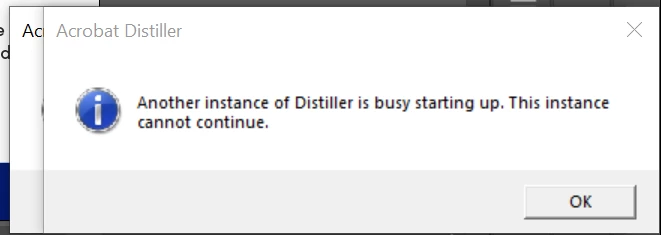
Would you mind trying out the below steps when you see this:
1. Go to Start-> search "Services;"
2. Locate Windows Installer;
3. Right click-> select "Restart;"
4. In case the service does not show the status as running, right-click to select "Start;"
If this does not work, you can re-register the Windows Installer Service. To do so:
1. Go to Start-> search "CMD;"
2. Right-click to Run as Administrator;
3. Type the command:
- %windir%\system32\msiexec.exe /unregister and press Enter;
- %windir%\system32\msiexec.exe /regserver and press Enter;
- %windir%\syswow64\msiexec.exe /unregister and press Enter;
- %windir%\syswow64\msiexec.exe /regserver and press Enter;
4. Now, restart your computer once.
Hope this helps.
-Souvik



 AdChoices