


Acrobat doesn't prompt for cert selection during Signing
I combed through the community to see if this existed, couldn't find a helpful one.
Version: Adobe Acrobat 2017.011.30171
OS: WIN10 v1809
Everytime I sign a document, Adobe grays out/freezes. A box to select my certificate should appear but nothing ever does. I have to end it in Task Manager. It happens anyway I try to sign it. Even tried making a Signature box and signing it... Same thing. The pic below is how it looks:
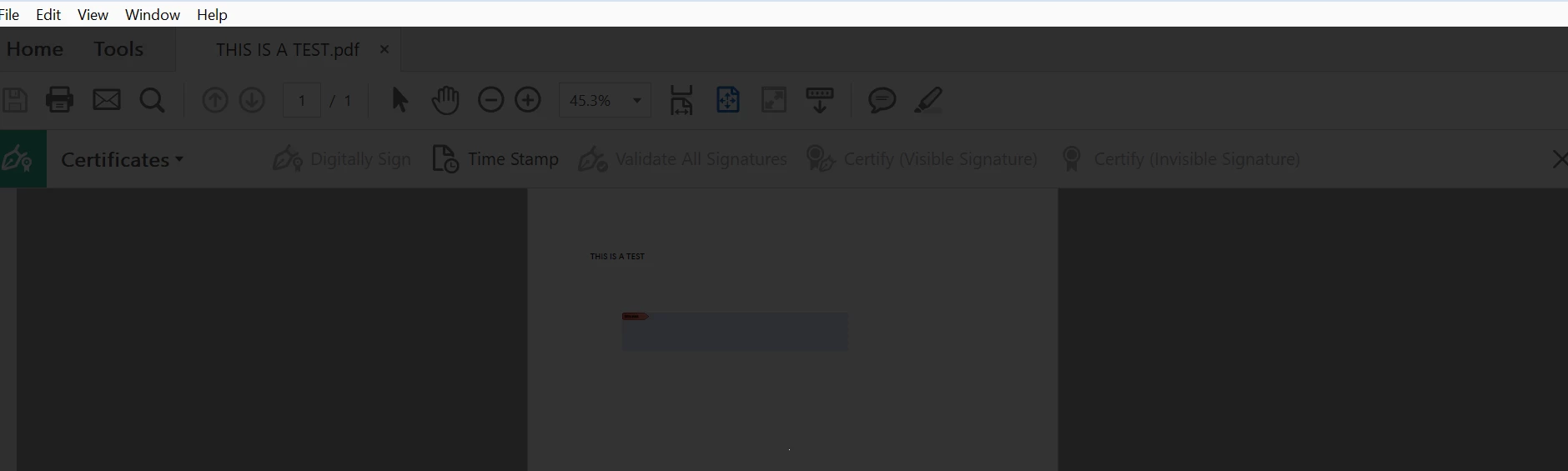
I tried uninstalling/reisntalling Acrobat. Same thing. Tried uninstalling using the acrobat removal tool from this site. Rebooted. Reinstalled Acrobat. Same thing. Reverted back to an older version of Acrobat.. Same thing. I also reset the Preferences by moving the Folder to another location and opening Acrobat. Same issue occurs. I tried everything I could think of. My driver for my CAC reader is up to date. Everything else reads my CAC fine. Adobe works fine too, just this one crucial issue.
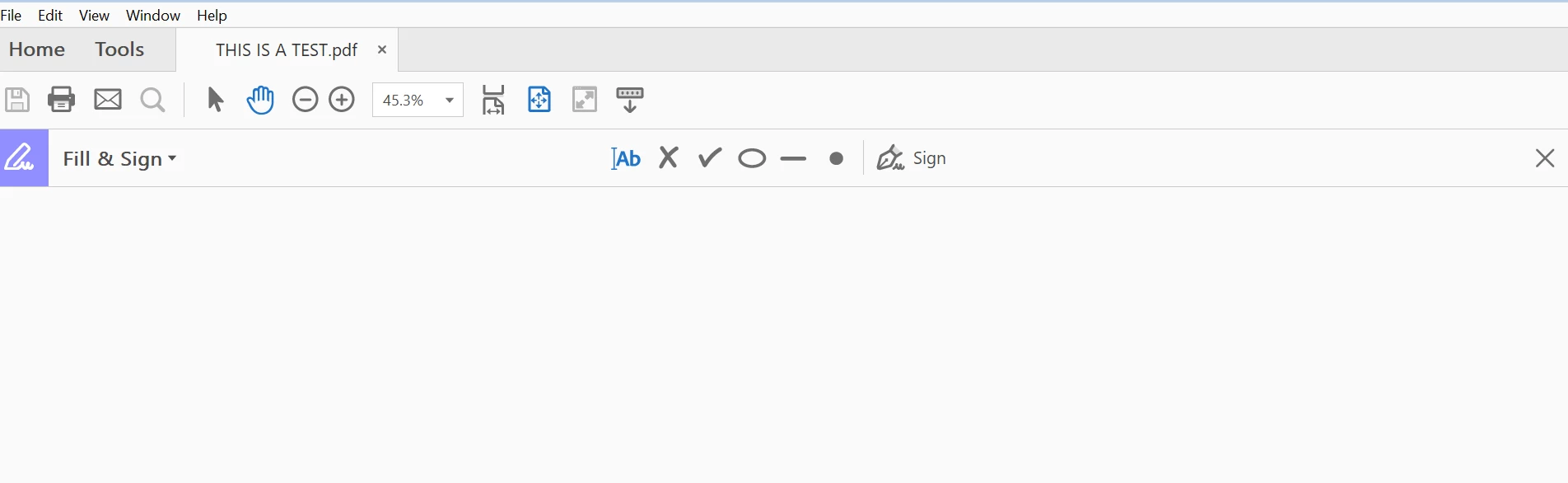
Also the Fill & Sign feature doesn't work. Any option I click does nothing. No text box to write my signature appears. At least it doesn't freeze like the Certificates feature.
 AdChoices