Inspiring
October 31, 2019
Question

Acrobat Form - Getting an "Attach a File" button to work properly in Forms

  • October 31, 2019
  • 2 replies
  • 2108 views

I am using Acrobat Pro DC 2019.


I have created a button, with the intention of allowing the user to attach a document to the PDF. 

 

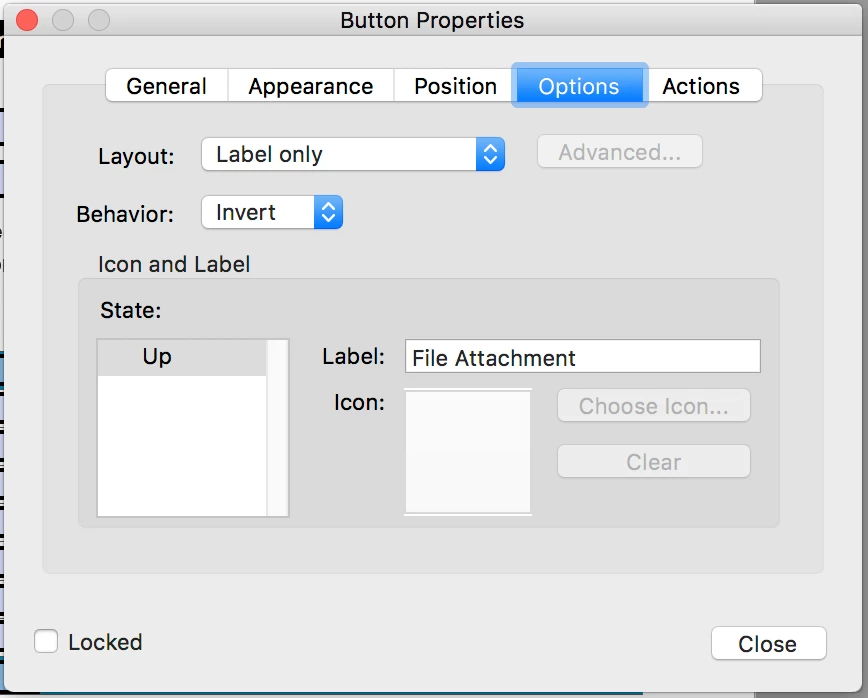
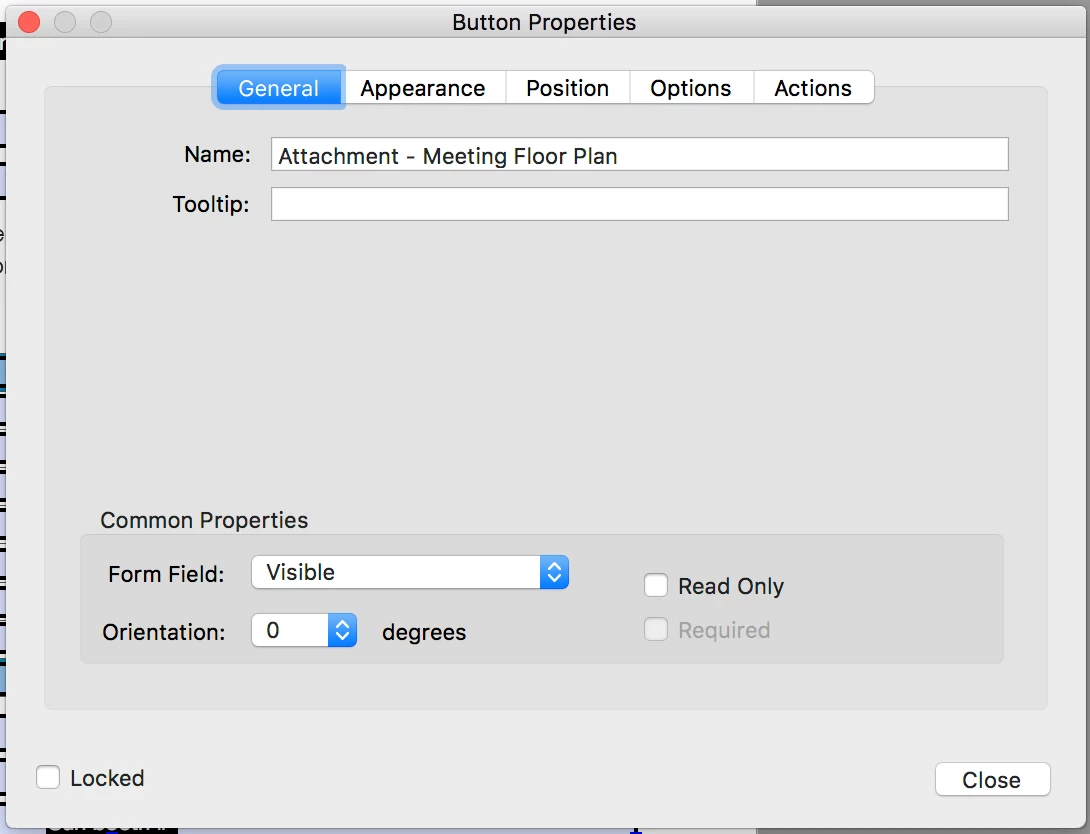
My settings for the Button are shown below:
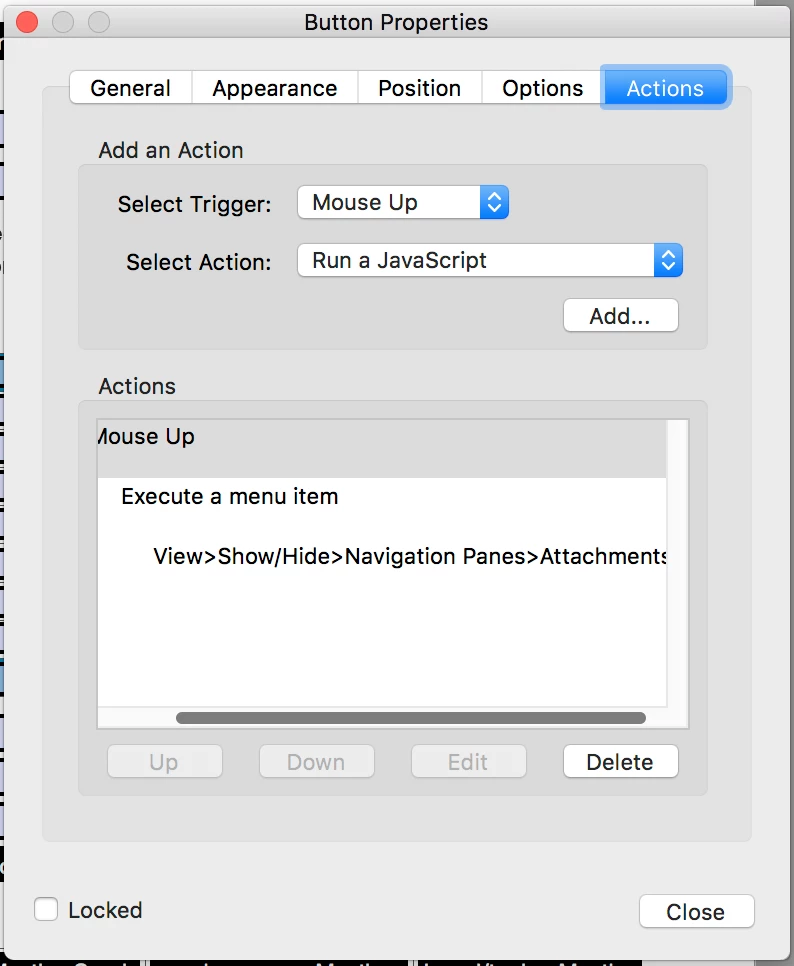
 

However, all this does is open the Attachment pane in Acrobat, where I can Add an Attachment as a separate step from a fly-out menu. Would this even work for the casual Adobe Reader user? How do I get the button to open a file browser window to attach a file directly?

This topic has been closed for replies.

2 replies

radzmar
Community Expert
Community Expert
October 31, 2019

Adding/removing attachments in Acrobat Reader requires the form to be Reader-enabled with the right "EFModif". This can only be applied through the server product Acrobat Reader Extensions in AEM Forms (formerly LiveCycle Reader extensions). 

https://help.adobe.com/en_US/AEMForms/6.1/AdminHelp/WS92d06802c76abadb-5145d5d12905ce07e7-7ffa.2.html#WS92d06802c76abadb-620a5f4712905cdf3e2-7fe9.2

Thom Parker
Community Expert
Community Expert
November 1, 2019

Fortunately, the attachement annotation can be used in Acrobat Reader without any Reader Extensions.

Thom Parker - Software Developer at PDFScriptingUse the Acrobat JavaScript Reference early and often
Thom Parker
Community Expert
Community Expert
October 31, 2019

You have a bit of a problem with this one. Adding attachments is a protected operation. Doing it the traditional way won't work from a script in a PDF. However, you can add a "File Attachment Annotation" from a form script. 

Add this script to your button:


this.addAnnot({type:"FileAttachment", rect:[200,200,200,200], page:0});


This places a paperclip file attachment annot on the bottom left of the first page. Change the rect and page parameters to change the location.


Thom Parker - Software Developer at PDFScriptingUse the Acrobat JavaScript Reference early and often
coopjackAuthor
Inspiring
November 1, 2019

Can you clarify more about how to get the paperclip icon to appear next to the File Attachment button?

This is where it appears.


How do I pre-define where the paperclip should appear before the File Attachment button is pushed?

Thom Parker
Community Expert
Community Expert
November 1, 2019

The location of the paperclip is determined by the "rect" property passed into addAnnot function. In this case I've simply defined a centerpoint, a full rectangle is unnecessary because the attachment icon is a fixed size. If you want it next to the button then you have to calculate where this center point should be relative to the button location. 

Here's an article on coordinates and placing annotations in a PDF:

https://www.pdfscripting.com/members/PDF-Page-Coordinates.cfm


Thom Parker - Software Developer at PDFScriptingUse the Acrobat JavaScript Reference early and often