Participant
February 2, 2021
Answered

Add rectangle box around each character of textbox fields in pdf form

  • February 2, 2021
  • 3 replies
  • 11947 views

Hello Folks,


I want to Add rectngle box around each character of textbox fields in pdf form


EG Suppose i have string "ABCD"


This has be automatically displayed/typed as  shown in attached image

(Each character of atring text should be added in rectangle box)

This topic has been closed for replies.
Correct answer JR Boulay


3 replies

JR Boulay
Community Expert
JR BoulayCommunity ExpertCorrect answer
Community Expert
February 2, 2021


Acrobate du PDF, InDesigner et Photoshopographe
try67
Community Expert
Community Expert
February 2, 2021

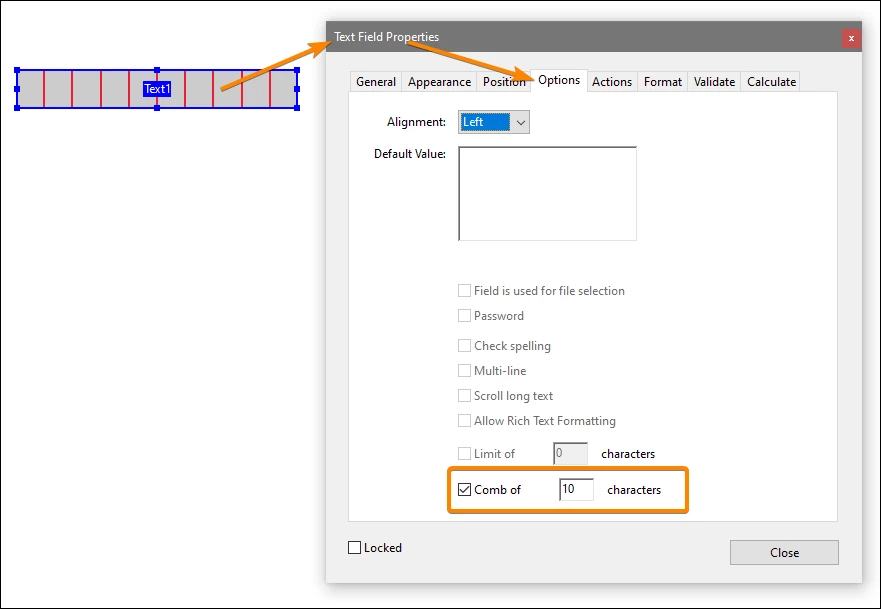
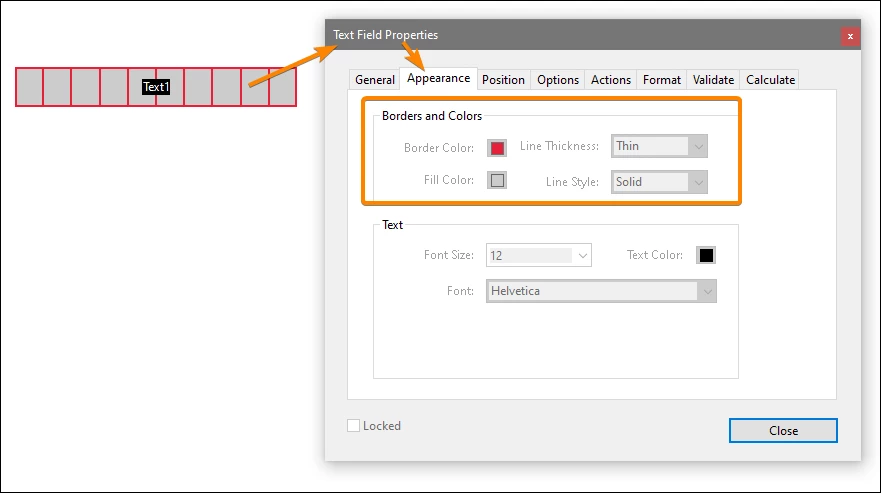
Set the Comb option of the field to the number of characters in it and those "squares" will automatically appear.

ls_rbls
Community Expert
Community Expert
February 2, 2021

In order to do this you need a combination of a JavaScript custom format script, a custom keystroke script and also set each text field to accept one character only.  In other words, just one textfield will be dedicated per one charachter.


To do so, open the "Prepare Form" tool and create 3 texfields, for example.


In my case, I will name them field "a", "b", "c" respectively.


Then right-click once on one of the fields ("a"), then select "Properties" from the context menu and go to the "Options" tab. You will see at the bottom of that dialogue window a checkbox labeled "Limit of"; tick tgis checkbox and type in "1" in the blank provided. Then go to the "Properties" tab.


in the "Custom Fromat Script" section click on "Edit" and place this script in that editing field:


if (event.value !=="") {

event.target.borderColor = color.black;
event.target.borderStyle = border.s;

} else {

event.target.borderColor = color.transparent;

}


Then right below that the Custom Format script editor, open the "Custom  Keystroke Script"  JavaScript editor and put this script in it:


this.getField("b").setFocus;


Repeat these steps on each subsequent fields.


the function setFocus() will cause to loose focus on the current textfield where the user will type in a character and it will gain focus on the next empty field. 


Is not a perfect method but it will get the job done.