Thanks for the info. That actually does work!
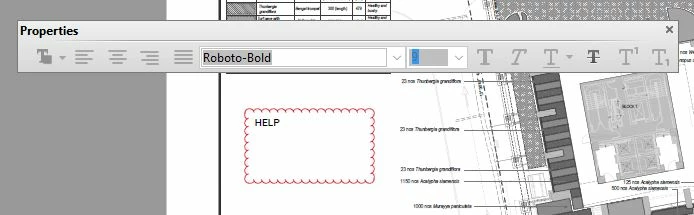
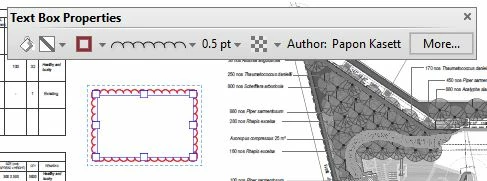
Now my rant.....I don't understand why Adobe continues to make their software more user unfriendly and ignores users suggestions for improving the program. This most recent problem has been just one in a long list of problems I've had with Adobe over the last 5 years using Acrobat. "Work arounds" are not solutions. Why must I now have to open another large toolbar to get text editing to work when screen space is already at a premium (and I have multiple 32" screens) when using Acrobat on building prints?
While waiting for an answer on this forum I researched other programs and found a solution to all of my Adobe problems. I'm switching to Bluebeam Revu and have already been using the free demo download. Far better tools, interface, FULLY customizable and exportable (to share with other users) toolbars....well, everything including the price! I had a question about how to do one specific thing in the program yesterday so I tried tech support thinking they would turn me away since I wasn't a customer yet. They spent 5 minutes on the phone with me, answered my questions, and asked me if there was anything else they could help me with. They never even asked me about my license status with their program and didn't know I was using the trial version until the end of the call and were in fact happy to help me even after I told them. THAT's customer service! See ya later Adobe....don't call us, we'll call you (NOT).
Hi,
We have released an update today that fixes the Properties Toolbar issue and you can now continue to use it outside the Commenting app as well. Please open Acrobat or Reader DC and visit Help > Check for updates to make sure you are on the latest patch.
Details about the release: https://helpx.adobe.com/acrobat/release-note/acrobat-dc-august-02-2016.html
Please let us know how it goes.
Thanks,
-ashu



 AdChoices