

Adobe Acrobat and Reader September Update 2021.007.20091 Botched
Hello,
(I originally posted as a reply to this post, but the forum is messed up so it's not allowing me to post any of my updates - Adobe Acrobat September 14 Update - 2021.007.20091... - Adobe Support Community - 12383087)
The issue is that after applying the 2021.007.20091 updates for Adobe Acrobat DC or Adobe Reader DC each time you attempt to launch the application from the shortcuts (Start Menu, or Desktop) the application performs an install/configuration before it launches. If you open a .PDF file directly it will open in Acrobat or Reader without performing the install.
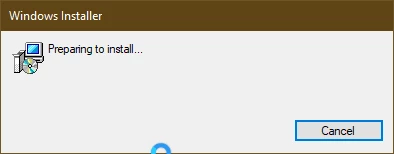
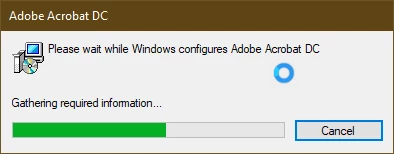
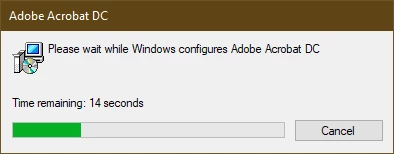
The application shortcuts are correctly pointing to the target application:
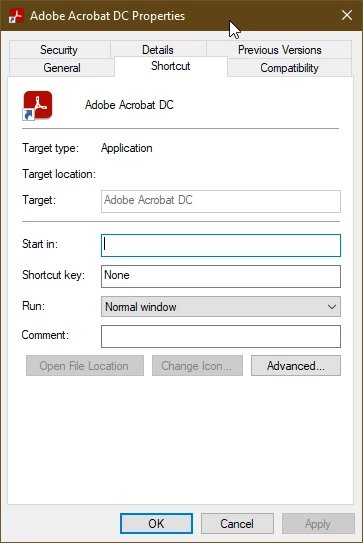
I have attempted to re-package this update with the BASE Acrobat and Reader installer files, using the latest Adobe Customization wizard that was released in September, and the issue still persists (I suspected the issue was due to applying the update over a previous customized install, but this is not the case).
Any assistance would be appreciated.
Thanks,
Chris
 AdChoices