


New Participant
June 17, 2015
Answered

Adobe Acrobat Pro DC crashes when I combine PDF's

  • June 17, 2015
  • 11 replies
  • 43498 views

I recently installed Adobe Acrobat Pro DC on my computer and every time I try to combine PDF's it says that Adobe has stopped working and crashes. I have uninstalled and reinstalled, I have done all windows updates, I ran the Adobe Acrobat cleanup tool, and all of the Adobe updates are up to date. This issue is extremely annoying and it really hinders my work, as I constantly need to combine PDF's (sometimes multiple thousands of pages). This has never been a problem in the past until about 2 weeks ago. I appreciate any and all help!
This topic has been closed for replies.
Correct answer MYKEontheMOVE

Workaround:

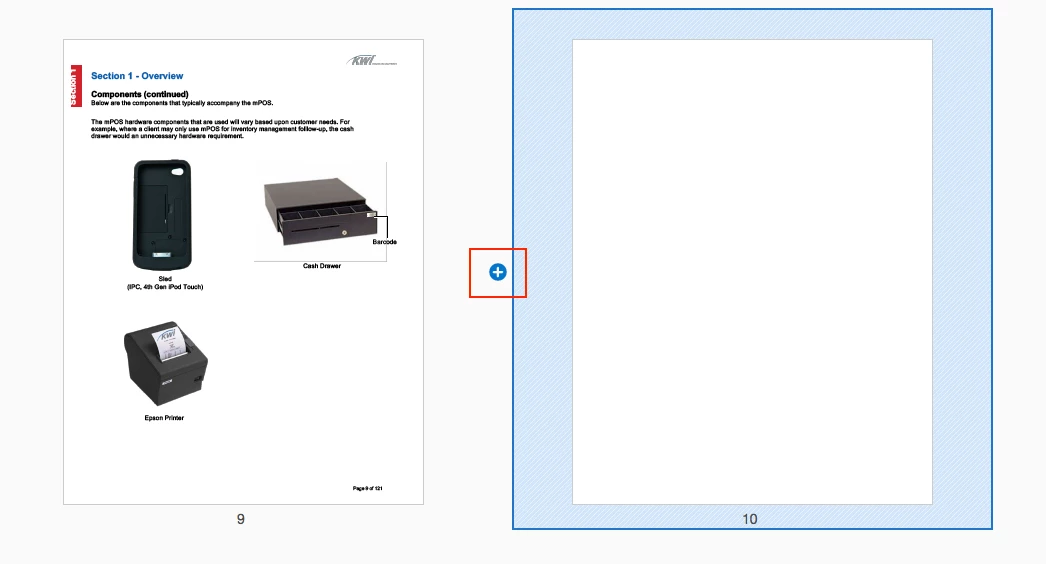
My document was 122 pages in .pdf format

I exported the crashing pdf document to MS Word within Acrobat Pro DC.

Exported .doc launched in Word for Mac 2016

Saved exported .doc to pdf in Word or Mac 2016

Opened pdf in Acrobat Pro DC.

Added blank page without the document / application crashing.

11 replies

Anubha Goel
Community Manager
Community Manager
June 18, 2015

Hey sasha.98265694,

We would love to help you.

Could you please let me know what exact version of OS you are using.

Also, tell me your workflow of combining the PDF files. If you are combining files using "File > Create > Combine files into a Single PDF", then try using Insert from file option under "Tools > Organize Pages > Insert"

Let me know if that works fine or not.

Regards,

Anubha

PDCS
Known Participant
January 31, 2016

I am having same problems. I just purchased ADOBE DC and am unable to combine files into a single PDF.

Adobe keeps crashing when I try. Windows 10 is my OS and is up to date. I have used the "File > Create > Combine files into a Single PDF" program crashes. I have also the short cut to get to the same place.

Also adobe is not recognizing "MS Word 2016: files for conversation to PDF.

Please assist.

Thanks