New Participant
May 9, 2023
Answered

Adobe Preflight tool loads but is blank

  • May 9, 2023
  • 2 replies
  • 10965 views

Hi there,


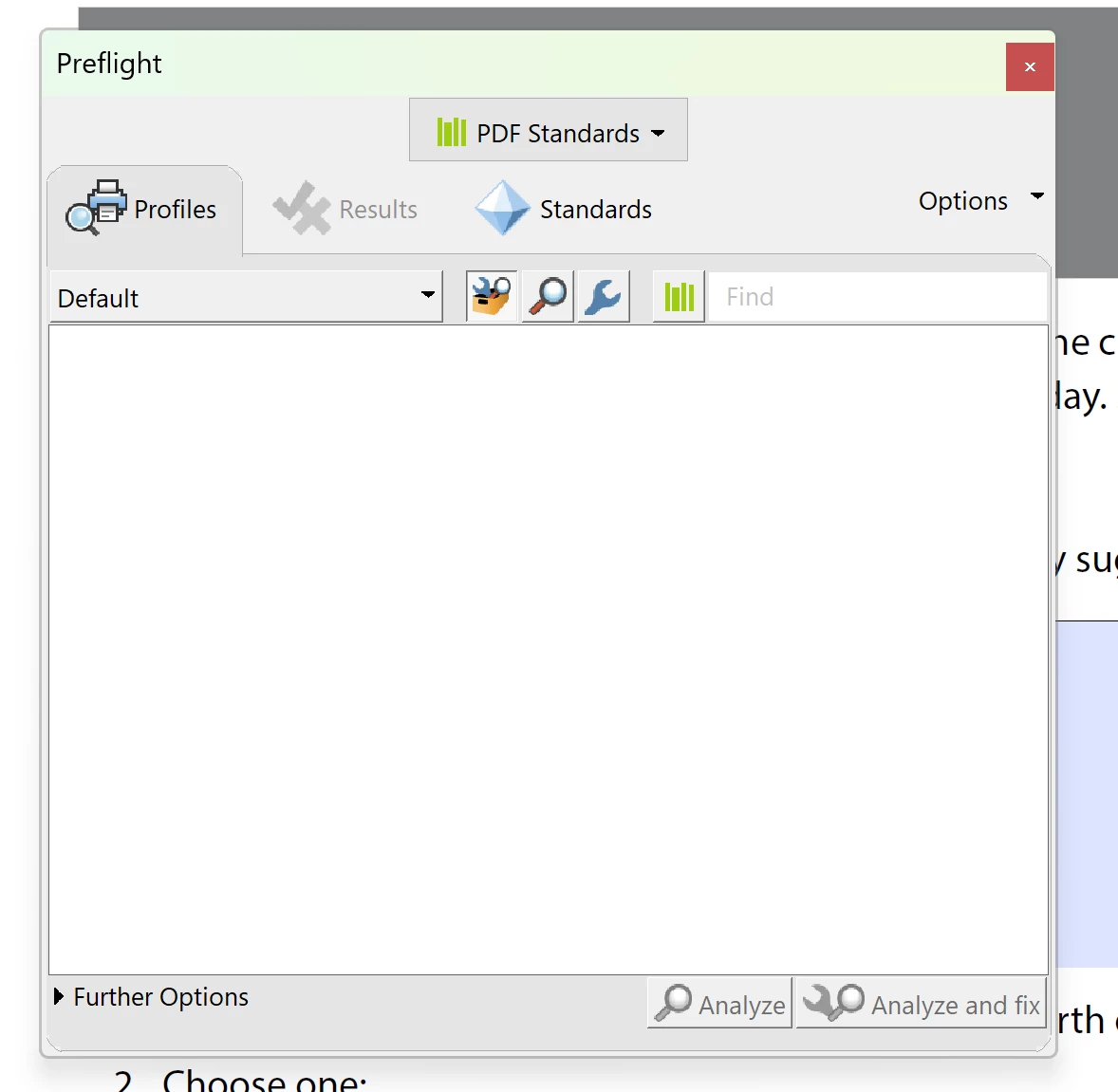
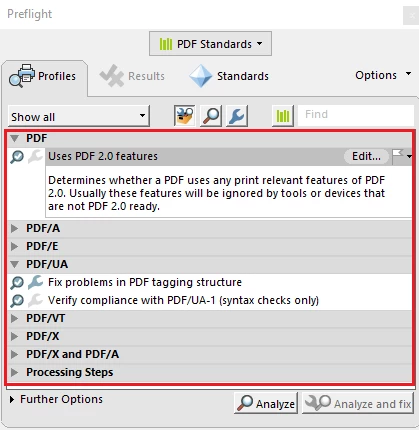
I have a customer that is unable to load Preflight properly. When it opens, there is nothing shown under 'Profiles' tab. I have tried changing the drop down at the top to show 'PDF standards' and under 'Profiles' I put the drop down box to 'Show all' however there is still nothing. I have checked my own Adobe Acrobat DC and it loads the profile with no issue. On top of removing Preflight and adding it back in, I've done a repair on Adobe Acrobat, reinstall and pushed a newer version of the software over. Photo attached is what it's supposed to load automatically. Red lining is everything that is not loading and showing blank on the customer's side. 
Correct answer divyasin

Hello,

I am having the same problem I have the newest version of acrobat 24.1 on windows 11 and preflight loads  but all the tools are blank 

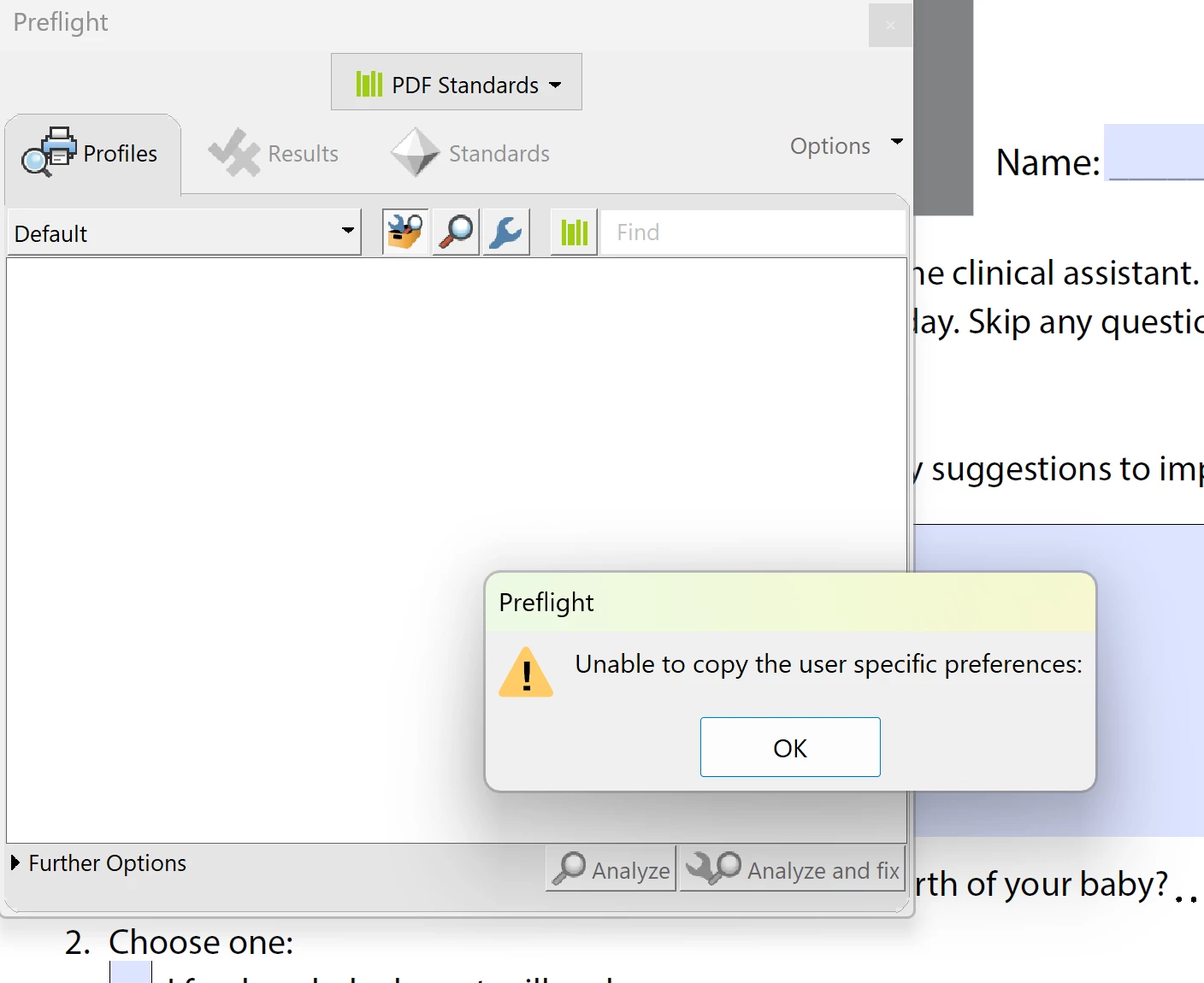
If I try to switch from PDF standards I get a pop up error message "unable to copy the user specific preferences.


I followed all of the previous advice and nothing has worked. Please help.

Thanks

Rebecca


Hi @Rebecca22400747zhjk ,


It appears to be some issue with Preflight Profiles getting corrupted or facing issue during install.


Please try this suggested workaround and let me know if this resolves the issue :


  1. Disable the sandbox feature in Acrobat (under Preferences > Security (Enhanced) > Enable Protected Mode at startup (Preview)) , Quit Acrobat and Restart.
  2. In the case of empty Profiles (or generally), it is advisable to remove the Preflight preferences (%APPDATA%\Adobe\Acrobat\Preflight Acrobat Continuous) to get fresh libraries/profiles after the sandbox is disabled. Quit Acrobat , Remove Profiles from above mentioned path and Restart Acrobat. Try Preflight again after relaunch , it should then fetch the fresh libraries/profiles.


Note: Please keep a backup of folder before removing from appdata as any custom profiles might get lost during removing/renaming folder.

Once the issue is resolved , please enable sandbox feature again and continue to use Product. 


Regards,

Divya Kumar Singh

2 replies

New Participant
August 29, 2025

Hi, I have a similar problem with preflight, but the message it gives is "preflight is installing. Please wait to use this tool" but it never installed. I tried all the ways mentioned but nothing works. Please help

Adobe Employee
August 29, 2025

Hi @Printing3398277776eb,


Preflight is an optional tool and is installed once you invoke it from Acrobat. It takes some time for downloading and installing in background and then ideally it should start working after restarting Acrobat once installation finishes. You will get updates in form of message like you are seeing "Preflight is installing. Please wait to use this tool" and so on. 

If it is still not working after few minutes , then it appears there is some issue in setup which needs to be looked upon. However to unblock you at this time , can you follow the steps mentioned below after closing Acrobat :

  1. Go to Control Panel --> Programs --> Program and features
  2. Select Acrobat and Click on "Change" option (screenshot below for reference)
  3. This opens the Acrobat setup window. Now select "Modify" option here.
  4. Select "Optional Features" dropdown and select option "This feature and all subfeatures will be installed on local hard drive."
  5. Click on Install .


Preflight will be available after installation. Let me know if this works for you.


Regards,

Divya Kumar Singh

New Participant
September 1, 2025

Hi, thanks for the reply. I followed your advice, and the truth is that now it shows the profiles that it didn't before. However, it doesn't have a preflight option anywhere, or it's somewhere I can't see it.

Amal.
Community Manager
Community Manager
May 10, 2023

Hi @lynnanguyen 


Hope you are doing well and thanks for reaching out.


Please make sure the user is on version 23.01.20143 or later. You may manually download the patch from the link https://www.adobe.com/devnet-docs/acrobatetk/tools/ReleaseNotesDC/index.html


If it still doesn't work, please remove the application using the Acrobat cleaner tool https://www.adobe.com/devnet-docs/acrobatetk/tools/Labs/cleaner.html , reboot the computer once and reinstall the application using the direct link https://helpx.adobe.com/acrobat/kb/acrobat-dc-downloads.html and see if that helps.


Regards

Amal

New Participant
May 10, 2023

Hi Amal,


The user is running 23.01.20143. I've downloaded the patch which made no difference. After running the cleaner tool and removing Adobe, I rebooted the PC and reinstalled it with the link you provided. I'm still having the same issue.

New Participant
November 20, 2024

Hi @lynnanguyen ,


Thank you for the response.

It is recommended to keep the protected mode on for enhanced security.

1. Check "Enable Protected Mode at Startup".

2. Quit Acrobat Application.

2. Delete  the folder Preflight Acrobat Continuous

3. Relaunch App.

I think the preflight should work for you in that case as well. Please update me with the result.


Regards,

Nishu Gupta

Acrobat Engineering Team


Hello,

I am having the same problem I have the newest version of acrobat 24.1 on windows 11 and preflight loads  but all the tools are blank 

If I try to switch from PDF standards I get a pop up error message "unable to copy the user specific preferences.


I followed all of the previous advice and nothing has worked. Please help.

Thanks

Rebecca