@WilliamIain
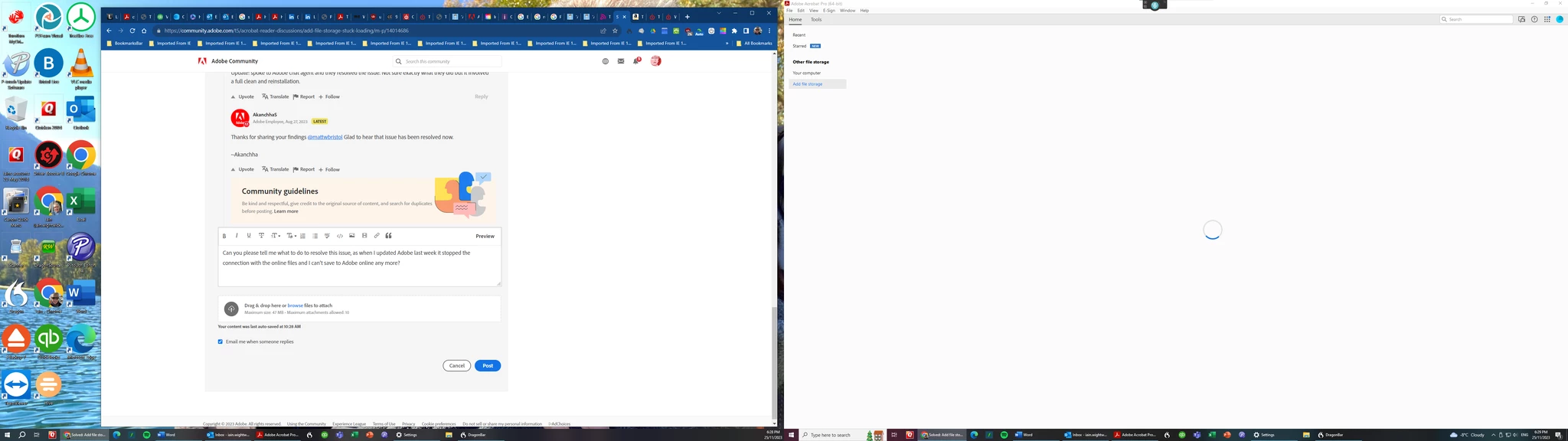
Can you show a screen shot of your Home Tab in Acrobat Pro? The only screenshots you have given us so far are:
- Windows File Explorer
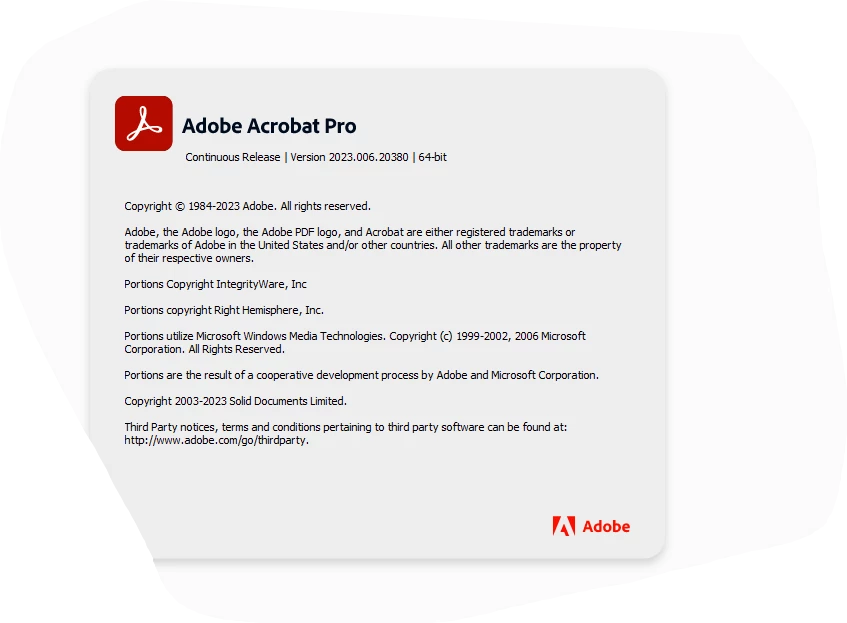
- Acrobat Pro Info
- Email to @AkanchhaS8194121 about Acrobat Online
Jane
Morning Jane - I have opened Adobe today and tried again, this time it has magically not only allowed me to add G Drive and onedrive, but has also shown all my recent documents so whatever was happening has been fixed - presumably by an update to Adobe or Windows?!
Thank you for all the input - now almost time o get on with some work.
But before I go, can i just ask how best to agitate for a new feature in Adobe - I need to create bundle indexes from the bookmarks, and ideally have them as a document number, the description of the document, its date and the page numbers it occupies in my bundle? Other software will do this for PDF bundles, so it must be possible for Adobe to introduce a similar feature. Currently I have to take a photo of the bookmarks and save the text, then create an Index in Word, using a table. A bit of a palaver!



 AdChoices