

New Participant
January 15, 2017
Answered

Autofill - how to turn off

  • January 15, 2017
  • 2 replies
  • 53647 views

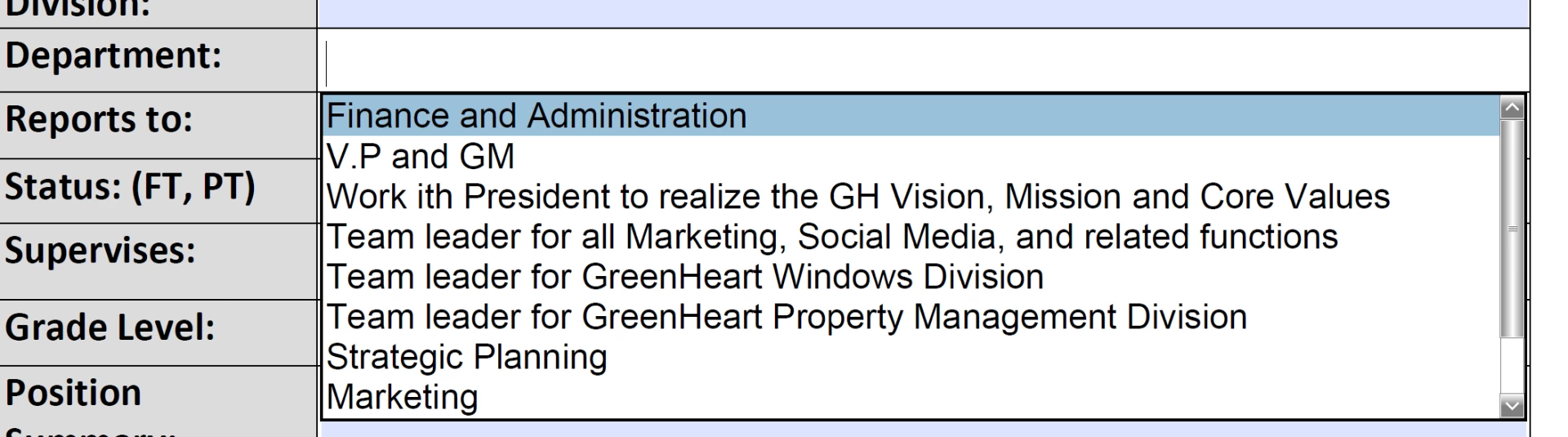
New user - just created my 1st fillable form and tested it out, and now I'm getting an autofill or suggestive fill box, how do i turn this off?

This topic has been closed for replies.
Correct answer try67

Go to Edit - Preferences - Forms and turn Auto Complete to Off.

2 replies

daleh26078327
New Participant
May 26, 2017

Regarding this answer, where can you turn this off, I cannot find Edit, Preferences, etc in the document or settings.  Please help.

Have a great day!

Bernd Alheit
Community Expert
May 26, 2017

It is available in Acrobat Reader and Adobe Acrobat.

New Participant
June 14, 2023

Was there an answer to this question?  I did not get Edit, Preferences in the document or settings either.  There has to be another way to turn OFF the Fill and Sign.


I am having the same problem and I think it's because I'm using Acrobat for Microsoft edge and it doesn't have the same capabilities. I'm really stumped on this and it's messing up a very important form that I need to fill out online.

try67
try67Correct answer
Community Expert
January 15, 2017

Go to Edit - Preferences - Forms and turn Auto Complete to Off.

Participating Frequently
April 13, 2024

This does not actually turn off Auto Complete!   you have to delete  the acrobat_fss_signature_initial**  files as this user suggested: https://community.adobe.com/t5/acrobat-reader-discussions/turn-off-all-autocomplete-and-autosuggestions-in-fill-amp-sign-mode/m-p/14413161