

Participant
June 17, 2025
Question

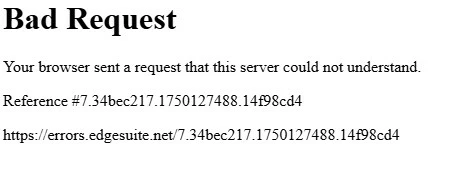
Bad Request Error Message

  • June 17, 2025
  • 3 replies
  • 7305 views

For the past week I have received this message whenever I try to open or download and open a PDF. I cleared the browsing history, cache and restarted my computer. Does anyone have any insight?



3 replies

Participant
July 16, 2025

Removing the Acrobat extension in Chrome and restarting the computer fixed it for me!

Participant
June 26, 2025

I am having the same problem with Chrome. I have removed the extension, I have cleared browsing data and it still does not work. Does Adobe could solve the problem with Chrome? Thanks in advance.

Participant
July 1, 2025

We are also having this problem with users at my workplace.

Participant
July 14, 2025

The Extension does not work properly. It eliminated the preview popup and created this Bad Request Message. Uninstall and all works fine.

Amal.
Community Manager
Community Manager
June 17, 2025

Hi there 


Hope you are doing well and thanks for reaching out. 


Usually, a very large Cookie triggers this error, and so the request header field exceeds the decided limit for the Web Server.

Try out the below workarounds and see if any help:

  • If you had clearing cookies no effect, please try to clear "all site data."

Go to Settings> Privacy and services> Under the “Clear browsing data” section, click the Choose what to clear button and click all.

  • Reset your Edge browser.

Go to "edge://settings/reset", click "Reset" then restart your edge and check the issue.


  • Also, if you use previous version of edge, try to update to the latest version of edge, please check edge://settings/help.


You may also try using a different web-browser and see if that works.


mary_1489Author
Participant
June 17, 2025

Thank you for your response! The strange thing is, I am using Chrome! I tried using Edge and it worked fine, but it still won't allow me to open PDF's in Chrome after I download it. I use Chrome for many reasons, and really need this to be able to open the file. Any other suggestions?

I did see in another forum that it may be a Chrome issue and Adobe was working with them to have it corrected? I've been using it fine for 2 years and all of a sudden, it stopped working.

Participant
June 18, 2025

We are also having this "Bad Request" error at our organization. We also use Chrome.