



build an index for searching collection of pdfs
The 2021 version is supposed to be distributed in 24 hours. Need help asap!!!
For years I have created a handbook book that looks like this:
When I was creating this, I would build an index for the chapters. After doing so, the first time I hit search (binoculars) on one of the chapters, I would get this: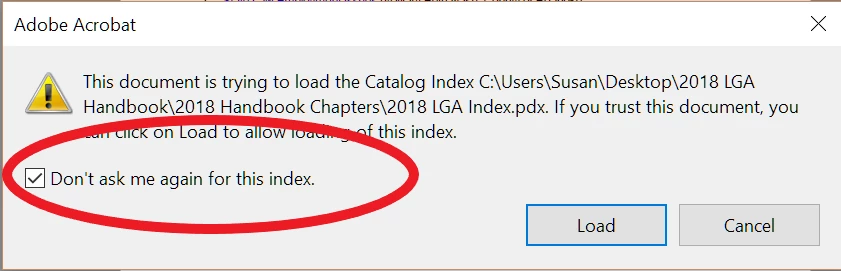
After that, whenever I would search, it would automatically search using the index: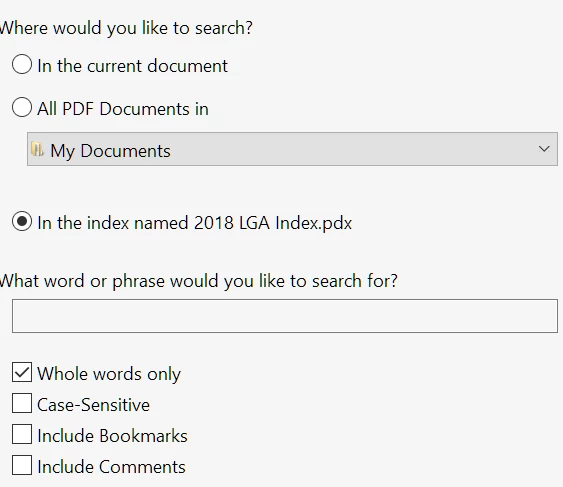
And I would get search results like this:
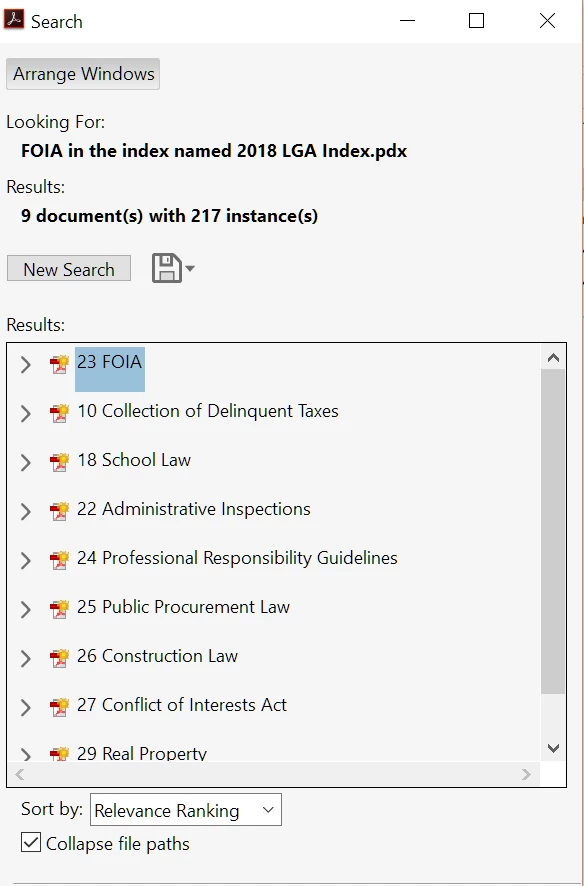 But with the current arcrobat dc, I cannot get this result. The index is built, but never loads.
I found this on this support page:
Note:
With December 2018 release of Acrobat DC and Acrobat Reader DC, the embedded index in the PDF is no longer used for searching. If you still want to enable the index for searching, see How to enable the embedded index in a PDF for searching.
Which took me to these instructions:
To enable the use of embedded index to search PDFs, you have to create a registry key (Windows), or create an entry in the FeatureLockdown.plist file (macOS) as mentioned below.
Quit Acrobat DC/Acrobat Reader DC application if it's already running.
In Start > Search, type RegEdit and press Enter. The Registry Editor is displayed.
Browse to HKEY_LOCAL_MACHINE\SOFTWARE\Policies\Adobe\(product name)\(version)\FeatureLockDown.
For example, the path for Acrobat DC is LOCAL_MACHINE\SOFTWARE\Policies\Adobe\Adobe Acrobat\DC\FeatureLockDown.
Create the following key:
Key: bToggleUseEmbeddedIndex
Data type: REG_DWORD
Default Value: 0
Note:
The embedded index is not used while searching when the default value of the key is 0.
To enable use of embedded index, set the value of the key to 1.
I followed them to the best of my ability, but nothing changed.
I even saw these posts [https://acrobat.uservoice.com/forums/590923-acrobat-for-windows-and-mac/suggestions/36779125-unable-to-reactivate-embedded-indexes] and tried it:
For Windows I think Adobe explained it wrong. You don't create a registry "key" - that doesn't work. What works is creating in FeatureLockDown a new DWORD named bToggleUseEmbeddedIndex and changing the value to 1.
Close Registry Editor.
This didn't work either.
Help!
Susan
 AdChoices